Virtual Try-On Kiosks vs Online Try-On
By the ZeDaq.ai team · · 7 min read
On this page
- What is a virtual try-on kiosk?
- What is online try-on?
- How do kiosks and online try-on compare?
- What does each option cost in effort?
- What are the strengths of a kiosk?
- What are the limits of a kiosk?
- What are the strengths of online try-on?
- What are the limits of online try-on?
- What questions should you ask a kiosk vendor?
- How should you measure whether either option works?
- Which one should your brand choose?
- Can you connect the two?
A virtual try-on kiosk is a screen and camera placed in a physical store, while online try-on runs inside a product page on the shopper's own phone or computer. Kiosks suit brands with busy stores and a budget for hardware. Online try-on suits brands that sell mainly through their website and want to reach shoppers wherever they are.
Both aim to answer the same question: how will this look on me? This comparison explains how each works, what each costs you in effort, and how to choose. If you are new to the topic, start with our guide to a virtual fitting room for clothing websites.
What is a virtual try-on kiosk?
A kiosk is a fixed unit in a store. It usually has a large display, a camera and software that shows a garment on the shopper's image. You may also hear it called a smart mirror or a magic mirror.
The shopper stands in front of it, and the screen shows them in a garment without them changing clothes. Some units also let the shopper browse the catalog, save looks or ask for a size to be brought to the fitting room.
The experience is shared and public. It happens in the store, with staff nearby.
What is online try-on?
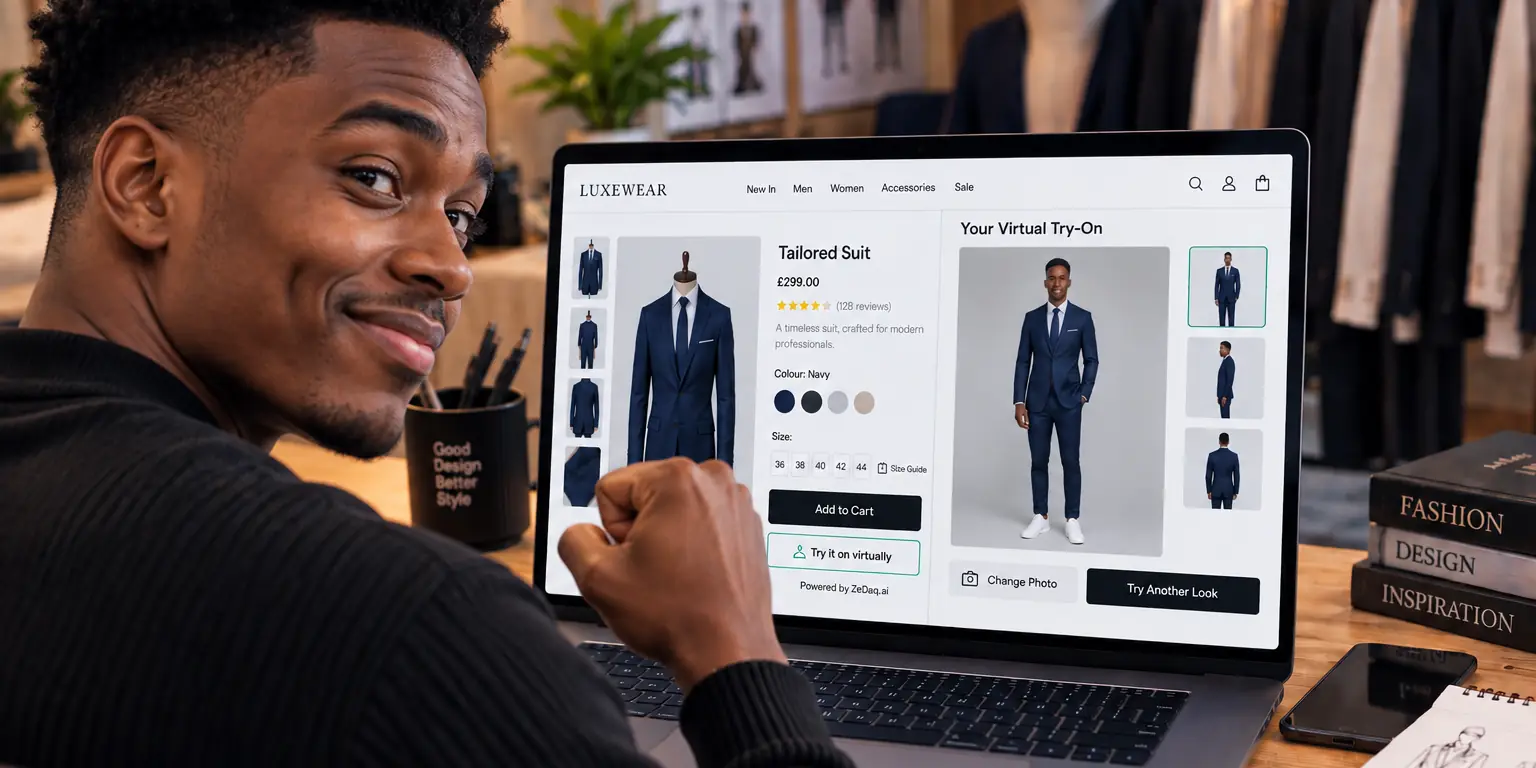
Online try-on runs in a web page. The shopper uploads a photo or uses their camera on a product page and sees the store's garment on their body.
ZeDaq.ai works this way. The shopper uploads one photo and sees the store's real garment on their body, on the store's own website. It is available as a Shopify app, a REST API and a script-tag widget for other sites. There is no hardware for the store to install.
There is a separate live-camera feature for eyewear. It also runs in the browser.
How do kiosks and online try-on compare?
| Factor | In-store kiosk | Online try-on |
|---|---|---|
| Where it runs | In one physical location | On any device with a browser |
| Hardware | Screen, camera, stand and a power supply | The shopper's own phone or computer |
| Setup | Install per store, with ongoing maintenance | Add an app, API call or script to your site |
| Reach | Only people who visit that store | Everyone who visits your website |
| Shopper privacy | Public space, others may see the screen | Private, on their own device |
| Staff involvement | Staff help with the unit and cleaning | None for the shopper |
| Best for | Flagship stores and events | Ecommerce and brands without many stores |
This table is a general comparison of the two formats. Specific products differ, so check each vendor's own documentation before you decide.
What does each option cost in effort?
Costs vary by vendor, so we don't give price figures for kiosks here. Compare these cost drivers instead.
For a kiosk:
- The unit itself, delivery and installation
- Software licenses or content updates
- Space on the shop floor, and electricity and network access
- Cleaning, repairs and staff training
- One set of all of the above for each store
For online try-on:
- A monthly plan based on usage
- Time to set up on your site, and to check your photos and size charts
- No physical maintenance
You can see ZeDaq.ai plan prices on the pricing page. Each paid plan includes a 3-day free trial with no card required, so you can test on your own products first.
What are the strengths of a kiosk?
A kiosk can draw attention. It gives walk-in shoppers something to try, and it can create a talking point for events and launches.
It also reaches people who would never download anything. A shopper who dislikes uploading photos may still try a screen in front of them.
Finally, it connects the screen to the shop floor. Staff can bring the garment in a size the shopper selects, which makes the store visit smoother.
What are the limits of a kiosk?
A kiosk only works where it is installed. A brand with one shop reaches only that shop's visitors, and a brand with no shop can't use it at all.
It needs space, power and upkeep. A broken screen in the middle of a store is worse than no screen.
It is also less private. Some shoppers won't want to try clothes in front of a crowd.
Finally, it doesn't help the buyer who is at home, on a bus or in another country.
What are the strengths of online try-on?
Online try-on meets the shopper at the moment of decision, on the product page. It scales with your traffic without placing anything in a store.
It is also private, because the shopper uses their own device. They can try several items without anyone watching.
It also pairs naturally with size help. ZeDaq.ai's size recommendation uses a 30-second body scan, one photo plus height, and matches the measurements to the store's own size chart. A shopper who has already uploaded a photo can get a size suggestion in the same flow.
What are the limits of online try-on?
Online try-on depends on the photo the shopper uploads. A clear, full-length photo works better than a cropped or dark one, which is why our guide to which photo works best for virtual try-on is worth sharing with your shoppers.
It also asks the shopper to upload a picture of themselves. Some people will not, so explain clearly how the photo is used.
And it doesn't give the social energy of a store event. It is a tool for the product page, not a store attraction.
What questions should you ask a kiosk vendor?
If you are considering a kiosk, ask for answers in writing before you commit.
- What is the full cost per store, including delivery, installation and support?
- Who repairs the unit, and how fast?
- How are shopper images stored, and when are they deleted?
- Does it connect to your catalog and size charts, or do you maintain a second copy?
- What happens to the unit if you close or move the store?
The catalog question matters most. A kiosk that shows different sizes or products from your website creates confusion for staff and shoppers. Online try-on avoids this because it reads the product page that is already live.
How should you measure whether either option works?
Decide on a few measures before you start, then compare after a set period. For a kiosk, track how many people use it and whether staff report questions or purchases that came from it. For online try-on, track how many shoppers open it on product pages and how your own return reasons change over time.
Use your own store data only. Industry numbers are a poor guide for a single brand, and results differ by product type, audience and photo quality.
Which one should your brand choose?
Use this short decision list.
- Do you sell mostly online? Choose online try-on.
- Do you have a flagship store with heavy foot traffic? A kiosk may add something there, but it does not replace online try-on.
- Do you have many small stores or pop-ups? Per-store hardware gets heavy. Online try-on is simpler.
- Do you serve a niche audience? Check what your shoppers want. For example, maternity brands often find privacy matters, which favors a personal device.
- Do you want to start small? Start online, learn what shoppers do, then decide whether a store unit makes sense.
Many brands use both over time. They begin online because it is cheaper to test, then add in-store experiences where the numbers justify it.
Can you connect the two?
You can use your website try-on inside the store by placing a tablet or QR code near the fitting rooms, so shoppers open your product page on their own phone. This costs far less than a dedicated unit and uses what you already have.
That approach is not a kiosk product. It is simply your website, used in a store. The experience depends on your store's Wi-Fi and signage.
If you don't have a standard website platform, there are options. For example, see virtual try-on on Squarespace for the script-tag route.
Try online try-on on a sample garment
Try it on yourself
Live renderUpload a photo, pick a piece, see it rendered on you.
Pick something to try on
See online try-on on a real garment
FAQs
Are virtual try-on kiosks the same as smart mirrors?
Mostly. "Smart mirror" and "magic mirror" are common names for a screen-and-camera unit in a store. Features differ by product.
Does ZeDaq.ai offer a kiosk?
No. ZeDaq.ai provides online try-on through a Shopify app, a REST API and a script-tag widget on a store's own website.
Can online try-on replace a fitting room?
Not fully. It helps shoppers see how a garment looks and which size to pick, but a physical fitting room lets them feel fabric and movement.
Is online try-on private?
The shopper uses their own device, so nobody else watches. Tell shoppers how their photo is handled so they know what to expect.
Try ZeDaq.ai free
Virtual try-on and Find my size for your store, plus client, order and invoicing tools for tailors, in one subscription.

