Should Maternity Brands Offer Virtual Try-On?
By the ZeDaq.ai team · · 6 min read
On this page
- Why is maternity shopping online harder than other clothing?
- What can virtual try-on do for maternity wear?
- What are the limits you should be honest about?
- How does size recommendation work for maternity?
- How should you write maternity fit notes?
- What can you offer shoppers who prefer not to upload a photo?
- How should you handle sensitive photos and privacy?
- When does it make sense for a maternity brand?
- What do similar brands consider?
Maternity brands should consider virtual try-on if fit uncertainty is what stops shoppers from buying, but they should test it on their own range first and handle photos with extra care. Pregnancy changes a body week by week, so a try-on is a helpful preview, not a promise that a garment will fit later.
This guide is for maternity and nursing-wear store owners weighing the decision. If you are new to the idea, read our overview of a virtual fitting room for clothing websites first.
Why is maternity shopping online harder than other clothing?
Maternity shoppers face problems other buyers don't.
- The body keeps changing. A size that fits now may not fit in a month.
- Fit is about the bump. Panels, ruching and stretch matter more than standard size labels.
- Pre-pregnancy sizes mislead. Shoppers often don't know which size to choose.
- Time is short. Many buy for a limited period and don't want to return items.
- Comfort matters most. A garment can look right and still feel wrong.
Brands that answer these questions in the listing help a lot, whether or not they use try-on.
What can virtual try-on do for maternity wear?
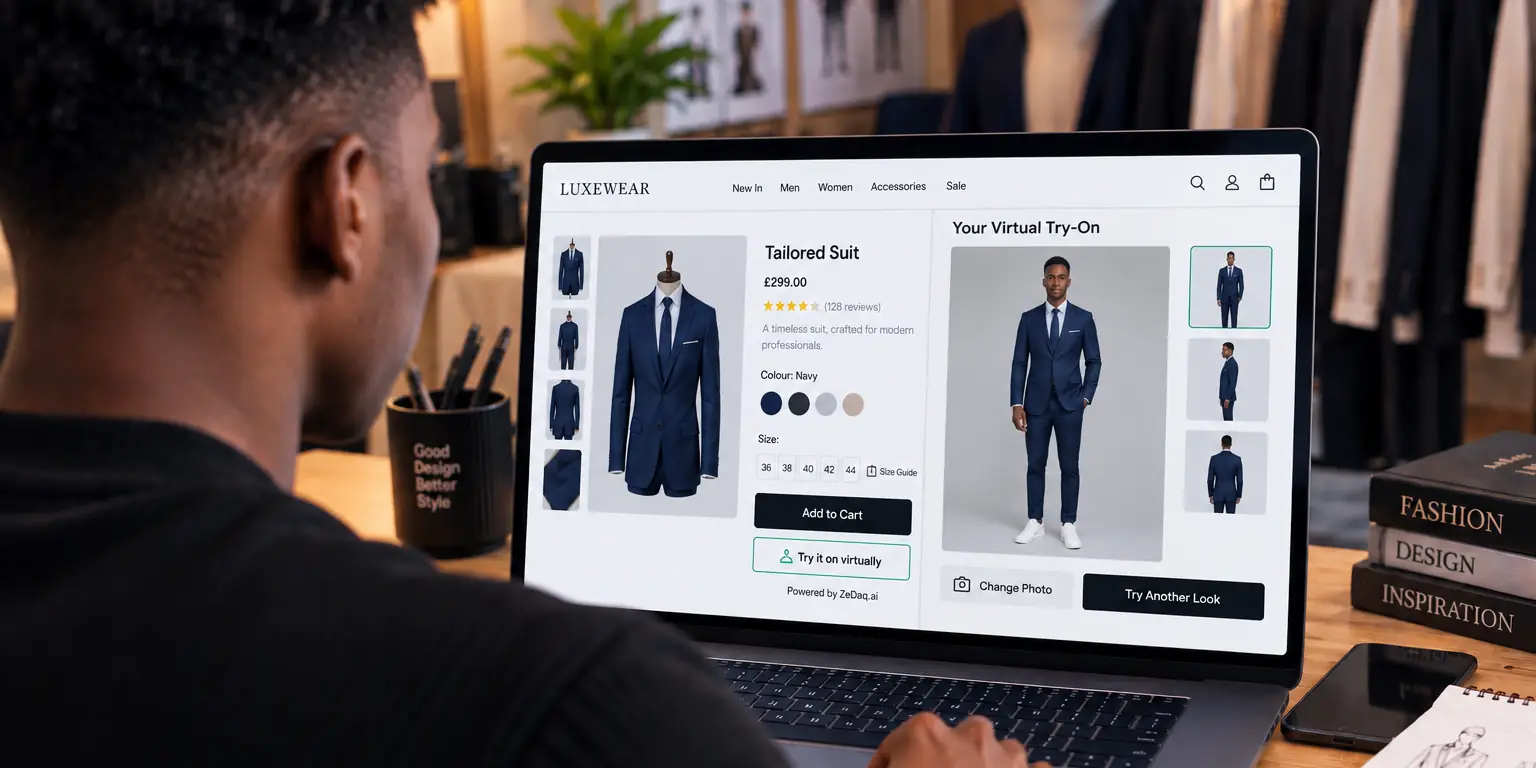
With ZeDaq.ai, the shopper uploads one photo and sees your real garment on their body. The same scan can recommend a size from your own size chart.
Try a garment on yourself to see the result
Try it on yourself
Live renderUpload a photo, pick a piece, see it rendered on you.
Pick something to try on
For maternity, the preview can help a shopper picture a dress or top on her current shape. That is useful, but it is a visual guide only. It can't show how a stretch panel will feel next month.
What are the limits you should be honest about?
Be clear with shoppers and with yourself.
- It shows the current body. A shopper's shape in a photo is not her shape in several weeks.
- Stretch and panels are hard to judge from a picture. Check how your own garments render before relying on it.
- A preview is not a comfort test. Fabric feel and support don't appear in an image.
- Photo quality matters. Full-length, well-lit photos give better results.
Test your range before launch: try several garments, including your most stretchy and your most structured. Switch try-on on only where the result looks convincing. Our guide to dresses and what to watch offers a starting checklist for one common category.
How does size recommendation work for maternity?
Size recommendation matches measurements to your own chart. The merchant enters a size guide for each garment type, and the scan recommends the store's labels, going up to the largest relevant measurement.
For maternity, think about what your chart records:
- Pre-pregnancy size ranges versus bump-friendly sizing.
- Stretch ranges, so shoppers know how much room a garment allows.
- Stage notes, such as "suits second and third trimester".
Because the chart does the heavy lifting, an unclear chart gives an unclear result. If your garments are designed to grow with the bump, say so, and explain it plainly in the product details.
How should you write maternity fit notes?
Fit notes carry more weight in maternity wear than almost anywhere else, because shoppers can't rely on their usual size. A good note is short and specific, and it says what the garment does as the body changes.
Cover these points on each product page:
- How the garment grows. Say whether it uses a stretch panel, ruching, side ties or an adjustable waist.
- Which stage it suits. Be honest if a piece works best for a limited time.
- Whether it works after birth. Many shoppers want pieces for nursing or recovery, so state it if true.
- What size to pick. Explain whether to order the pre-pregnancy size or a different one.
- How it sits at the bump. Describe where the panel starts and ends.
A try-on picture supports these notes, but it can't replace them. Think of the notes as the main guide and the preview as a second look.
What can you offer shoppers who prefer not to upload a photo?
Some shoppers will never upload a photo of their body, and that is a reasonable choice. Make sure they still have a clear route to a size.
- Keep a full size chart on every product page.
- Offer a short fit guide for the bump, such as how to measure around the fullest point.
- Give a way to ask a question, such as chat or email.
- Offer a clear exchange policy, since fit can change between ordering and delivery.
This keeps try-on as an extra, which suits sensitive categories well.
How should you handle sensitive photos and privacy?
Pregnancy is personal. Shoppers may be cautious about uploading a photo, so earn their trust.
For sizing, the photo is analyzed in the shopper's browser and only the measurements are sent. For a try-on render, the photo is sent to produce the image. Say this clearly near the button, and link your privacy policy.
Make try-on optional, and don't make it the only way to get a size. Check local data-protection rules with a qualified adviser, as health-related situations can attract extra care.
When does it make sense for a maternity brand?
| Situation | Try-on likely worth testing |
|---|---|
| Shoppers ask many sizing questions | Yes |
| Your garments are structured dresses and tops | Yes |
| Your range is mostly stretch basics | Test carefully |
| Your photos already show several bodies | Maybe, as a complement |
| Shoppers are wary of uploading photos | Offer a chart alternative |
This table is a guide to prioritizing tests, not a measured result. The right answer depends on your range and customers.
What do similar brands consider?
Other specialist shops face related choices. Luxury fashion brands weigh brand experience against convenience, while dropshipping clothing stores worry about inconsistent supplier sizing.
On other platforms, the setup differs; see virtual try-on on Shopware for one example. The Free plan includes 3 try-ons, 3 measurements and 5 invoices a month, enough to test. Micro costs $14 a month, with the first month at $1, then $14 a month; every paid plan has a 3-day free trial with no card required.
Test it on your own maternity range
FAQs
Does virtual try-on work for pregnant shoppers?
Test it on your own garments. It shows the garment on the body in the photo, so it reflects the current shape, not future changes.
Can it recommend a maternity size?
It recommends sizes from the chart you enter. Build a clear chart with stage and stretch notes.
Is a shopper's photo stored for sizing?
For sizing, the photo is analyzed in the browser and only measurements are sent. For a try-on render, the photo is sent to produce the image.
Can I use the Free plan to test it?
Yes. The Free plan includes 3 try-ons, 3 measurements and 5 invoices a month, which is enough to test a few garments yourself before you decide.
Should try-on be the only way to choose a size?
No. Keep a size chart and fit notes available for shoppers who prefer not to upload a photo.
Try ZeDaq.ai free
Virtual try-on and Find my size for your store, plus client, order and invoicing tools for tailors, in one subscription.

