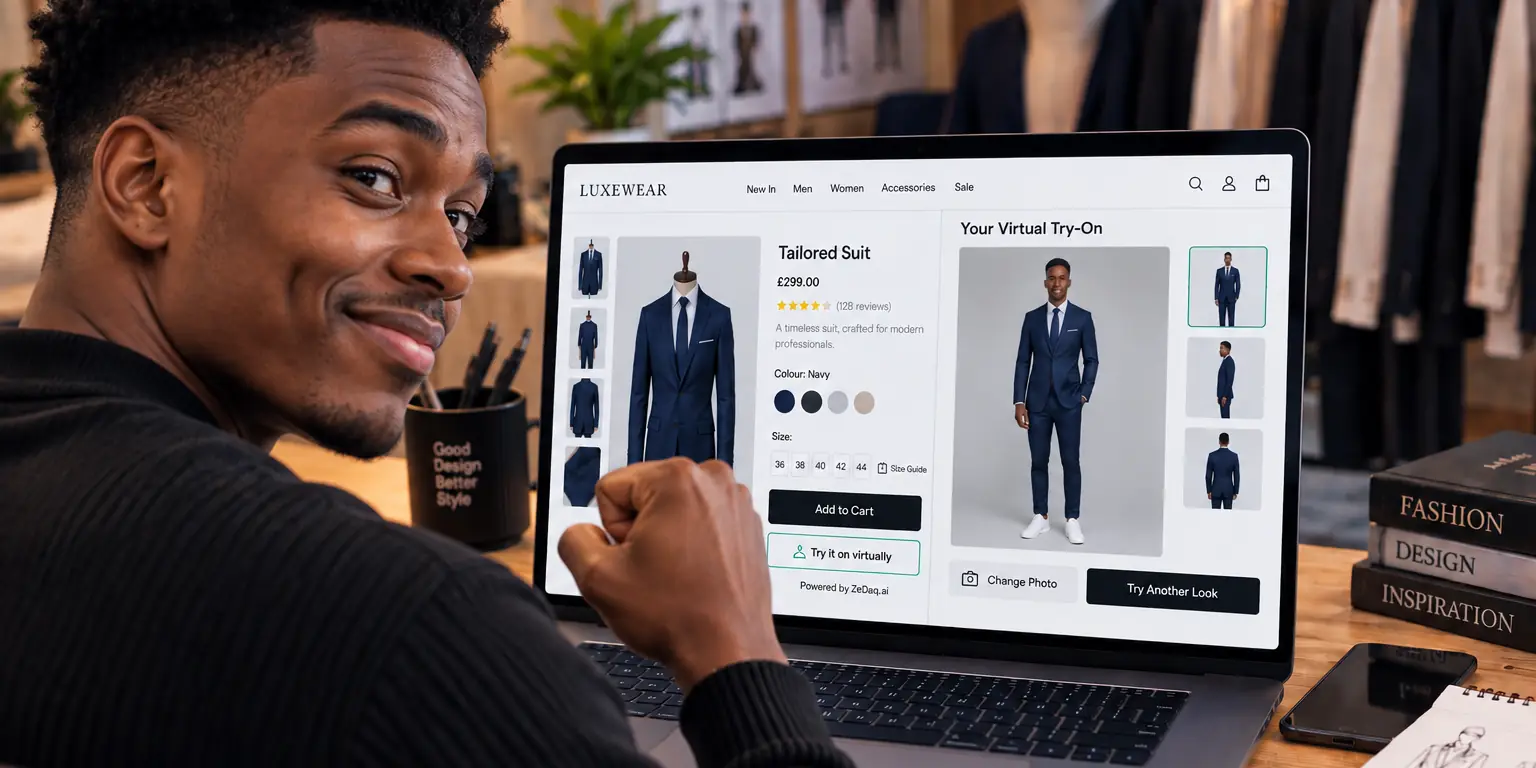
Virtual Try-On for Activewear and Leggings
By the ZeDaq.ai team · · 6 min read
On this page
- Why is activewear hard to buy online?
- What does the shopper actually do?
- How should you build the size chart for leggings and tops?
- How do you add it to your store?
- Which activewear products should you test first?
- What should the product page say next to the button?
- How is activewear different from streetwear?
- Can try-on help with your returns?
- What does it cost?
Virtual try-on works for activewear when the shopper uploads one photo, sees your real leggings or top on their body, and gets a size suggestion from your own size chart. Because fit is the main worry with stretch fabrics, pairing the visual with a size recommendation matters more here than in most categories.
This guide is for store owners selling leggings, sports tops and gym wear. It builds on the general virtual fitting room for clothing websites guide and focuses on what is different about activewear.
Why is activewear hard to buy online?
Activewear is bought to move in, so small fit problems show up fast. A legging that is slightly too small can pull sheer. One that is too large slips during a workout.
Three things make this category tricky:
- Stretch fabric hides the true size. A size label means less when the fabric is made to stretch.
- Compression is a feature. Shoppers want a snug fit, but not a tight one, and they can't judge that from a flat photo.
- Rise and length vary. Two leggings in the same size can sit very differently at the waist and ankle.
A sizing guide on the page helps, but many shoppers skip it. Showing the garment on their own body and giving a clear size answer removes some of the guessing.
Try the demo with a photo of yourself
Try it on yourself
Live renderUpload a photo, pick a piece, see it rendered on you.
Pick something to try on
What does the shopper actually do?
The flow stays short, which suits shoppers browsing on a phone between sets at the gym.
- The shopper taps the try-on button on the product page.
- They upload one photo of themselves.
- They see your garment from that product on their body.
- They tap Find my size, enter their height, and get a suggested size from your chart.
ZeDaq.ai's size recommendation comes from a 30-second body scan: one photo plus height. The measurements are matched to your own size chart, with a generic UK, US, EU or AU chart as a fallback.
How should you build the size chart for leggings and tops?
Your chart is what turns a scan into a useful answer. ZeDaq.ai lets you enter one chart per garment type: tops, outerwear, dresses and bottoms. For activewear, that usually means:
| Product | Garment type | Measurements to focus on |
|---|---|---|
| Leggings, shorts, joggers | Bottoms | Waist and hips |
| Sports tops, tanks, tees | Tops | Chest |
| Zip-up jackets, track tops | Outerwear | Chest |
| Bodysuits and unitards | Tops or dresses | Chest, waist and hips |
Two habits improve results. First, write ranges as body measurements, not garment measurements. Second, make sure ranges meet with no gaps, so a shopper between sizes doesn't fall through.
When a shopper's measurements fall between two sizes, the scan recommends the store's size up to the largest relevant measurement. For compression pieces, add a fit note such as "size up if you prefer a looser feel."
If you want to see how this works across a whole range, the guide to size recommendation for activewear brands goes deeper on charts.
How do you add it to your store?
You have three routes, depending on your platform. Pick the one that fits.
Shopify
Install the ZeDaq.ai app from the Shopify App Store, add your size charts, and turn on the app embed in the Theme Editor. Set the garment type to match each product.
WooCommerce, Wix, Squarespace, BigCommerce or a custom site
Paste the ZeDaq.ai script tag into your product template. It adds a "Try it on" button and "Find my size." The key must be locked to your store's domain in the dashboard. Setup details are in the widget documentation.
Your own app or headless store
Call the REST API with POST /api/v1/tryon and an x-api-key header. The API reference explains the request format.
On a platform without a dedicated app, such as Shopware, see the Shopware try-on options.
Which activewear products should you test first?
Run a quick test before you roll out to every product. Take your own photo in fitted clothes and try these:
- A high-waisted legging. Check that the garment sits where you expect.
- A sports top. See whether the neckline and length look right on your frame.
- A product with a pattern or bold color. Confirm the result still looks like your listing.
Then compare the suggested size with what your team would say in a fitting room. If the answer is off, adjust the chart before you go live.
Try-on works best next to good product pages, not instead of them. Keep clear photos, fabric details and care notes alongside it. Seasonal items like swim have their own quirks, which the swimwear try-on guide covers.
What should the product page say next to the button?
A short prompt improves the photos shoppers upload. Beside the try-on button, add:
- A request for a full-length photo, with the whole body in the frame.
- A suggestion to wear fitted clothes, so the scan can see body shape.
- A line on privacy. For sizing, the photo is analyzed in the shopper's browser and only measurements are sent. If they also run a try-on, that photo is sent to render the image.
How is activewear different from streetwear?
Streetwear fit is about drape and layering. A relaxed hoodie can be a size up on purpose. Activewear fit is about stretch and support, so the "right" size is usually closer to the body.
That changes how you write the size chart and the fit notes. If you also sell loungewear or casual tops, the try-on guide for streetwear and hoodies covers the looser end of the range.
Can try-on help with your returns?
Fit is a common reason shoppers send clothes back, and activewear is no exception. A clear size answer and a view of the garment on the shopper can help them choose with more confidence.
We don't claim a specific drop in returns for any store. Your results will depend on your chart, your products and your shoppers. If returns are a big cost for you, the guide on Shopify returns and exchange policies is a good companion read.
What does it cost?
The Free plan includes 3 try-ons, 3 measurements and 5 invoices a month, which is enough to test a few products. Paid plans start with Micro at $14 a month, and every paid plan has a 3-day free trial with no card required. Check the current ZeDaq.ai pricing before you decide.
Test activewear try-on on your own products
FAQs
Does virtual try-on work for leggings?
Yes. The shopper uploads one photo and sees your leggings from the product page on their body. Test a few products first, as results depend on the photo and the garment.
How does the size recommendation work for stretch fabric?
The scan measures the shopper's body and matches it to the ranges in your chart. Write your ranges as body measurements, and add a fit note for compression or relaxed styles.
Can I use different charts for tops and leggings?
Yes. Add one chart per garment type: tops, outerwear, dresses and bottoms. Leggings use the bottoms chart.
Do shoppers need an account or an app?
No. The shopper uses try-on on your own product page. There is no sign-up and no shopper app to download.
Try ZeDaq.ai free
Virtual try-on and Find my size for your store, plus client, order and invoicing tools for tailors, in one subscription.

