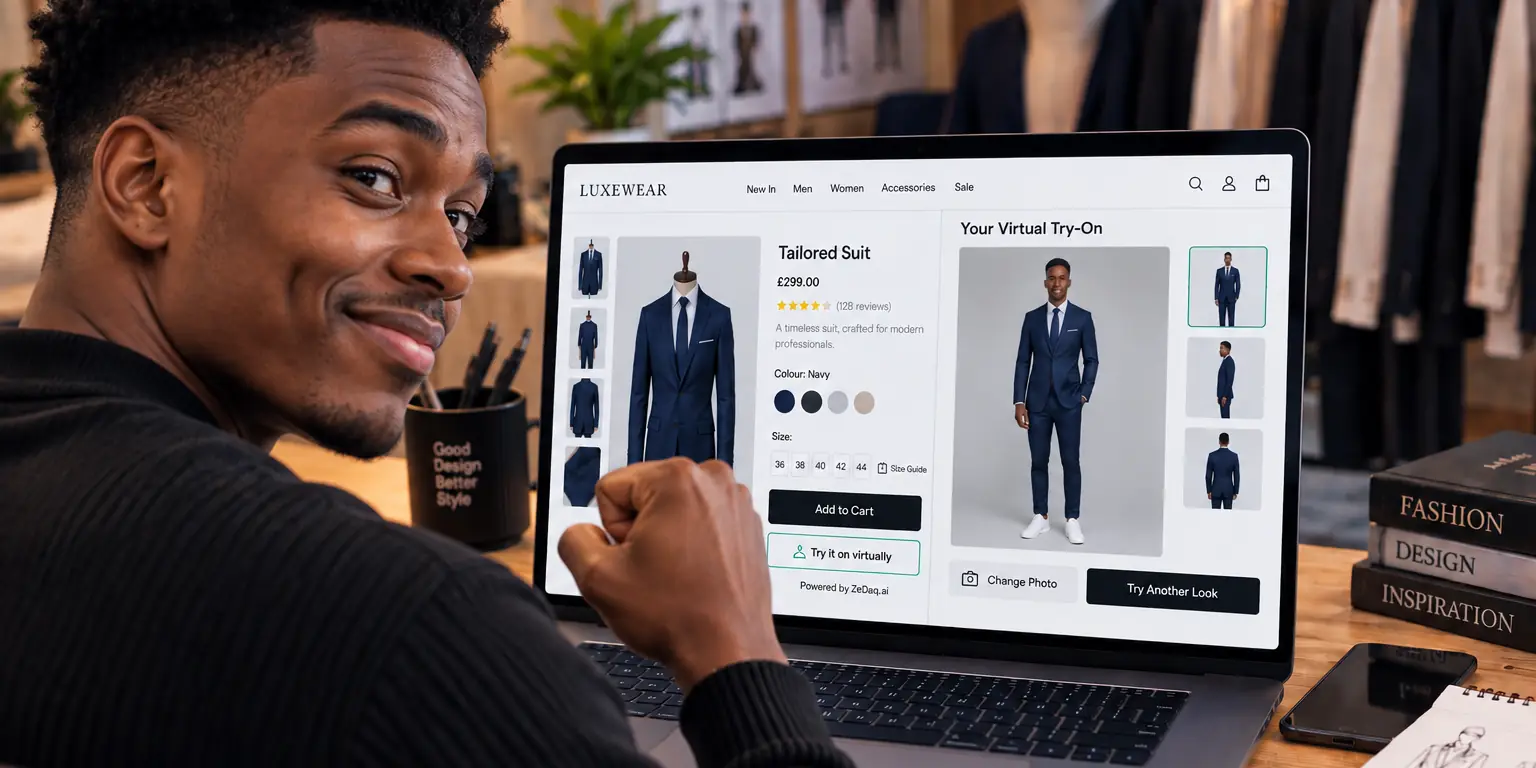
Virtual Try-On for Swimwear Stores
By the ZeDaq.ai team · · 6 min read
On this page
- Why do shoppers hesitate to buy swimwear online?
- How does virtual try-on work for swimwear?
- How should you set up size charts for swimwear?
- How do you add it to your store?
- What should you test before you launch?
- How does swimwear differ from other categories?
- Should you offer try-on if you also sell streetwear?
- What platforms can you use?
- What should the product page say next to the button?
- What does it cost?
Virtual try-on helps swimwear stores by letting a shopper upload one photo, see your bikini or one-piece on their own body, and get a size suggestion from your own size chart. Swimwear is a category where shoppers are often unsure about fit and uneasy about trying things on, so a private way to check before buying has clear appeal.
This guide is for owners of swimwear stores. It sits alongside the main guide to a virtual fitting room for clothing websites and covers the points that matter for swim.
Why do shoppers hesitate to buy swimwear online?
Swimwear is personal, and the fit has to be right in several places at once. A top can fit across the chest but not support well. Bottoms can fit at the hips but sit too high or low.
Three reasons stand out:
- Shoppers often buy top and bottom in different sizes. A single size label rarely covers both.
- Fit is hard to judge from model photos. A model's body is not the shopper's body.
- Trying on in a store can feel uncomfortable. Many shoppers prefer to decide at home.
A try-on view plus a clear size answer speaks to the first two directly.
How does virtual try-on work for swimwear?
The shopper taps the try-on button on your product page and uploads one photo. They see your real garment from that product on their body.
For sizing, they tap Find my size and enter their height. ZeDaq.ai's size recommendation comes from a 30-second body scan, one photo plus height, and the measurements are matched to your store's own size chart. A generic UK, US, EU or AU chart is the fallback if you haven't added one.
Try the demo with a photo of yourself
Try it on yourself
Live renderUpload a photo, pick a piece, see it rendered on you.
Pick something to try on
The shopper's photo should show their body clearly. A fitted outfit gives a better scan than baggy clothes, so it helps to say so in the prompt on your page.
How should you set up size charts for swimwear?
ZeDaq.ai lets you enter one chart per garment type: tops, outerwear, dresses and bottoms. For swimwear, a practical mapping is:
| Swimwear product | Garment type | Measurements to use |
|---|---|---|
| Bikini top, rash guard | Tops | Chest |
| Bikini bottom, swim shorts | Bottoms | Waist and hips |
| One-piece, swim dress | Dresses | Chest, waist and hips |
If your tops use cup-based sizing, run a few test shoppers through your chart first. ZeDaq.ai's chart matches body measurements to ranges you define, so check that the size it suggests makes sense for your range before relying on it.
A few chart habits help:
- Enter body measurements, not garment measurements.
- Make ranges meet, so nobody falls into a gap.
- Add a fit note such as "runs small, size up if between sizes."
When a shopper falls between sizes, the scan recommends the store's size up to the largest relevant measurement. For swimwear, that is often the more comfortable choice, though you know your own cuts best.
How do you add it to your store?
Shopify
Install the ZeDaq.ai app from the Shopify App Store, add your charts in the app, and switch on the app embed in the Theme Editor. Set the garment type on each product to match.
WooCommerce, Wix, Squarespace, BigCommerce or a custom site
Add the ZeDaq.ai script tag to your product template. It adds "Try it on" and "Find my size." Lock the key to your store's domain in the dashboard. The widget setup details walk through each step.
A custom build
Use the REST API: POST /api/v1/tryon with an x-api-key header. See the API reference.
What should you test before you launch?
Take a photo of yourself and run these checks on your own products:
- A solid-color piece and a printed one. Confirm the print looks like your listing.
- A top and a bottom. Check each uses the right chart.
- A one-piece. Make sure the size answer is sensible for torso length.
- A photo in loose clothes. See how the result changes, so you can write a good prompt for shoppers.
Compare each result with what your team would say in a fitting room. If it is off, adjust the chart, not the shopper.
How does swimwear differ from other categories?
Swimwear is closer to activewear than to dresses or jackets. Both rely on stretch and a close fit. The activewear and leggings try-on guide covers stretch and compression in more detail.
The main difference is privacy. Shoppers share a photo of their body, so explain what happens to it. For sizing, the photo is analyzed in the shopper's browser and only measurements are sent. If they also run a try-on, that photo is sent to render the image. Say this plainly on your page.
Should you offer try-on if you also sell streetwear?
If your store mixes swim with casual clothes, the same setup works across both. The try-on guide for streetwear and hoodies covers looser fits, where you may want different fit notes.
What platforms can you use?
Not every store runs on Shopify. If you are on a hosted builder that lets you add a script tag, the widget route may work. For one such option, see the guide to virtual try-on on Ecwid.
What should the product page say next to the button?
A short, honest prompt raises the quality of the photos you get. Add a line or two beside the try-on button:
- Ask for a full-length photo. The whole body should be in the frame.
- Suggest fitted clothing. Loose clothes hide the shape the scan needs.
- Say what happens to the photo. Use the privacy points above, in your own words.
- Link your size guide. Some shoppers prefer to check a chart too.
Keep the wording friendly and short. A shopper who feels comfortable is more likely to finish the steps.
What does it cost?
The Free plan includes 3 try-ons, 3 measurements and 5 invoices a month, enough to test a few products. Paid plans start with Micro at $14 a month, and every paid plan has a 3-day free trial with no card required. See the ZeDaq.ai pricing page for current details.
See swimwear try-on on a real photo
FAQs
Does virtual try-on work for bikinis and one-pieces?
The shopper sees your garment on their own body from one photo. Test a few styles with your own photo first, because results depend on the garment and the picture.
Is the shopper's photo stored?
For sizing, the photo is analyzed in the shopper's browser and only measurements are sent. If the shopper also runs a try-on, that photo is sent to render the image.
Can shoppers buy a different size for top and bottom?
Yes, if you set up a tops chart and a bottoms chart. Each product uses the chart for its garment type.
What if I haven't added a size chart?
Shoppers still get a size from a generic UK, US, EU or AU chart. Adding your own makes the answer match your labels.
Try ZeDaq.ai free
Virtual try-on and Find my size for your store, plus client, order and invoicing tools for tailors, in one subscription.

