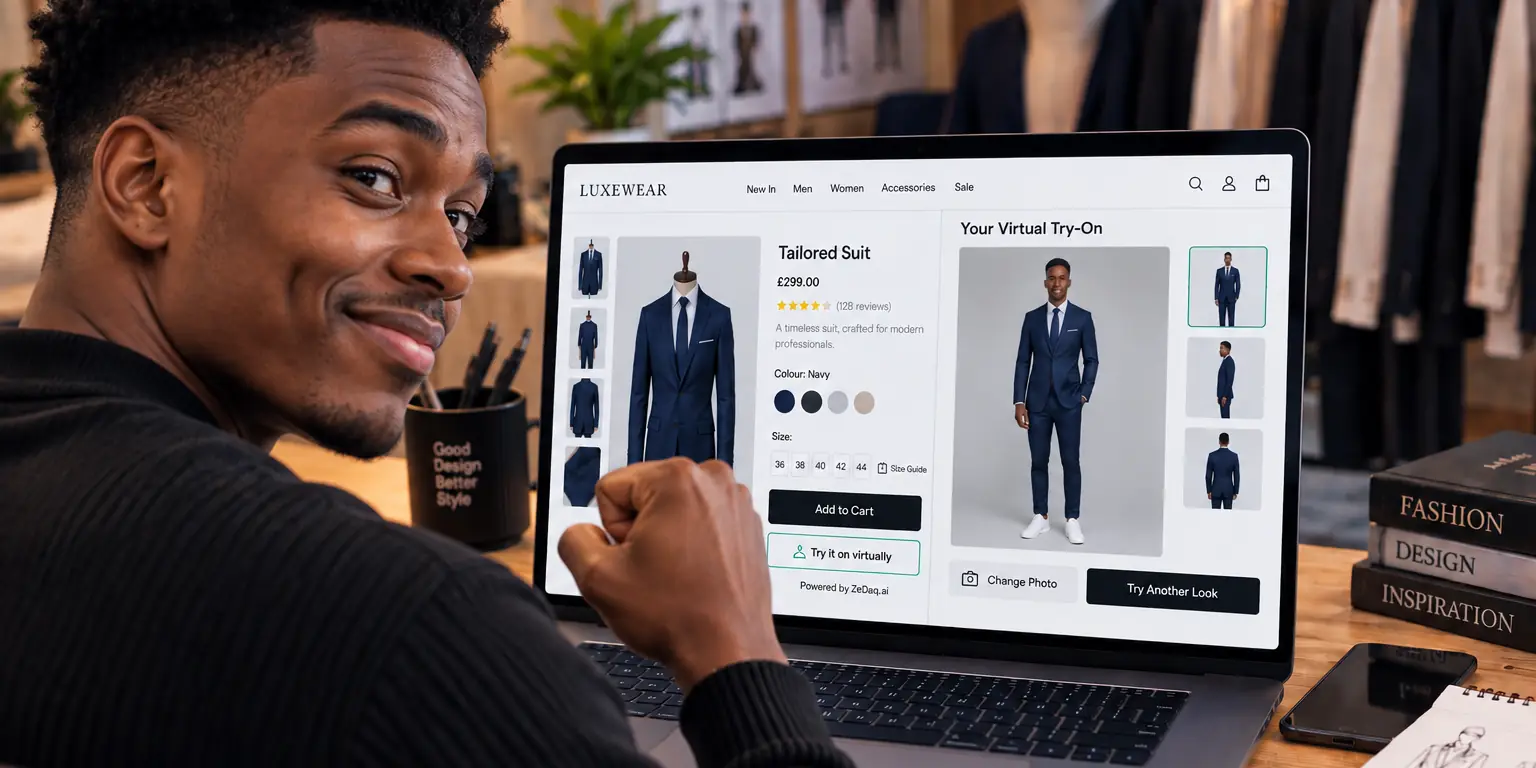
Using Try-On to Sell Pre-Orders and New Collections
By the ZeDaq.ai team · · 4 min read
On this page
- Why is try-on useful for pre-orders?
- What do you need before you can run try-on on a pre-order?
- How does this work when the garment is only a sample?
- How can you set up a pre-order launch with try-on?
- How do you help shoppers choose a size for a product they cannot try on?
- What should you avoid?
- How much does it cost to try it on a drop?
You can use virtual try-on to sell pre-orders and new collections, as long as you have a clear image of the finished garment before the stock arrives. The shopper uploads one photo and sees your garment on their body, which helps them decide on a pre-order they cannot touch yet.
This article is for store owners launching a drop or a new collection. It assumes you already know the basics of a virtual fitting room for clothing websites, and focuses on what changes when the product is not in your warehouse.
Why is try-on useful for pre-orders?
A pre-order asks the shopper to pay for something they cannot see in person, at a time when you cannot ship it. Doubt is highest here.
Try-on answers two questions before checkout: "What will this look like on me?" and "Which size should I pick?" It does not remove the wait, but it gives the shopper more to go on than a photo of someone else.
See how a shopper tries a garment on
Try it on yourself
Live renderUpload a photo, pick a piece, see it rendered on you.
Pick something to try on
What do you need before you can run try-on on a pre-order?
Try-on needs an image of the garment. If you do not have one, you cannot offer it for that product.
Check this list:
- A clean product image. A flat lay, ghost mannequin or model photo of the actual design, not a sketch.
- One image per color. If the color changes, the image should too.
- A size chart. Pre-order shoppers cannot try on a sample, so the size guide matters more.
- A clear ship date. Put it near the button so the shopper knows what they are waiting for.
Images from a sample or a prototype work if they match the final garment. If the final fabric or color will differ, say so on the page.
How does this work when the garment is only a sample?
Use the sample photo as the product image, and tell shoppers it is a pre-production sample. Then update the image if the final garment looks different.
This matters because try-on shows what the image shows. If the sample has a different trim or hem, the shopper's preview will have it too. The guide on photographing garments for try-on explains which photo styles give cleaner results.
How can you set up a pre-order launch with try-on?
- Prepare images and a size chart for every product in the collection.
- Add the try-on to the product pages. On Shopify, install the ZeDaq.ai app. On other platforms, a script-tag widget adds a "Try it on" and a "Find my size" button.
- Mark the product as a pre-order with a pre-order app or your own product settings. The best Shopify pre-order apps are compared in a separate guide.
- Write the page copy: ship date, return terms and a short note on how sizing works.
- Test on your phone before you announce the drop.
How do you help shoppers choose a size for a product they cannot try on?
Add your own size chart to ZeDaq.ai, one chart per garment type. The size scan takes one photo plus height and recommends a size from your chart.
The scan recommends the store's labels, and sizes up to the largest relevant measurement when a shopper falls between two. That is useful for pre-orders, where an exchange takes longer than usual. Your chart, not a generic one, decides the result.
What should you avoid?
- Don't promise an exact match. Try-on is a preview, and fabric drape and color can differ in real life.
- Don't use renders of unfinished designs unless the page says they are mockups.
- Don't hide delays. Shoppers who see an honest ship date are less likely to cancel later.
How much does it cost to try it on a drop?
The Free plan includes 3 try-ons, 3 measurements and 5 invoices a month, enough to test. Paid plans start with Micro at $14 a month, and the first month is $1, then $14 a month. That offer applies to monthly plans only, once per store, on its first paid plan.
Every paid plan has a 3-day free trial with no card required. See the current pricing page for what each plan includes.
If your store is not on Shopify, the virtual try-on for WooCommerce guide shows how the script tag works on other platforms.
For how try-on relates to model photos, see whether try-on can replace models.
Made-to-order stock has its own twist, covered in try-on for made-to-order items.
Preview your next drop with try-on
FAQs
Can I use try-on before the products are in stock?
Yes, if you have a clear image of the garment. Try-on uses the product image, not your stock.
Does try-on work with sketches?
A sketch is not a good fit. Use a photo of a sample or the finished garment so the preview is honest.
Should I tell shoppers the image is a sample?
Yes. A short note avoids surprises if the final fabric or trim differs.
Can shoppers get a size recommendation on a pre-order?
Yes. The scan matches their measurements to your size chart, the same way it does for in-stock items.
Try ZeDaq.ai free
Virtual try-on and Find my size for your store, plus client, order and invoicing tools for tailors, in one subscription.

