Should Print-on-Demand Stores Offer Virtual Try-On?
By the ZeDaq.ai team · · 6 min read
On this page
- What is different about print-on-demand apparel?
- How does virtual try-on work for a POD store?
- Where does try-on help most?
- Where does it fall short?
- What should POD stores weigh before adding it?
- How do you test it without a big commitment?
- What should you tell shoppers about delivery and exchanges?
- What other store types face the same question?
Often yes, if your print-on-demand (POD) store sells apparel where fit and print placement worry shoppers, such as tees, hoodies and leggings. It matters less if you sell mostly mugs, posters or one-size accessories. The test is simple: would a shopper hesitate because they cannot picture the garment on their own body?
This guide covers where try-on helps a POD store, where it does not, and how to test it cheaply. If you want the basics first, start with our guide to a virtual fitting room for clothing websites.
What is different about print-on-demand apparel?
In a POD store you do not hold stock. A supplier prints each item after the order, and the product photos are usually mockups the supplier or a design tool generated.
That creates two shopper worries that a normal clothing store has less of:
- Fit. The blank garment comes from the supplier, so its cut may differ from what the shopper expects from other brands.
- Print placement. A shopper wants to know where the graphic will land on their chest, back or sleeve.
Because you cannot hand-check each order, a wrong size becomes a return or an exchange you pay for. Anything that helps shoppers choose well before ordering is worth a look.
Upload a photo and see how a garment looks on you
Try it on yourself
Live renderUpload a photo, pick a piece, see it rendered on you.
Pick something to try on
How does virtual try-on work for a POD store?
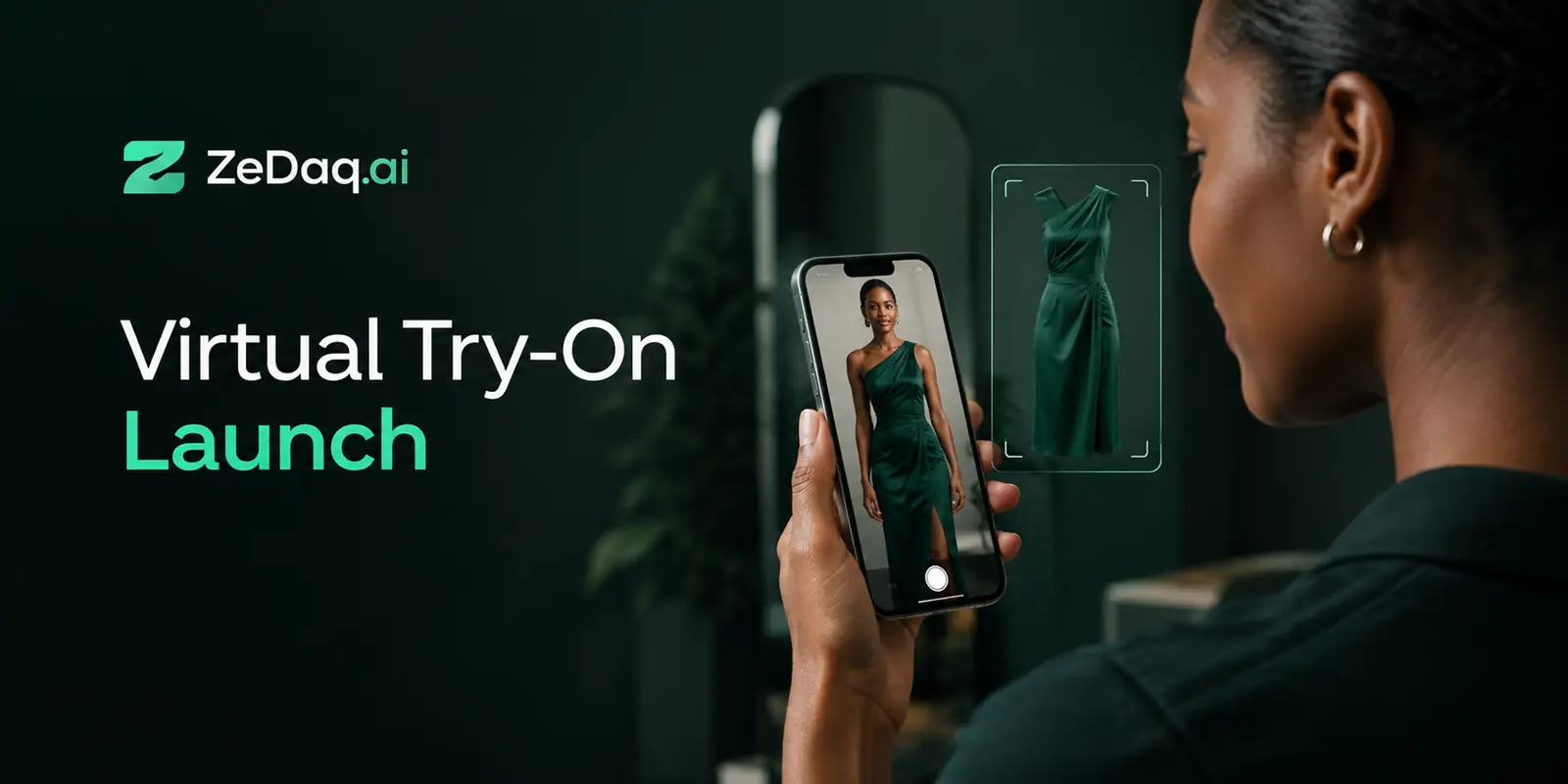
ZeDaq.ai is AI virtual try-on for fashion stores. The shopper uploads one photo and sees the store's real garment on their body. It also offers a size recommendation from a 30-second body scan (one photo plus height).
For a POD store, the garment is whatever product image you already publish. A mockup that shows the garment clearly, with the print visible, gives the tool something useful to work from. A cluttered lifestyle photo gives it less to work with.
The tool is available as a Shopify app, as a REST API, or as a script-tag widget for other platforms. Many POD stores run on Shopify, so the app is the usual starting point.
Where does try-on help most?
Try-on tends to help most in these POD categories:
- Graphic tees and hoodies. Shoppers want to see how a design sits on the body. Our notes on virtual try-on for graphic t-shirts explain what to expect.
- Leggings and activewear. Fit is the main reason people hesitate, and prints can look different stretched across the body.
- Dresses and loungewear. Length and drape are hard to judge from a flat mockup.
It helps less for items with no fit question, such as phone cases, tote bags and wall art.
Where does it fall short?
Be honest about the limits before you add it.
- Mockup quality. If your supplier's mockups are flat, low resolution or heavily stylized, the result will reflect that. Test your actual product images before you commit.
- Fabric detail. Try-on shows how a garment looks on a body, not how the fabric feels. Keep your fabric and weight notes in the description.
- Supplier size charts. A size recommendation is only as good as the chart behind it. You enter your own size guide in the dashboard, one chart per garment type, so copy the measurements your supplier publishes for that blank and label the chart clearly. If the supplier's chart is garment dimensions rather than body measurements, convert or check it before use.
The guide to setting up your size chart covers how to prepare the data.
What should POD stores weigh before adding it?
Decide on evidence from your own store, not on a general trend. Look at your support inbox, your exchange requests and the questions shoppers ask before buying. If sizing and print placement come up often, try-on addresses a real problem. If they do not, you may be better served by improving your size guide first.
Use this short checklist:
- Do you sell mainly wearable items, with sizes?
- Are your product images clear enough to show the garment shape and the print?
- Do customers ask sizing questions or exchange for a different size?
- Can you get an accurate body-measurement chart from your supplier?
- Do you have a store platform that supports an app or a script tag?
If you answer yes to most, a trial is reasonable. If you answer no to the first two, put your effort into better mockups first.
How do you test it without a big commitment?
Run a small, honest test.
- Pick three or four best-selling apparel products with clear images.
- Add your own size chart for each garment type.
- Try it yourself on a phone with your own photo, and ask a few friends of different body shapes to do the same.
- Note where the result looks wrong and fix the image or chart.
- Keep the test live long enough to see whether shoppers use it.
The Free plan includes 3 try-ons, 3 measurements and 5 invoices a month, which is enough for steps three and four. Every paid plan has a 3-day free trial with no card required. For a fair way to judge results, see our guide to running a 3-day try-on trial.
What should you tell shoppers about delivery and exchanges?
POD orders often ship later than stock items, because each piece is printed after purchase. A shopper who picks a size with confidence still needs to know when it will arrive and what happens if it does not fit.
Put these on the product page and in the order email:
- Production and shipping time. State it as a range and update it if your supplier slows down.
- Your exchange rules. Say whether you accept size exchanges on printed items, and for how long. Check your supplier's terms first, because many POD suppliers treat made-to-order items differently from stock.
- How to measure. A short note on measuring a favorite garment at home helps shoppers compare it with your chart.
Clear terms matter because a printed garment is hard to resell. If you cannot offer a free exchange, the case for helping the shopper choose correctly the first time gets stronger.
What other store types face the same question?
The same reasoning applies across different business models. Dropshippers face a similar fit-without-stock problem, which we cover in try-on for dropshipping clothing stores. Stores selling sizes with strict fit, like dancewear, have their own considerations in try-on for dancewear shops.
If your POD store sits on a platform without a native app, see virtual try-on on Big Cartel for the options.
See how a garment looks on a real photo
FAQs
Does virtual try-on work with POD mockups?
It can, if the mockup shows the garment clearly. Test your own product images in the demo before you add it to your store.
Will try-on replace my size chart?
No. A size recommendation uses your size chart, so you still need accurate measurements. The scan matches the shopper's body to your own sizes.
Do I need a developer for a POD store?
Not on Shopify, where you install the app from the App Store and switch on the app embed. Other platforms can use the script-tag widget.
Is try-on worth it for non-apparel POD products?
Usually not. Mugs, posters and bags have no fit question, so the extra step adds little for the shopper.
Try ZeDaq.ai free
Virtual try-on and Find my size for your store, plus client, order and invoicing tools for tailors, in one subscription.

