Should Dancewear Shops Offer Virtual Try-On?
By the ZeDaq.ai team · · 6 min read
On this page
- Why is dancewear harder to sell online than other clothing?
- What can virtual try-on show for dancewear?
- Where does it help most?
- What are the limits for fitted and stretch garments?
- How does size recommendation fit dancewear?
- How do you explain the limits on the product page?
- Who is the shopper, and how do you handle children and privacy?
- What about dancewear sellers who use a similar approach?
- What does a sensible rollout look like?
Dancewear shops should offer virtual try-on if fit is the main reason shoppers hesitate, and if the try-on can be tested properly on a few of your fitted, stretch pieces first. It is most useful for leotards, unitards and dance dresses, where a wrong size means a missed class or recital, and it does not replace a clear size chart.
This guide helps you decide, using what dancewear shoppers actually need. For the basics of how a virtual fitting room for clothing websites works, start there, then come back to the dancewear specifics.
Why is dancewear harder to sell online than other clothing?
Dancewear is close-fitting by design. A leotard has to move with the body, stay put during a turn and look right in a studio mirror.
That creates a few problems for online shops:
- Fit tolerance is small. A loose t-shirt hides a size error. A fitted leotard does not.
- Stretch changes the answer. Two leotards in the same size can feel different depending on the fabric.
- Deadlines are fixed. Recitals, exams and competitions have dates, so a return is more costly than for everyday clothes.
- Shoppers are often buying for someone else. Parents buy for growing children and need confidence about size.
- Fit is personal. Torso length matters as much as chest or waist, and many size charts don't capture it.
Virtual try-on is only one answer to these. A good size chart and clear fit notes still do most of the work, and the try-on adds a visual check on top of them.
What can virtual try-on show for dancewear?
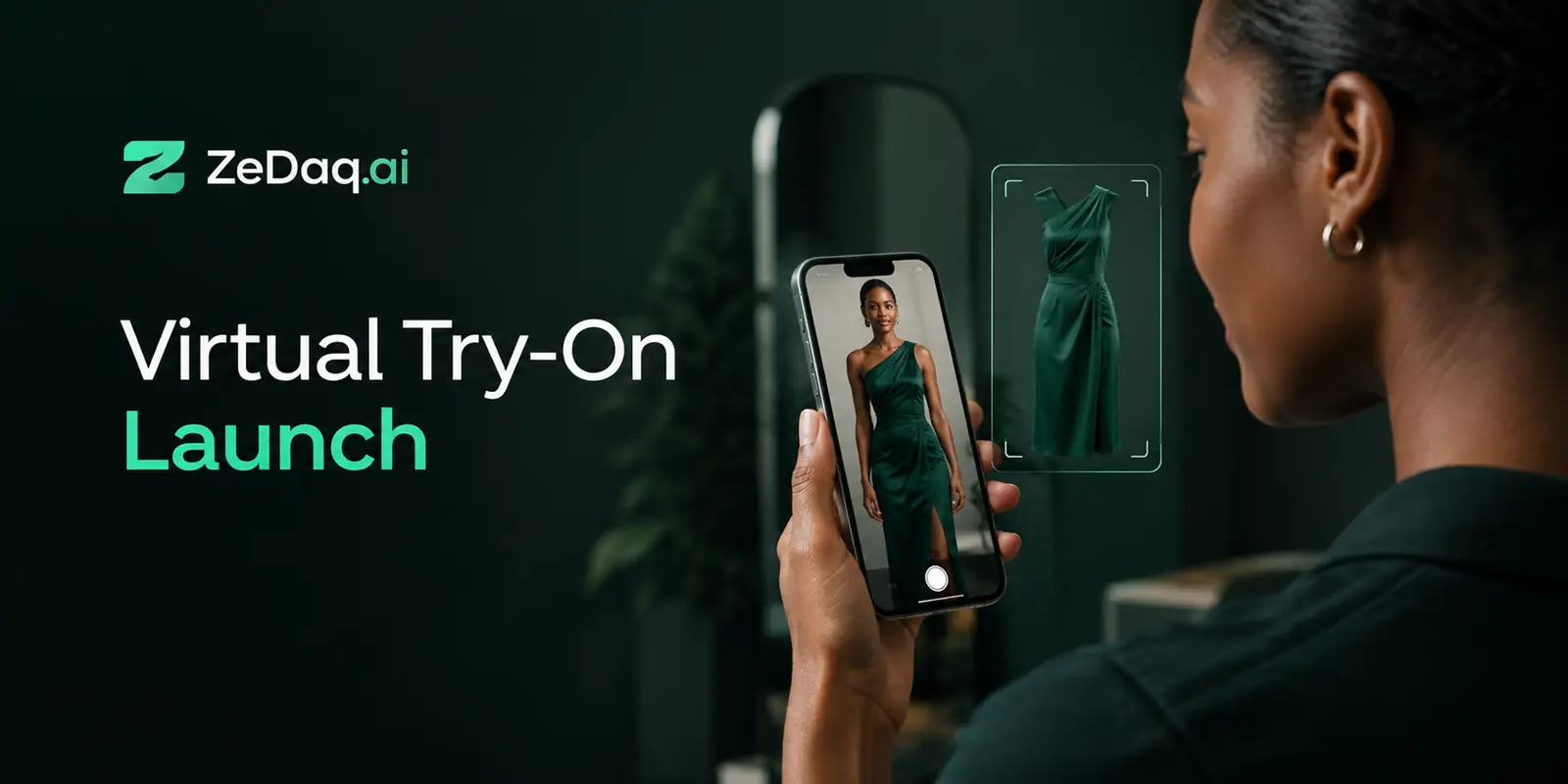
With ZeDaq.ai, the shopper uploads one photo and sees your real garment on their body. The same scan can also recommend a size from your own size chart.
Try a garment on yourself to see the result
Try it on yourself
Live renderUpload a photo, pick a piece, see it rendered on you.
Pick something to try on
For dancewear, that gives the shopper two helpful things: a picture of the colors and cut on a body like theirs, and a size suggestion in your own labels. The picture is a preview, not a fit guarantee. The size suggestion is only as good as the chart behind it.
Where does it help most?
Virtual try-on works best where the shopper's question is "will this suit me?" or "which size?" rather than "how will this feel when I move?"
- Leotards and dance dresses with distinct necklines, back styles or cuts.
- Costumes and performance pieces where color and silhouette matter.
- Casual dance apparel such as warm-up tops, wrap skirts and hoodies, which behave like regular fashion.
- First-time buyers who don't know which brand size matches their body.
It helps less with items that depend on feel or function, such as tights, shoes and supportive garments, because a picture can't show how they perform.
What are the limits for fitted and stretch garments?
Test before you commit. How well any photo-based try-on renders a garment depends on the garment image and the shopper's photo, so check sheer, shiny and very stretchy pieces yourself before you promise anything.
Run a short test on your own range:
- Pick four or five best sellers: one leotard, one dress, one top and one skirt, plus a tricky stretch piece.
- Try them yourself with a full-length photo in fitted clothing.
- Ask a colleague with a different body shape to do the same.
- Check the size suggestion against what you would say in a fitting.
- Decide which product types to switch on and which to leave off.
Keep the try-on to the product types where the result is convincing, and say so on the page.
How does size recommendation fit dancewear?
Merchants enter their own size guide in the dashboard or the Shopify app, one chart per garment type. For dancewear, that means separate charts for leotards, dresses, tops and bottoms where measurements differ.
The scan recommends your labels. If the shopper falls between sizes, it picks the larger relevant size, which is a sensible default for most fitted garments but not for every dance style. For more on this method, see AI size recommendation for fashion stores for the general approach.
Also consider adding a torso-length note to the listing, since a body scan matched to a chart doesn't replace the question of how long the garment is from shoulder to crotch.
How do you explain the limits on the product page?
Honest wording keeps trust. Tell shoppers that the preview shows how the garment looks, not how it stretches or feels in motion.
A short note under the try-on button does the job, for example: "This preview shows the cut and color on your photo. Check the size chart for fit and stretch." Pair it with a plain fit note on each product.
Who is the shopper, and how do you handle children and privacy?
Many dancewear buyers are parents. Children's photos need extra care, so think about whether you want try-on on children's ranges at all and how you explain it.
Be open about what happens to photos. For sizing, the photo is analyzed in the shopper's browser and only the measurements are sent. For a try-on render, the photo is sent to produce the image. Say that on your page and in your privacy policy, and review local rules on children's data with a qualified adviser.
What about dancewear sellers who use a similar approach?
Other niche shops face similar trade-offs. Whether you sell dropshipped clothing or run a shop with seasonal ranges, the same question applies: does try-on solve a real shopper problem for these products? A costume retailer has a different one; see whether costume shops should offer virtual try-on.
Store platform matters too. If you aren't on Shopify, the widget works with several others, and some platforms need a different route. Our look at virtual try-on on PrestaShop shows the options for one such platform.
What does a sensible rollout look like?
Start small and measure honestly.
- Test try-on yourself on your tricky products.
- Enter size charts for each garment type.
- Switch it on for the product types where results look convincing.
- Add fit notes for torso length, stretch and compression.
- Watch which sizes are returned and adjust the charts.
The Free plan includes 3 try-ons, 3 measurements and 5 invoices a month, enough to test. Paid plans start with Micro at $14 a month, with the first month at $1, then $14 a month, and a 3-day free trial with no card required. First-month prices apply once per business, on its first paid plan.
Test it on your own dancewear
FAQs
Does virtual try-on work for leotards?
It shows your garment on the shopper's body from one photo. Test your own leotards first, especially sheer, shiny or very stretchy ones.
Can it recommend sizes for dancewear?
Yes, using the size chart you enter. Use one chart per garment type and add notes where fit depends on torso length.
Should I use it for children's dancewear?
That is your decision. Consider the privacy implications and be clear about how photos are used.
Will it replace my size chart?
No. The recommendation comes from your size chart, so the chart still matters most.
Try ZeDaq.ai free
Virtual try-on and Find my size for your store, plus client, order and invoicing tools for tailors, in one subscription.

