Should Independent Boutiques Offer Virtual Try-On?
By the ZeDaq.ai team · · 6 min read
On this page
An independent boutique should offer virtual try-on if it sells online and its customers often ask about fit. It is least useful for shops that sell mostly in person, and it is easy to test cheaply before you commit.
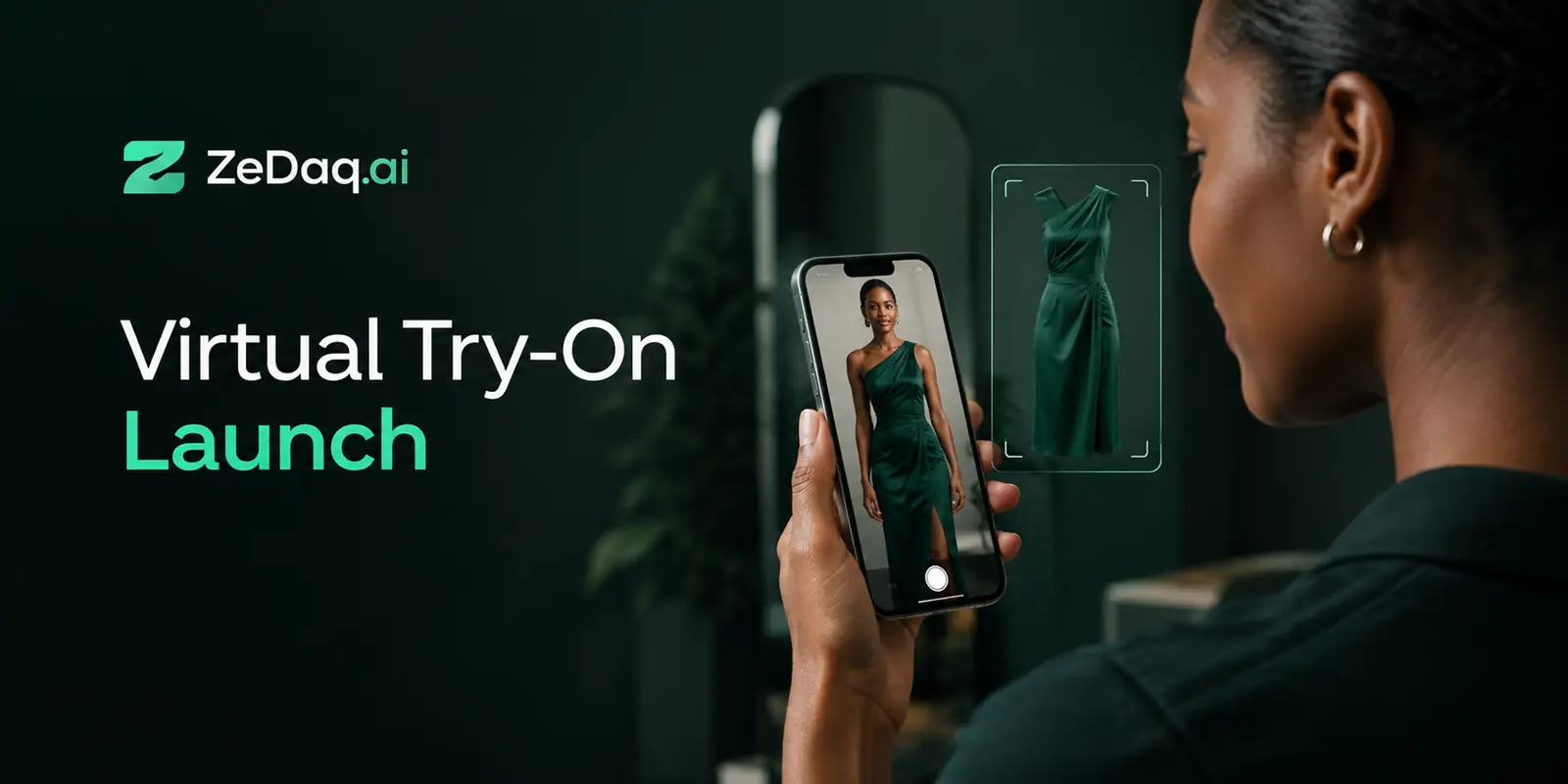
Virtual try-on lets a shopper upload one photo and see your real garment on their body. This guide helps you decide for a small shop. For the basics, read the guide to a virtual fitting room for clothing websites.
What does virtual try-on do for a small boutique?
It answers the question a fitting room answers in a physical store: "will this look right on me?" Online shoppers cannot touch or try on anything, so they guess.
A boutique has a closer relationship with customers than a big retailer. Try-on extends that service to the product page, even when you are not there to help.
Which boutiques gain the most?
Try-on fits some shops better than others. Use this table as a quick filter.
| Your situation | Good fit? |
|---|---|
| You sell mostly online | Yes |
| You get many "does this fit" messages | Yes |
| You stock one-off or limited pieces | Yes, since returns are hard to resell |
| You sell mostly in person, with a small web shop | Test first |
| You have very few online visitors | Fix traffic first |
If most of your questions come from direct messages, try-on can answer the common ones for you.
Think about your stock as well. Boutiques often carry small runs, so each return ties up a piece you cannot easily replace. A shopper who sees the garment on their own body before ordering is less likely to buy something that does not suit them.
Think about your time too. An owner who answers fit questions on Instagram and WhatsApp all evening may find that a preview and a size check on the product page remove many of those messages. The same applies to staff in a shop that also sells online, who often handle web questions between customers.
Finally, consider your customer. Some boutique shoppers are loyal locals who already know your sizing, and they need little help. Others find you through social media from another city or country. Those are the shoppers who cannot visit the shop, and they are the ones a preview serves best.
What does it cost a small shop?
ZeDaq.ai has a Free plan at $0 a month with 3 try-ons, 3 measurements and 5 invoices a month. Paid plans start with Micro at $14 a month, and every paid plan has a 3-day free trial with no card required. Check the current pricing page for the latest plan limits.
The Free plan is enough to test the experience yourself. It is not enough to judge results over a month of real traffic.
When you compare costs, think about what you pay today in time. Count the hours you spend answering fit questions and handling exchanges, and weigh that against a monthly plan. We make no promise of a saving, so use your own records to decide.
Check what each plan includes before you pick one, since try-ons, measurements and invoices are counted separately each month. A boutique that only wants to preview garments may need fewer measurements than a shop that also wants size recommendations on every product.
How hard is it to set up?
It depends on your platform. On Shopify, you install the app from the Shopify App Store. On WooCommerce, Wix, Squarespace, BigCommerce or a custom site, you paste a script tag into the product template, and developers can use the REST API.
If you have no developer, the guide to adding try-on without a developer covers what you can do alone.
Try it on a garment yourself first
Try it on yourself
Live renderUpload a photo, pick a piece, see it rendered on you.
Pick something to try on
Can it replace a size chart?
No. A try-on shows how a garment looks, and a size chart tells shoppers which label to order. They solve different problems.
ZeDaq.ai also offers size recommendation from a 30-second body scan, which matches a shopper to your own size chart. Many boutiques start with the preview and add the size check later.
What are the limits?
Be honest with yourself about three things before you add it.
- Photo quality: shoppers need to upload a clear, full-length photo.
- Fabric: heavy drape and sheer layers are hard to show on any image.
- Judgment: it is a preview, not a promise of exact fit.
Tell shoppers this in a short line near the button. It protects trust.
Privacy deserves a sentence as well. Shoppers are handing over a photo of themselves, so tell them plainly what happens to it. Explain what you keep and what you delete, in words a shopper understands.
Last, remember your own brand voice. A boutique sells taste and personal service. A try-on button should feel like a helpful addition to the page, not a gimmick, so write the button label and nearby text in the same tone as the rest of your shop.
How should a boutique test it?
Run a short, fair test.
- Pick a handful of your best-selling items.
- Install the app or widget and test each product yourself.
- Ask staff and a few friendly customers to try it on their phones.
- Note what confuses people, then fix the product photos or size chart.
- Decide after the trial based on what you saw, not a guess.
For a structured approach, see how to run a fair 3-day trial. Other shop types have different needs. Menswear shops are covered in whether menswear brands should offer try-on, and bridal shops in the bridal boutique version.
How do you tell customers it exists?
A button nobody notices does nothing. Mention try-on in your newsletter, in a short social post and on your shop's homepage. Show a real product with the button visible, and say in a sentence how it works: upload one photo, see the garment on you.
Tell your in-store staff too. If a customer asks about an online item, they can point to the try-on on their phone. It also gives your team a simple answer to "will it suit me?" when someone is browsing your site from home.
What if you work with a web agency?
Many boutiques hand the work to an agency. They can add the widget or API for you, and the guide for web agencies offering try-on explains how they do it.
See the shopper experience for yourself
FAQs
Is virtual try-on only for big brands?
No. Small stores can use it, because it works through an app or a script tag and does not need a custom build.
Will it work for one-of-a-kind pieces?
It works on the product images you upload, so it can show one-off items. Check that your photos are clear and well lit.
Do my customers need to download anything?
No. Shoppers use try-on on your store's own site. ZeDaq.ai has no shopper app.
Does it show the exact fit?
It is a visual preview. Pair it with a size chart or size recommendation for the label to order.
Try ZeDaq.ai free
Virtual try-on and Find my size for your store, plus client, order and invoicing tools for tailors, in one subscription.

