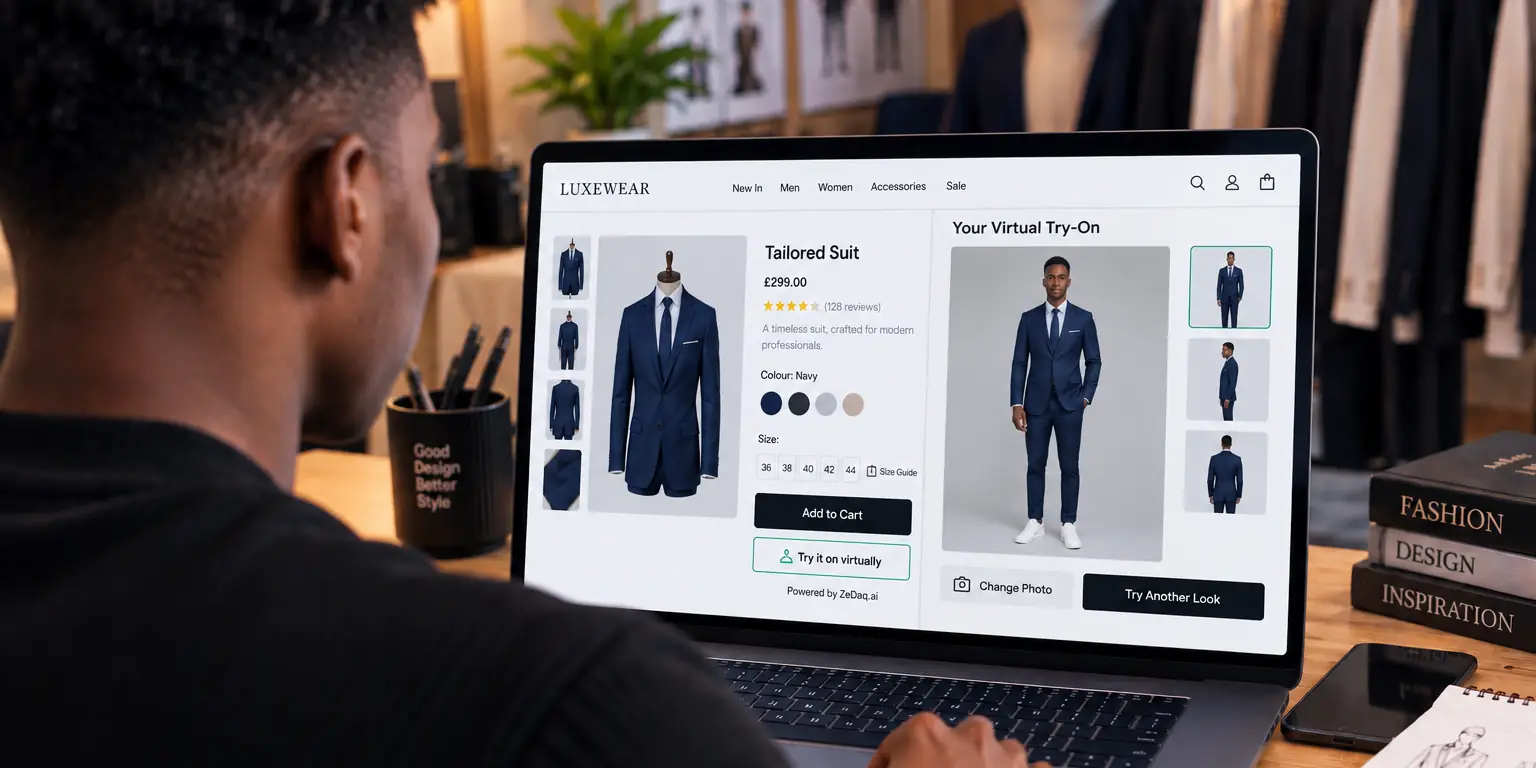
Virtual Try-On for Sunglasses Stores
By the ZeDaq.ai team · · 5 min read
On this page
- Why is sunglasses a good fit for try-on?
- How does the live camera preview work?
- How can a sunglasses store use the preview on product pages?
- What are the limits for sunglasses?
- What should you prepare before launch?
- What should a store measure after launch?
- How does it connect to the rest of your catalog?
- How do you add it to your store?
- What mistakes should sunglasses stores avoid?
Virtual try-on for sunglasses stores lets shoppers see a pair of frames on their own face through their phone or webcam before they buy. It helps with the question product photos cannot answer: does this shape suit me?
ZeDaq.ai offers live-camera eyewear try-on. For context on how try-on fits into a store, see our overview of a virtual fitting room for clothing websites, which covers the clothing side of the same idea.
Why is sunglasses a good fit for try-on?
Sunglasses are a fashion purchase and a fit purchase at once. Shape, size and color all change how a frame looks on a face.
Shoppers often hesitate because they cannot judge:
- Whether a bold frame will overwhelm their face
- Whether the width feels right
- How the lens tint looks on them
A live preview answers these before they order. It also lets them compare several pairs quickly.
Try the live demo
Try it on yourself
Live renderUpload a photo, pick a piece, see it rendered on you.
Pick something to try on
How does the live camera preview work?
The shopper allows camera access on the product page. The software finds their face and places the frame on it, following their movements so they can turn and tilt.
It runs in the browser on the store's own page. The shopper does not download an app.
How can a sunglasses store use the preview on product pages?
Placement and wording decide whether shoppers notice and use the preview. These steps work for most stores.
- Put the button near the main image. Shoppers look there first, so a "Try them on" button beside it gets seen.
- Name what it does. "See these on your face" is clearer than a vague label.
- Explain camera access in one line. Tell shoppers the camera is used for the preview and why.
- Offer a fallback. If a shopper declines the camera, they still see your normal photos and size details.
- Show the next step. After the preview, make the add-to-cart button easy to find.
On a collection page, you can mention the preview in your header or banner so shoppers know it exists before they open a product.
What details should sit beside the preview?
The preview shows style. Numbers show fit. Put these next to it:
- Total frame width
- Lens width and height
- Bridge width
- Temple length
- A line about face width, such as "suits medium to wide faces"
These measurements let shoppers compare a new pair with sunglasses they already own, which is often the most reliable way to judge size.
How do you handle different face shapes?
Avoid telling shoppers they have a certain face shape. Instead, tag frames by their own shape and let shoppers choose. A short guide on your site explaining what round, square, aviator and cat-eye frames tend to look like helps shoppers who are new to the idea.
What are the limits for sunglasses?
Be clear about what a preview cannot do:
- It cannot confirm how comfortable a frame is over hours.
- It cannot judge the nose bridge fit or temple pressure.
- Lighting and camera quality change how the preview looks.
- It does not test lens protection. Check product details for that.
Add frame measurements to your product page so the preview and the numbers support each other.
What should you prepare before launch?
Get the basics ready:
- Clean frame images with a clear outline.
- Frame dimensions, such as lens width and bridge width.
- A privacy note about camera use. The guide on shopper privacy and virtual try-on helps you write it.
- A test plan on several phones.
A good rule is to start with best sellers. For an approach to choosing, see is virtual try-on worth it for small fashion brands.
What should a store measure after launch?
Decide what success looks like before you switch the preview on. Keep it simple, and use your own numbers.
- How many visitors open the preview on a product page.
- How many of them add a pair to the cart, compared with visitors who do not open it.
- Which frames get the most previews.
- What questions customers still ask by email or chat.
Run the test long enough to cover a normal mix of weekdays and weekends. We do not quote industry figures here because we have no sourced data to link, so rely on your results. Keep in mind that shoppers who open the preview may already be more interested, so compare with care.
Use what you learn to improve your catalog. If a frame gets many previews but few sales, check its price, photos and size details. If shoppers keep asking the same question, add the answer to the product page.
How does it connect to the rest of your catalog?
If you sell sunglasses alongside clothing, you can use try-on for each. Sunglasses use the live camera, and clothing uses an uploaded photo.
Seasonal items may suit this well. The guide to virtual try-on for swimwear stores shows how a summer collection can use it, and sunglasses often sell next to swimwear.
How do you add it to your store?
Options depend on your platform:
- Shopify: ZeDaq.ai is available as a Shopify app.
- Other platforms: a script-tag widget for WooCommerce, Wix, Squarespace, BigCommerce and custom sites. See the widget setup docs.
- Custom builds: a REST API for developers.
If you use Webflow, read the guide to try-on options on Webflow.
Before launch, confirm with a demo that eyewear try-on is set up for your catalog.
See live try-on in action
What mistakes should sunglasses stores avoid?
A few common slips make the preview less useful:
- Hiding the button. If shoppers cannot find it, they will not use it.
- Poor frame images. A blurry or cropped image makes the preview look worse than it is.
- Skipping measurements. The preview shows style, but numbers still matter for fit.
- Forgetting mobile. Most shoppers will use a phone, so test there first.
- Overpromising. Say what the preview shows and what it does not.
Also check that your product titles and descriptions name the frame shape, lens color and material, since shoppers use these words when they search and compare. Fix these before launch and the preview will serve your shoppers better. Revisit the page after a few weeks and ask a few real customers what they found confusing.
FAQs
Does the shopper need to install anything?
No. They use it on your store's page through their browser.
Will it work on every phone?
It needs a working camera and a modern browser. Test on the devices your shoppers use most.
Does it show how the frame fits my head?
It shows how a frame looks on your face, not how it feels. Frame dimensions on the product page help with fit.
Can I use it for prescription glasses?
The preview shows frame style. It does not handle prescription or lens fitting, which an optician handles.
Try ZeDaq.ai free
Virtual try-on and Find my size for your store, plus client, order and invoicing tools for tailors, in one subscription.

