Virtual Try-On for Loungewear and Pajamas
By the ZeDaq.ai team · · 5 min read
On this page
- Why does loungewear need a different approach?
- What does try-on show well for loungewear?
- Where should you be careful?
- How does sizing work for sleepwear sets?
- What should you prepare before you add try-on?
- How should you write loungewear product pages?
- How do you add it to your store?
- How do you tell shoppers what to expect?
- What does it cost?
- Do other categories use try-on differently?
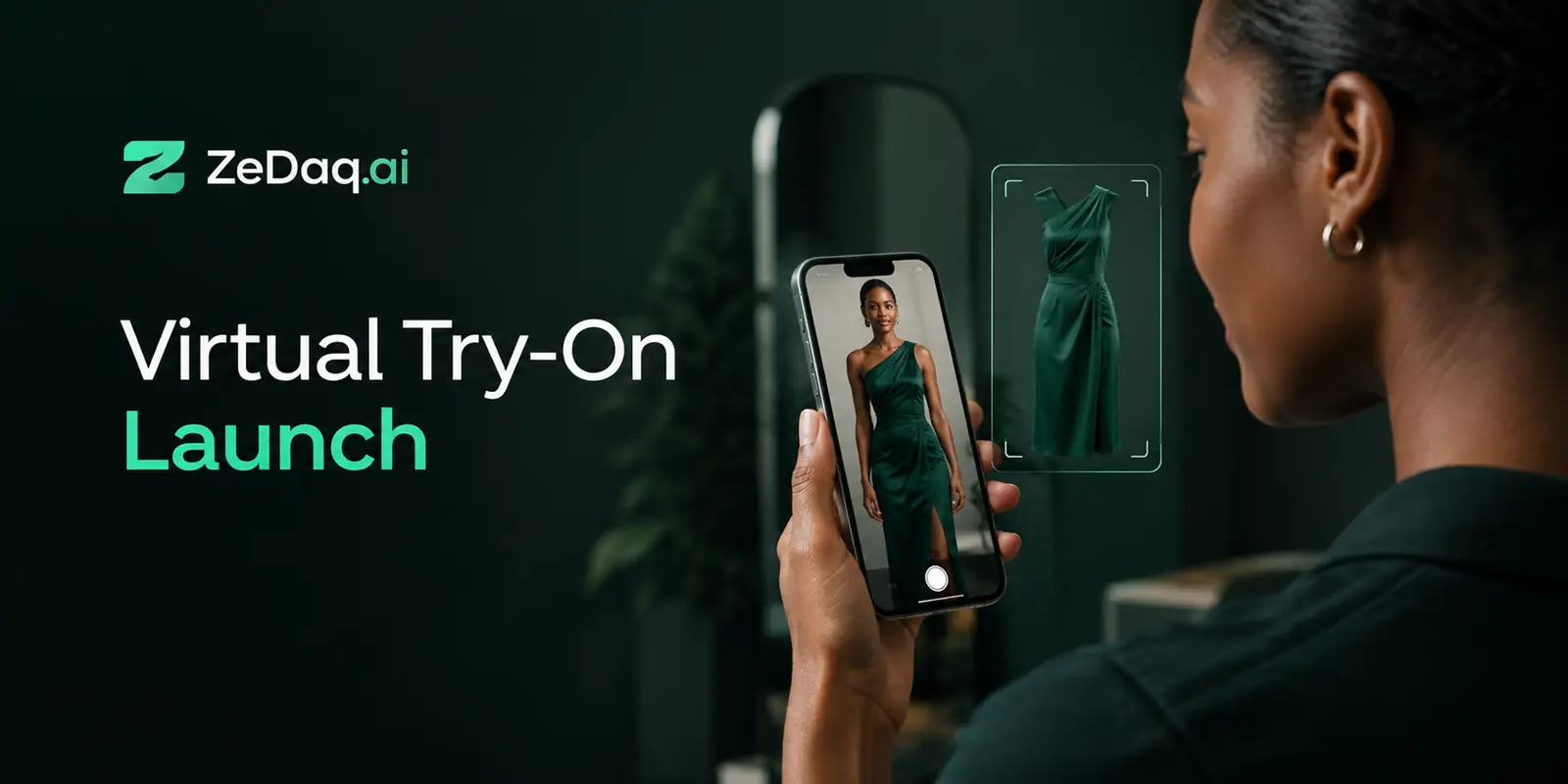
Virtual try-on helps loungewear and pajama stores by letting a shopper upload one photo and see your real garment on their own body, which shows how a soft, loose piece drapes. It works best as a way to judge drape, length and overall look, and less well as a replacement for a size chart.
This guide is for store owners selling sleepwear, lounge sets and robes. It covers where try-on fits, where to be careful, and how to set it up. For the general idea, start with the guide to a virtual fitting room for clothing websites.
Why does loungewear need a different approach?
Loungewear is made to be loose and comfortable, so shoppers think about different things than they do for a fitted shirt or jeans. They want to know how the fabric falls, how long it is and whether the set looks good together.
Sizing is also softer. A person between two sizes can wear either one and be happy. That makes the question "what will this look like on me?" more useful than "will it fit?"
What does try-on show well for loungewear?
Try-on helps most with these questions:
- Drape. Does the fabric hang straight or cling?
- Length. Where does the top end and where does the trouser leg stop?
- Proportion. Does a wide-leg trouser look right with a short top?
- Color on the person. Does the shade work with the shopper's coloring?
See a garment on your own body
Try it on yourself
Live renderUpload a photo, pick a piece, see it rendered on you.
Pick something to try on
These are visual questions, and a photo of the garment on a model does not answer them for every body type.
Where should you be careful?
Try-on is not a perfect preview. Keep these limits in mind.
- Fabric feel. A render cannot show softness, weight or warmth. Describe these in words.
- Fine texture. Details such as ribbing or brushed fleece may not show up well.
- Shoppers who are between sizes. Give clear fit notes. The try-on shows the look, not the exact feel.
Say what the try-on shows on the product page, so shoppers know what to expect.
How does sizing work for sleepwear sets?
Many lounge sets have two pieces, a top and a bottom, and shoppers may fit differently in each. ZeDaq.ai handles sizing with store size charts, one per garment type: tops, outerwear, dresses and bottoms.
The 30-second body scan uses one photo plus height. It matches the measurements to your own chart, and it recommends your labels. When the shopper falls between two sizes, it sizes up to the largest relevant measurement.
Without your own chart, the scan falls back to a generic UK, US, EU or AU chart. So adding a chart for each garment type is worth doing first.
What should you prepare before you add try-on?
- Clear product images. Use a full front view of each piece on a plain background.
- Charts by garment type. Enter measurements for tops and bottoms separately.
- Garment type per product. Tell the try-on whether each product is an upper-body piece, a lower-body piece or a dress.
- Fit notes. Say whether the piece is relaxed, oversized or true to size.
- A test on your own body. Try three or four products before you launch.
Robes and nightgowns often count as dresses or outerwear, so choose the nearest type and test the result.
How should you write loungewear product pages?
The product page still does most of the work. Pair the try-on with clear copy that covers what a render cannot.
Use this checklist:
- Fabric. Name it and describe how it feels, such as soft, brushed or crisp.
- Warmth. Say if the piece is light for summer or heavy for cold nights.
- Fit. Say if the cut is relaxed, oversized or close to the body.
- Care. Say if it can be machine washed and whether it shrinks.
- Set contents. List each piece, so shoppers know what arrives.
- Model details. Give the model's height and the size shown.
Worked example: a two-piece pajama set
Say you sell a pajama set with a button-up top and straight trousers. Create a top chart with the chest measurement and a bottoms chart with the waist and hip measurements.
Set the top as an upper-body product and the trousers as a lower-body product. A shopper can then see each piece on their body and get a size for each. If they need different sizes, your page should say that mixing sizes is fine.
How do you add it to your store?
Shopify stores can install the ZeDaq.ai app from the Shopify App Store. Stores on WooCommerce, Wix, Squarespace, BigCommerce or custom sites paste one script tag from the widget documentation into the product template, with a key locked to the store's domain. Developers can also use the REST API.
The widget adds "Try it on" and "Find my size" buttons. If you sell on Ecwid, see virtual try-on on Ecwid for what applies there.
How do you tell shoppers what to expect?
A short note next to the try-on button prevents confusion. Say that the try-on shows how the garment looks on the body, and that fabric feel and warmth are described in the product text.
Add a line about the photo too. A full-length photo in good light, with fitted clothing, gives the best result.
Keep the tone plain and honest. Shoppers trust a store that says what the tool does and does not show.
What does it cost?
The Free plan includes 3 try-ons and 3 measurements a month, which is enough for a test. Paid plans are Micro at $14/mo, Starter at $49/mo, Growth at $129/mo and Scale at $299/mo. Every paid plan has a 3-day free trial with no card required. Check the pricing page for limits.
Do other categories use try-on differently?
Yes. Fitted pieces such as swimwear need more care about body shape, as covered in virtual try-on for swimwear stores. Menswear stores often care most about shirt and trouser sizing, which menswear brands weighing virtual try-on cover in detail.
Loungewear sits at the relaxed end. Shoppers care about look and comfort more than precise measurements.
See your own loungewear on a real body
FAQs
Does virtual try-on work for pajamas?
It can show how a pajama top or trouser looks on the shopper's body. It cannot show how soft or warm the fabric feels.
Can shoppers try on a full set?
Each try-on uses one product image. Set up the top and bottom as separate products or images and test the result before launch.
Do I still need a size chart?
Yes. A size chart lets the body scan recommend your own labels. Without one, shoppers get a generic UK, US, EU or AU size.
How is the shopper's photo used?
For sizing, the photo is analyzed in the shopper's browser and only the measurements are sent. If the shopper also runs a try-on, that photo is sent to render the image.
Try ZeDaq.ai free
Virtual try-on and Find my size for your store, plus client, order and invoicing tools for tailors, in one subscription.

