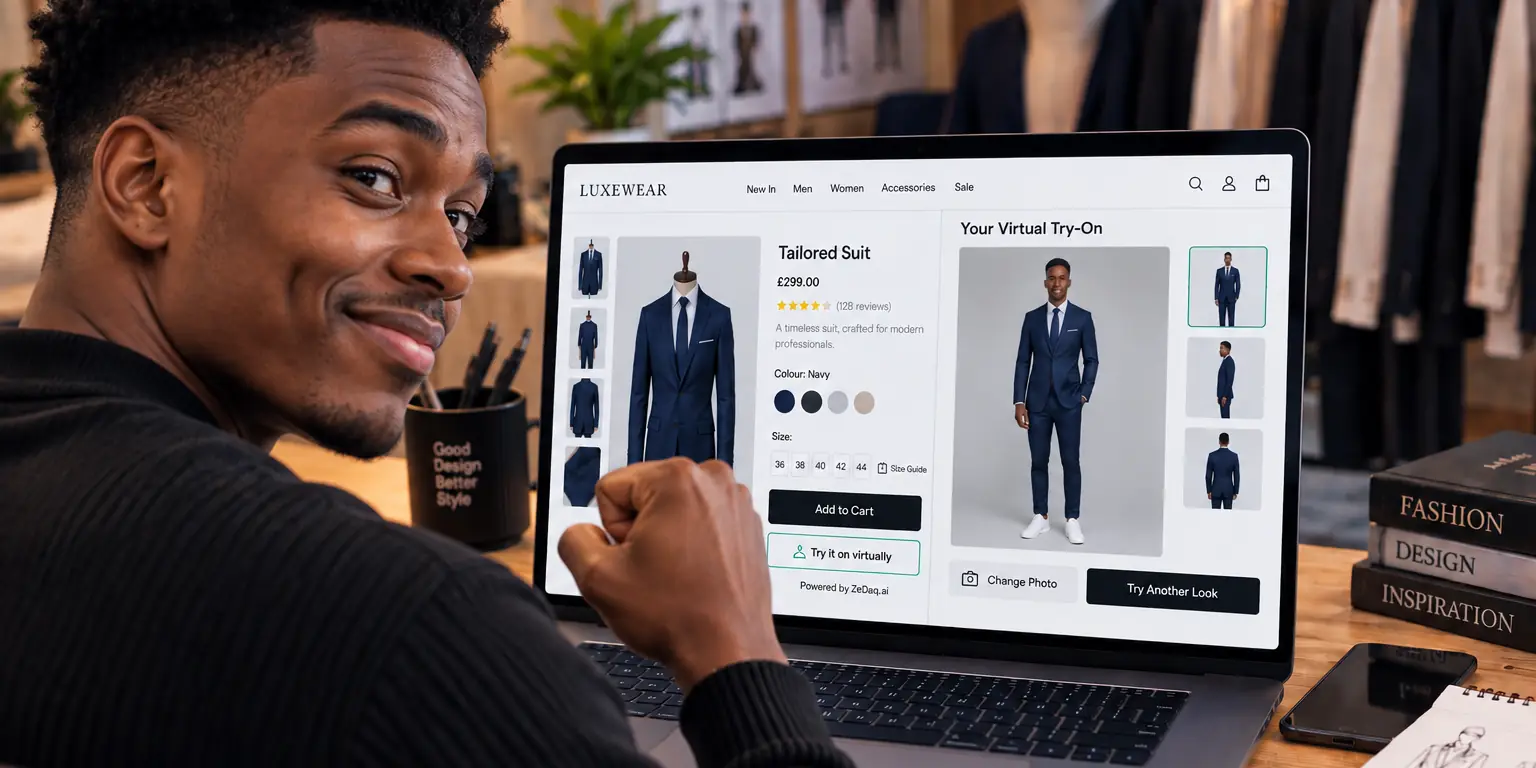
Virtual Try-On for Jackets and Coats: Showing Length and Volume
By the ZeDaq.ai team · · 6 min read
On this page
- Why are jackets and coats harder to show online?
- What does virtual try-on show for outerwear?
- What measurements should an outerwear page include?
- How should shoppers photograph themselves for outerwear?
- How do you set up a size chart for jackets and coats?
- How should you photograph jackets and coats for try-on?
- How do you write fit notes for outerwear?
- How do you test it before launch?
- How does season affect jackets and coats online?
- What other garment types should you cover?
Virtual try-on shows a jacket or coat on the shopper's own body, which helps them judge length and how much room the garment has. It works best when you pair it with clear product photos, a few extra measurements and a size chart built for outerwear. Try-on is a visual preview, not a guarantee of fit.
This guide is for store owners who sell jackets and coats. It builds on the basics in our guide to virtual fitting rooms for clothing websites.
Why are jackets and coats harder to show online?
Outerwear is three-dimensional in a way a T-shirt is not. A coat has structure, padding, a collar and often a lining, so a flat photo hides how it hangs.
Shoppers worry about four things:
- Length. Does it end at the hip, thigh or knee on my height?
- Volume. Is it boxy, tapered or oversized?
- Layering. Will it fit over a sweater?
- Shoulders and sleeves. Do they sit where they should?
A product photo on a model answers these only for that model's body. Try-on lets the shopper see the same garment on theirs.
See how your own photo looks in a garment
Try it on yourself
Live renderUpload a photo, pick a piece, see it rendered on you.
Pick something to try on
What does virtual try-on show for outerwear?
With ZeDaq.ai, the shopper uploads one photo and sees your store's real garment on their body. That gives them a view of the overall silhouette and where the hem lands on their frame.
What it does not do is replace the numbers. How much room a coat has for layers depends on the cut, which the picture alone may not make clear. So give shoppers the measurements too.
What measurements should an outerwear page include?
Add a short block of garment details next to the try-on button. Shoppers use these to check what the preview suggests.
- Back length from collar seam to hem.
- Sleeve length from shoulder seam to cuff.
- Chest or pit-to-pit width, flat.
- Fit note, such as "cut roomy for layering" or "close to the body."
- Model details, including the height of the model and the size shown.
Say whether your measurements are of the garment or of the body. Mixing them up is a common cause of confusion. The guide to writing size guides that actually reduce returns covers this in detail.
How should shoppers photograph themselves for outerwear?
The preview depends on the shopper's photo as well as yours. Tell shoppers what works before they upload:
- Stand straight, facing the camera, with arms slightly away from the body.
- Wear fitted clothes, not a bulky coat, so the garment is placed on their real shape.
- Use a plain background and good light.
- Show the whole body, from head to feet.
Put these tips in one short line near the button.
How do you set up a size chart for jackets and coats?
Outerwear needs its own chart, separate from tops. A coat is worn over other layers, so it often runs larger than a shirt in the same label.
In ZeDaq.ai, merchants enter their own size guide in the Dashboard under Size charts, or in the Shopify app. There is one chart per garment type: tops, outerwear, dresses and bottoms. The body scan matches the shopper's measurements to your outerwear chart and recommends your own size labels. When a shopper falls between sizes, it picks the larger size for the largest relevant measurement.
That roomier pick suits outerwear, because a slightly generous coat still works over a sweater, while a tight one does not.
How should you photograph jackets and coats for try-on?
Good inputs give better previews. Follow this checklist:
- Shoot the garment straight on, fully visible, on a plain background.
- Show it closed and in the way you want it worn.
- Avoid heavy shadows that hide the edges of the hem and sleeves.
- Use the same photo style across your outerwear range.
- Add a side view and a back view as normal product images.
Dark, textured or layered pieces like quilted coats can be harder to read in a photo. Test those first before you switch the feature on for the whole collection.
How do you write fit notes for outerwear?
A good fit note is one line that sets expectations before the shopper tries anything on. Use plain words and say what the garment is meant to do.
Here are examples you can adapt:
- "Cut roomy through the body. Fits over a medium-weight sweater."
- "Close fit. Size up if you plan to layer."
- "Hip length on our model. Longer on shorter frames."
- "Boxy shoulders and wide sleeves. Choose your usual size for an oversized look."
Put the note beside the size selector, not at the bottom of the page. Update it when customers keep asking the same question.
How do you test it before launch?
Run the same test on several coats, not just one:
- Try the longest and the shortest style in your range.
- Try a puffer or quilted piece and a structured wool piece, since they behave differently.
- Upload photos in different poses and clothing, such as a fitted T-shirt and a loose top.
- Compare the preview with the real garment on a staff member.
- Note anything that looks wrong, and keep that style out of the rollout until you understand why.
How does season affect jackets and coats online?
Coat sales cluster in colder months, and so do fit problems. Shoppers buy for a layering plan that you can't see. The article on seasonal fit problems for coats, swimwear and formalwear explains what to expect and how to prepare.
Before peak season, test your five best-selling coats with the try-on button on your phone, and read your fit notes aloud as a shopper would.
What other garment types should you cover?
Outerwear is one of several categories where try-on helps. Dresses have their own considerations, such as flow and length, covered in virtual try-on for dresses. For tops, see virtual try-on for shirts and blouses.
If your store is not on Shopify, the widget works on other platforms too. The options for virtual try-on on PrestaShop are one example.
ZeDaq.ai has a Free plan at $0 with 3 try-ons and 3 measurements a month, and paid plans start at Micro for $14 a month with a 3-day free trial and no card required.
Try it on a coat of your own
FAQs
Can virtual try-on show how a coat fits over a sweater?
Try-on shows the garment on the shopper's photo, as they are dressed in it. Layering depends on the cut and thickness, so add a fit note and measurements.
Does try-on work for long coats?
It can show where the hem lands on the shopper's body. Test with your longest styles and a few different photos first.
Do I need a separate size chart for outerwear?
Yes. Outerwear is worn over other clothing, so give it its own chart rather than reusing your tops chart.
Which jackets should I test first?
Start with your best sellers and your most-returned pieces. That shows quickly whether previews and fit notes help.
Try ZeDaq.ai free
Virtual try-on and Find my size for your store, plus client, order and invoicing tools for tailors, in one subscription.

