Measurement Sheet Template for Tailors
By the ZeDaq.ai team · · 4 min read
On this page
A good tailor measurement sheet has four parts: client details, body measurements, fit notes and a sign-off line. Copy the template below into a notebook, a spreadsheet or a document and adjust it to your own style of work.
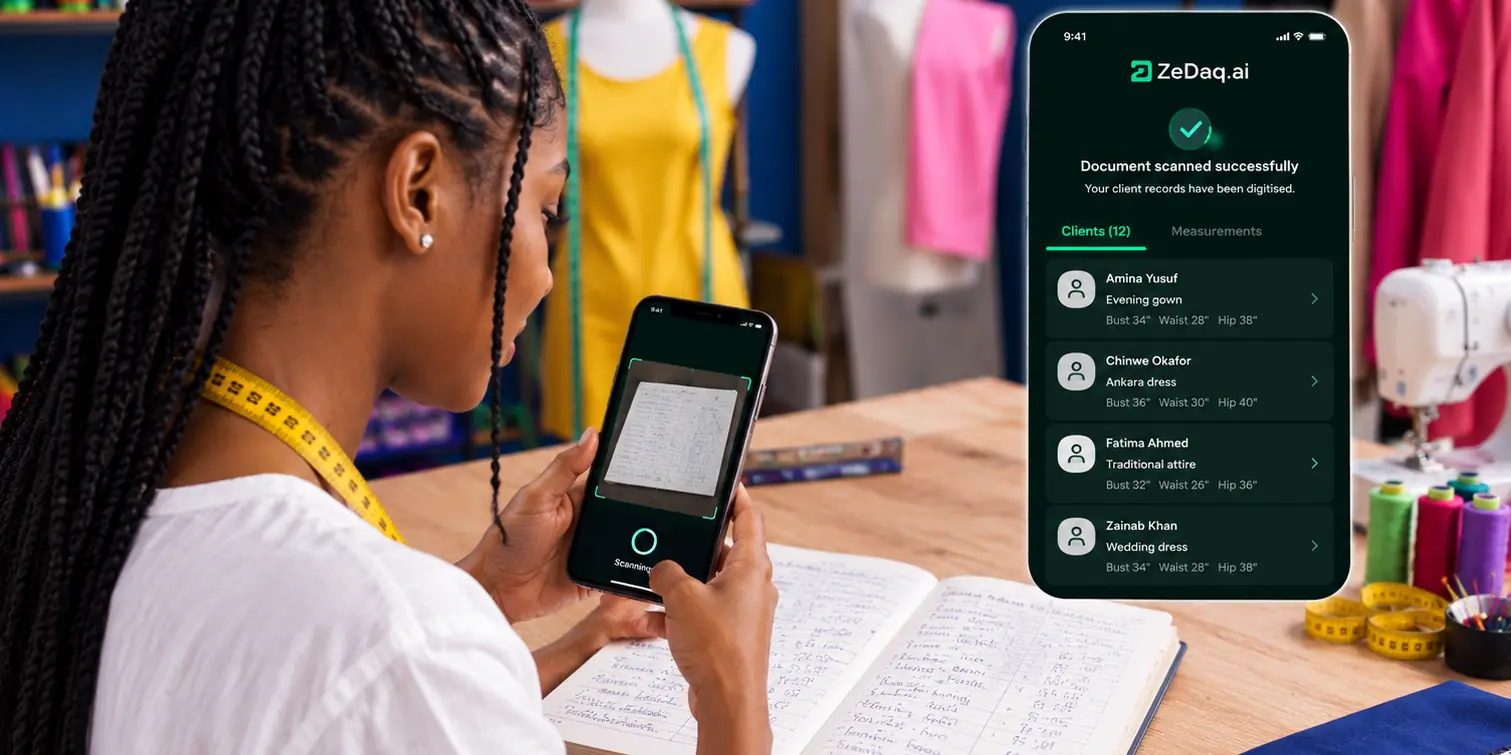
Using one sheet for every client means you never forget a point and can compare orders over time. If you want those records to live in a phone app instead of paper, see how ZeDaq.ai works for tailors. The template is an example layout, not a published standard.
What should a tailor measurement sheet include?
Include everything you need to cut and fit the garment without calling the client again. Group the sheet into sections so it is quick to fill in.
- Client details. Name, phone, email and the date.
- Order details. Garment type, fabric, due date and event.
- Body measurements. Upper body, lower body and lengths.
- Fit notes. Posture, preferences and changes since the last order.
- Sign-off. Client confirmation that the numbers are right.
What does the template look like?
Copy these tables. Add or remove rows for your own work.
Client and order details
| Field | Entry |
|---|---|
| Client name | |
| Phone / email | |
| Date measured | |
| Measured by | |
| Garment | |
| Fabric | |
| Due date | |
| Occasion |
Upper body
| Measurement | Value | Unit |
|---|---|---|
| Neck | ||
| Shoulder width | ||
| Chest / bust | ||
| Underbust (if needed) | ||
| Waist | ||
| Sleeve length | ||
| Upper arm | ||
| Wrist | ||
| Back length (nape to waist) | ||
| Front length |
Lower body
| Measurement | Value | Unit |
|---|---|---|
| Waist | ||
| Seat / hip | ||
| Thigh | ||
| Knee | ||
| Rise | ||
| Inseam | ||
| Outseam | ||
| Hem / leg opening |
Fit notes
| Note | Entry |
|---|---|
| Posture | |
| Shoulders (sloping / square / uneven) | |
| Preferred fit (slim / regular / loose) | |
| Wears with (shoes / layers) | |
| Changes since last order | |
| Special requests |
Sign-off
| Item | Entry |
|---|---|
| Client confirms measurements | |
| Signature or message reply | |
| Date |
How do you use the sheet well?
Fill in every field, even if you only write "n/a". A blank can mean you forgot, and a note means you checked.
Follow these habits:
- Pick one unit, centimeters or inches, and write it on the sheet.
- Measure over light clothing and keep the tape snug but not tight.
- Repeat any number that looks odd.
- Ask the client to read the numbers back and confirm.
- Record the date, because bodies change.
How do you adapt the template for different garments?
Keep the full sheet for a client's first visit, then trim it for repeat orders. A returning client who wants a new shirt only needs the upper body table checked against the date of the last visit.
For special garments, add a short extra table. A gown might need underbust and floor length, and a jacket might need back width. Save each version as its own template so you can reuse it.
Which measurements do you add for trousers or shirts?
The template above covers a general set. For garment-specific points, use dedicated lists. The guide to measurements a tailor needs for a shirt covers collar, yoke and cuff points, and trouser measurements for tailors covers rise, thigh and inseam.
What mistakes should you avoid?
Most errors come from habit, not skill. Measuring over bulky clothes, mixing units and skipping posture notes are common ones. The article on common measurement mistakes tailors make lists more, with fixes.
Should you use paper, a spreadsheet or an app?
Each works. Choose the one you will actually use for every client.
| Format | Strength | Weakness |
|---|---|---|
| Paper card | Quick, no battery | Easy to lose, hard to search |
| Spreadsheet | Searchable, easy to copy | Needs a device and tidy habits |
| App | Stored with orders and clients | Needs a phone and setup |
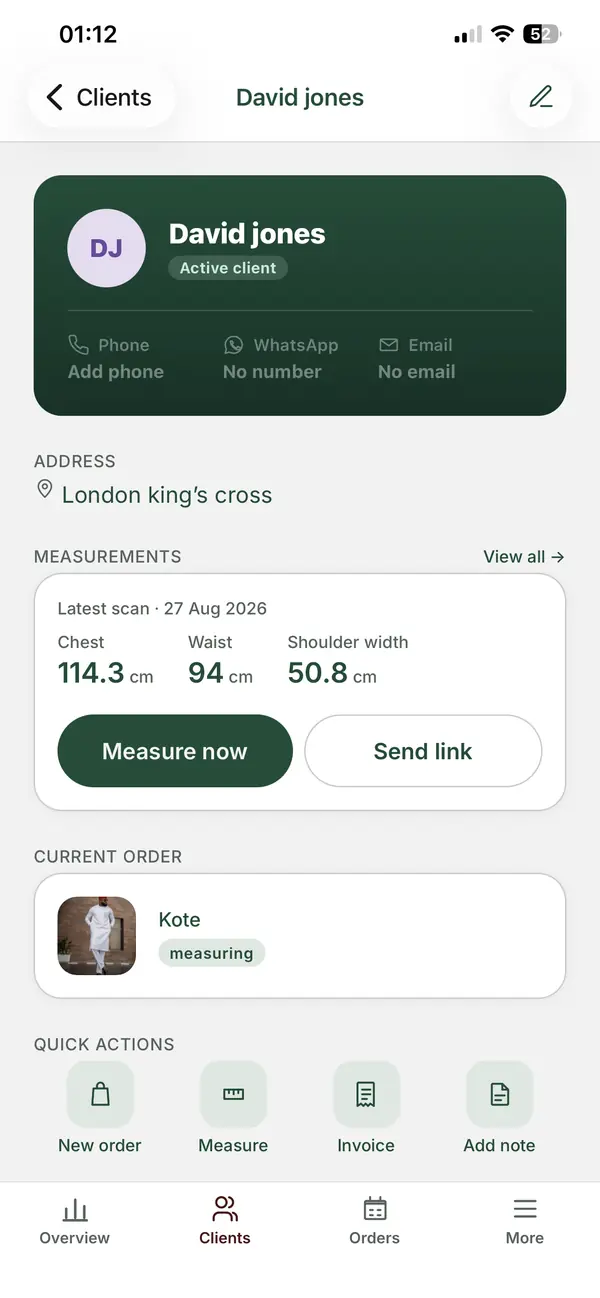
ZeDaq Business is a mobile app for iOS and Android with a client CRM, measurements through a link the client opens on their phone, orders with a delivery calendar, and invoicing in multiple currencies, including NGN, GBP and USD. If you already have a paper book, the article on invoice templates for tailors covers the billing side.
When you compare tools, see the best measurement apps for tailors compared.
Keep your measurement sheets on your phone
FAQs
How many measurements does a basic sheet need?
Enough to cut the garment without guessing. A general sheet might have about twenty points, and each garment type adds its own.
Should clients sign the measurement sheet?
A signature or a written reply confirming the numbers helps avoid disputes. It is good practice, not a legal requirement everywhere.
How often should I re-measure a returning client?
Re-measure whenever the garment is for a new occasion or the client's body may have changed. Always check the date on the old sheet.
Can clients send their own measurements?
Yes, with a link or a guide. Check them, because home numbers are often less accurate.
Try ZeDaq.ai free
Virtual try-on and Find my size for your store, plus client, order and invoicing tools for tailors, in one subscription.

