Vue.ai and ZeDaq.ai Compared: Retail AI Suite vs Focused Fit Tools
By the ZeDaq.ai team · · 7 min read
On this page
Vue.ai and ZeDaq.ai solve different problems: Vue.ai is a broad retail AI platform for large teams, while ZeDaq.ai is a focused tool for virtual try-on and size recommendation. If you want one vendor to run data cleanup, product tagging, personalization and automation, Vue.ai is built for that. If you want shoppers to see your garment on their own photo and get a size from your own chart, ZeDaq.ai is the narrower fit.
This guide compares the two from their public pages, checked November 2026. For the wider field of try-on tools, see our roundup of the best AI try-on apps for Shopify.
What is Vue.ai, according to its own website?
Vue.ai calls itself an "Enterprise AI Orchestration Platform" on its homepage (checked November 2026). Its headline is "The Only AI Platform You Will Ever Need."
The site groups the platform into four hubs:
- Data Hub
- Automation Hub
- Customer Hub
- Optimization Hub
The solutions it lists include data cleanup and organization, product tagging, content moderation, personalization, audience building, journey orchestration, document processing, workflow automation and lead generation.
Retail is one of several industries it serves. The homepage names eCommerce and consumer retail alongside insurance, financial services and logistics. That breadth is the main point to understand: Vue.ai is a platform a retailer adopts across many teams, not a single storefront feature.
What does Vue.ai offer for trying on clothes?
Vue.ai lists "Virtual dressing rooms" as an eCommerce use case. Its Virtual Dressing Room page (checked November 2026) says it helps shoppers "view products on models that are most similar to them."
From that page:
- Shoppers pick a model from a library of "diverse models of different ethnicities, shapes, and sizes."
- They can mix and match products and build outfits.
- They can adjust the look, such as tucking in a top, choosing a pose or picking a custom background.
- It uses a type of AI called a Generative Adversarial Network (GAN) to create images of products on models.
- The retailer sets the interface and model customizations before adding it to the store.
The page describes choosing a model that resembles the shopper. It doesn't describe shoppers uploading their own photo. Vue.ai doesn't publish prices on either page. Both offer a demo request instead.
Try ZeDaq.ai on your own photo
Try it on yourself
Live renderUpload a photo, pick a piece, see it rendered on you.
Pick something to try on
What is ZeDaq.ai built to do?
ZeDaq.ai does a small number of things for fashion stores and tailors:
- AI virtual try-on. The shopper uploads one photo and sees your real garment on their own body.
- Find my size. The shopper adds one photo plus their height. The photo is measured on their own device, and the measurements are matched to your size chart. You add one chart per garment type: tops, outerwear, dresses and bottoms. If a shopper falls between two sizes, it suggests the larger one.
- Live-camera eyewear try-on for glasses and sunglasses.
- Tailor tools, including a client CRM, measurement links, orders with a delivery calendar, and invoices in multiple currencies.
It doesn't do data cleanup, product tagging, content moderation or marketing automation. If you need those, ZeDaq.ai won't replace a platform like Vue.ai.
How do the two compare side by side?
This table uses only what each company publishes. Vue.ai details come from its homepage and Virtual Dressing Room page, checked November 2026.
| Vue.ai | ZeDaq.ai | |
|---|---|---|
| What it is | Enterprise AI orchestration platform | Try-on and sizing tool for fashion stores, plus tailor tools |
| Industries named | eCommerce and retail, insurance, financial services, logistics | Fashion stores, eyewear, tailors and designers |
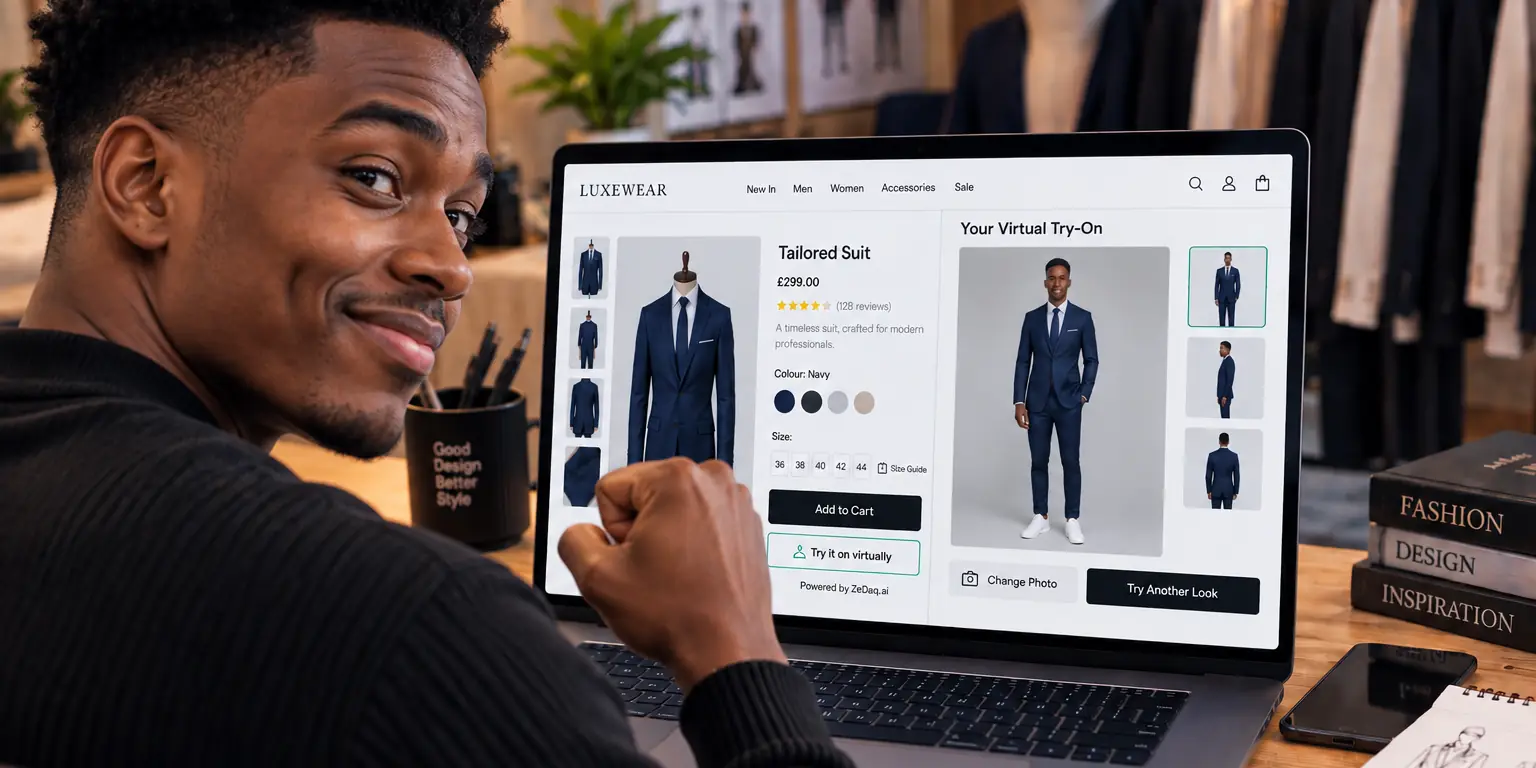
| Try-on approach | Products shown on a model similar to the shopper | Garment shown on the shopper's own photo |
| Size recommendation | Not listed on the homepage | One photo plus height, matched to your own size chart |
| Other modules | Data, automation, customer and optimization hubs | Live-camera eyewear try-on, tailor CRM, invoicing |
| How you add it | Customized by the retailer, demo-led | Shopify app, script tag, or REST API |
| Published pricing | None, demo request | Free plan, paid plans from Micro at $14/mo |
Which one suits your store?
The choice usually comes down to the size of your team and how many problems you want one vendor to solve.
When Vue.ai is likely the better fit
- You run a large retail business with data, merchandising and marketing teams.
- You want product tagging, personalization and automation from one vendor.
- You prefer showing products on curated models rather than on shopper photos.
- You're comfortable with a demo-led sales process and custom setup.
When ZeDaq.ai is likely the better fit
- You run a small or mid-sized fashion store and want try-on and sizing now.
- You want shoppers to see the garment on their own photo.
- You want size suggestions in your own labels, from your own chart.
- You want to install it yourself and see prices before you talk to anyone.
A worked example: two different stores
Picture two businesses weighing the same decision.
Store A is a department-store group with its own data team. Its catalog changes daily, product tags are inconsistent, and marketing wants audience segments built from browsing data. A fitting feature is one item on a long list. A platform such as Vue.ai, which lists data cleanup, product tagging and audience building in one place, matches the scale of that problem. The team should expect a demo, a scoping call and a custom rollout.
Store B is a small dresses label on Shopify. The owner handles the catalog, and the most common customer message is "which size should I order?" The label doesn't need product tagging or journey orchestration. It needs a size answer in its own labels and a way for shoppers to picture the dress on themselves. A focused tool like ZeDaq.ai can be installed by the owner without a sales call, tested on the Free plan and switched off if it doesn't help.
Most stores fall somewhere between these two. Write down the three problems you most want solved this quarter, then check which vendor's public pages actually describe those problems.
Some stores may use both kinds of tool. A large retailer could run a platform for catalog data and add a focused fitting tool on product pages. Check that the two don't put competing buttons in the same spot.
How do you add ZeDaq.ai to a store?
There are three ways, depending on your platform:
- Shopify. Install the ZeDaq.ai app from the Shopify App Store and switch on its app embed in the Theme Editor.
- WooCommerce, Wix, Squarespace or a custom site. Paste the script tag into your product template:
<script src="https://www.zedaq.ai/widget/zedaq.js" data-key="…" defer>. The key is locked to your store's domain, so it won't work if someone copies it to another site. - Your own app or checkout. Call the REST API with your API key.
The step-by-step guide to adding try-on to a Shopify store covers the app embed, garment types and testing on your phone.
Before you go live, enter your size chart in the dashboard. Use body measurements, not flat garment widths, and give each garment type its own chart.
What does each one cost?
Vue.ai doesn't list prices on the pages we checked. You'll need to request a demo for a quote.
ZeDaq.ai lists its prices on its pricing page:
| Plan | Price |
|---|---|
| Free | $0 |
| Micro | $14/mo |
| Starter | $49/mo |
| Growth | $129/mo |
| Scale | $299/mo |
Every paid plan has a 3-day free trial with no card required. Try-ons and measurements are counted against your plan each month.
How should you evaluate any fit vendor?
Whichever direction you lean, run the same checks:
- Test with your own products. Use real product photos and real staff, not the vendor's demo catalog.
- Check whose sizes it uses. A suggestion in your own labels is easier for shoppers to trust than a generic size.
- Ask where photos go. Find out what is processed on the shopper's device and what is sent to a server.
- Count the setup work. Note who on your team has to set it up and maintain it.
- Read vendor results carefully. Results published by a vendor come from its own customers and setups, so treat them as a starting point for your own test.
If sizing is your main concern, compare dedicated tools too. Our guide to Easysize and ZeDaq.ai sizing looks at another focused sizing approach.
Some sizing tools compare garments rather than measuring the shopper. Our breakdown of Virtusize and ZeDaq.ai size comparison explains how that method differs.
Test try-on and sizing on your own products
FAQs
Does Vue.ai let shoppers upload their own photo?
Its Virtual Dressing Room page describes shoppers choosing a model similar to them, not uploading a photo. Ask Vue.ai directly if you need that.
Can ZeDaq.ai replace a full retail AI platform?
No. ZeDaq.ai covers try-on, size recommendation, eyewear try-on and tailor tools. It doesn't offer data cleanup, product tagging or marketing automation.
Does ZeDaq.ai work outside Shopify?
Yes. You can use the script tag on WooCommerce, Wix, Squarespace and custom sites, or call the REST API.
Does ZeDaq.ai have App Store reviews?
Not yet. The ZeDaq.ai listing has no reviews so far, so testing it on your own store is the best way to judge it.
Try ZeDaq.ai free
Virtual try-on and Find my size for your store, plus client, order and invoicing tools for tailors, in one subscription.

