Sizebay Alternatives for Fashion Stores
By the ZeDaq.ai team · · 8 min read
On this page
The main Sizebay alternatives for fashion stores are ZeDaq.ai, Virtusize, Kiwi Size Chart & Recommender, 3DLOOK and FASHN. Each one sizes or shows clothes in a different way, so the right pick depends on what you want shoppers to give you: a photo, their past purchases, a few answers or nothing at all.
ZeDaq.ai publishes this blog, so every competitor detail below comes from that company's own public page, checked November 2026. Tools change often, so confirm details before you sign up. If you mainly want a try-on app rather than a sizing tool, start with our ranked list of Shopify try-on apps.
What does Sizebay do, and why look elsewhere?
Sizebay calls its Size & Fit product "The world's leading size recommendation tool" on its homepage (checked November 2026). For clothes, the same page says shoppers get a size "with only their height, weight, and age."
The homepage also lists shoe sizing, product size charts, a try-on that uses the shopper's own photo, and a Fashion Hub with visual search and outfit tools. It does not name the store platforms it supports.
Stores usually compare alternatives for one of four reasons:
- They want a different input. Some owners prefer a measurement from a photo over a guess from height and weight.
- They want to manage their own charts. A self-serve chart editor suits stores that change ranges often.
- They want clear public pricing. Some tools list monthly prices, and some ask you to talk to sales.
- They only need part of the suite. A small store may want a size chart pop-up and nothing else.
Which Sizebay alternatives should you consider?
ZeDaq.ai: sizing from one photo plus height
ZeDaq.ai sizes shoppers with a 30-second body scan. The shopper uploads one photo and types their height. The measurements are matched to your own size chart, with a generic UK, US, EU or AU chart as a fallback.
You enter your size guide yourself in Dashboard → Size charts, or in the Shopify app. You can add one chart per garment type: tops, outerwear, dresses and bottoms. When a shopper sits between sizes, the scan sizes up to the largest relevant measurement.
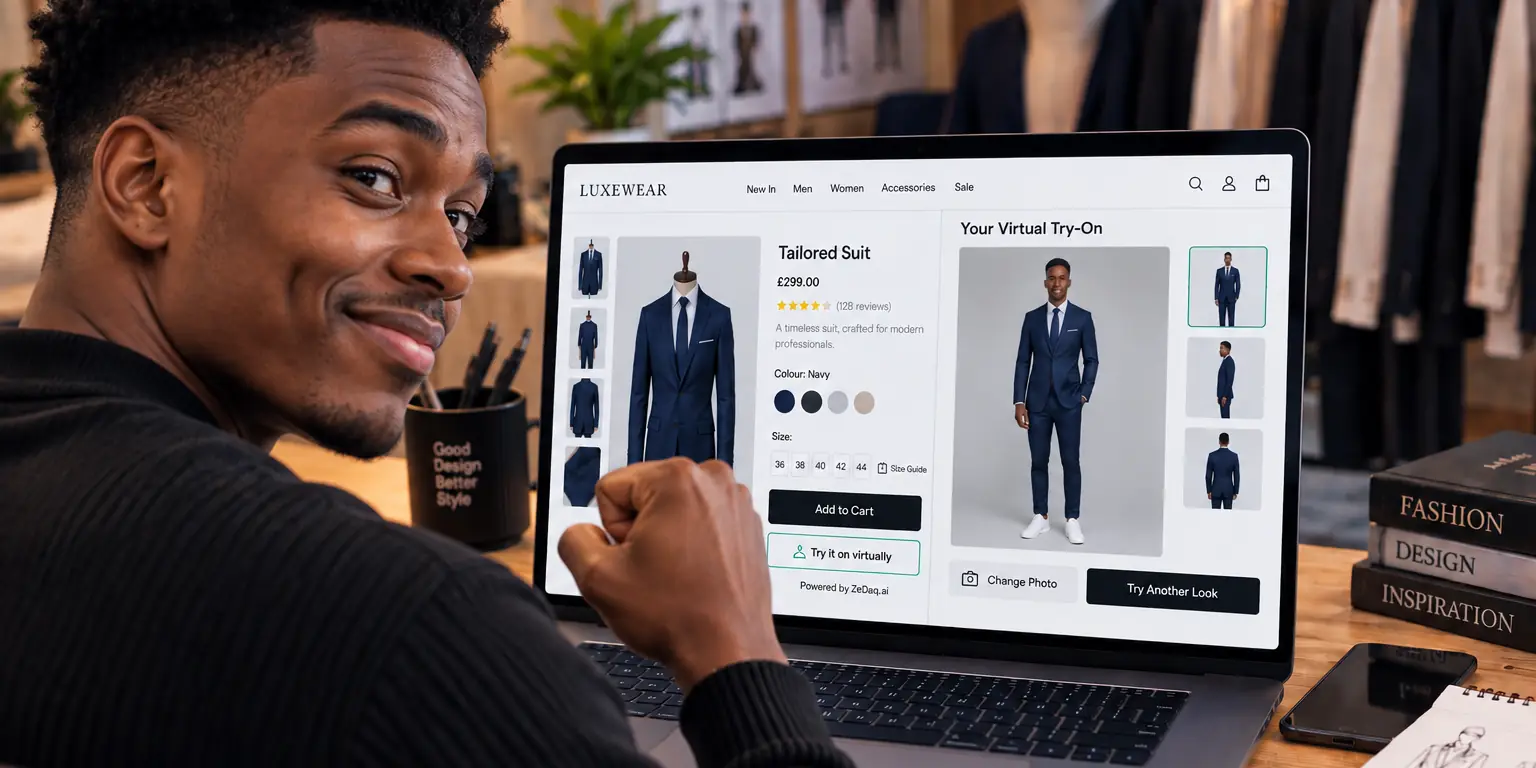
The same scan sits next to AI virtual try-on, so the shopper sees your real garment on their own body. It runs as a Shopify app, a REST API, or a script-tag widget for WooCommerce, Wix, Squarespace, BigCommerce and custom sites.
Try the photo scan on yourself
Try it on yourself
Live renderUpload a photo, pick a piece, see it rendered on you.
Pick something to try on
Virtusize: fit intelligence and visual charts
Virtusize describes itself as "AI fit intelligence" on its homepage (checked November 2026). The page says shoppers get their size in under 30 seconds and that it covers apparel, footwear, bags and kids.
It also lists Virtusize Table, which it calls "Visual size charts," and a data product called Virtusize Intelligence. Setup uses two script tags, and you can upload size data as CSV, Excel or PDF.
The homepage names Shopify, Magento, WooCommerce, Salesforce Commerce Cloud, BigCommerce and custom setups. For Shopify, it lists "$1 for the first month, then from $39/mo," with custom pricing for larger brands.
Kiwi Size Chart & Recommender: a chart-first Shopify app
Kiwi is a size chart app with a recommender built in. Its Shopify App Store listing (checked November 2026) shows four plans: Free, Premium at $7.99/month, Plus at $14.99/month and Ultimate at $26.99/month.
The listing says you can import size charts "from images, product descriptions, or CSV." It also lists AI-powered size recommendations and guides that apply to whole collections. Paid plans include a 14-day free trial.
Kiwi suits stores whose main problem is a missing or messy size chart. We cover more chart-led tools in our guide to Kiwi Sizing alternatives.
3DLOOK: body scanning through an SDK
3DLOOK offers AI body scanning. Its homepage (checked November 2026) says it needs two photos and gives over 80 body measurements. It offers mobile camera SDKs for Android and iOS, plus an API.
The homepage now leads with weight loss, fitness, nutrition and telehealth use cases. It also lists a Mobile Tailor product for made-to-measure work. If you want a scan inside your own app, it is worth a look. For a closer view, read our 3DLOOK alternatives roundup.
FASHN: try-on images, not sizing
FASHN fits a different gap. Its homepage (checked November 2026) lists product photos, AI models, fashion videos and its own virtual try-on model, plus an API.
The page does not describe a size recommendation feature. Consider it if your goal is better product imagery, and pair it with a separate sizing tool.
How do the Sizebay alternatives compare at a glance?
All competitor details below come from each company's linked page, checked November 2026.
| Tool | What the shopper gives | Main job | Platforms named on its site | Public price |
|---|---|---|---|---|
| Sizebay | Height, weight and age | Size recommendation suite | Not named on homepage | Not shown on homepage |
| ZeDaq.ai | One photo plus height | Photo sizing and try-on | Shopify, API, widget for other sites | Free to $299/mo |
| Virtusize | Not detailed on homepage | Fit recommendation | Shopify, Magento, WooCommerce and more | From $39/mo on Shopify |
| Kiwi | Nothing for the chart; inputs for recommender not listed | Size charts | Shopify | Free to $26.99/mo |
| 3DLOOK | Two photos | Body measurements | Android and iOS SDKs, API | Not shown on homepage |
| FASHN | A model or person image | Try-on and product visuals | Web app, API, mobile apps | See its pricing page |
How do you choose between them?
Work through these questions in order. Most stores can rule out three tools within a few minutes.
- Do you need a size, a picture, or both? If you only need images, FASHN fits. If you need a size, keep reading.
- What will your shoppers share? Some shoppers skip forms. Others won't upload a photo. Watch real customers on your store before you choose.
- Who maintains the charts? Kiwi and ZeDaq.ai let you edit charts yourself. Ask other vendors who updates the ranges when your patterns change.
- Which platform are you on? Shopify stores have the most options. WooCommerce, Wix and custom stores need a script tag or an API.
- Can you see the price? If a vendor shows no price, ask for a quote in writing before you plan a rollout.
If you're still unsure how a sizing engine turns inputs into a label, our explainer on how AI size recommendation works covers the basics in plain language.
What should you test before you switch?
Run a short trial on your own products before you move away from any tool. A good test takes one afternoon.
- Pick three products that cause fit questions. Jeans, fitted dresses and tailored jackets show differences quickly.
- Size five real people. Use staff or friends with known sizes in your brand.
- Compare the suggestion to the size they actually wear. Note where each tool is right, close or off.
- Time the shopper flow on a phone. Count the taps from product page to size label.
- Check what happens with no chart. See whether the tool falls back to a standard chart or shows nothing.
Write the results in a simple table. A tool that matches your fitting room on four of five people is a better start than one with more features but weaker fit.
If Virtusize is also on your shortlist, our comparison of Virtusize alternatives covers the switch from that side.
Should sizing and try-on come from the same tool?
It helps when they do, but it isn't required. Shoppers ask two questions on a product page: "Will it fit?" and "Will it suit me?" One tool that answers both keeps the page simpler.
With ZeDaq.ai, "Find my size" sits inside the same window as "Try it on." The shopper uploads one photo, sees the garment on their body, then gets a size from your chart. Sizebay's homepage also pairs try-on with size recommendation.
Using two vendors has trade-offs:
- Two scripts on the page. Each one adds loading work on mobile.
- Two dashboards. Your team updates charts in one place and product images in another.
- Two bills. Compare the combined cost with a single plan.
If you already have strong product imagery, a sizing-only tool may be all you need. If shoppers often ask how a style looks on a different body, a combined tool is worth testing first.
What does ZeDaq.ai cost?
ZeDaq.ai lists its plans on the pricing page:
| Plan | Price | Notes |
|---|---|---|
| Free | $0 | 3 try-ons, 3 measurements and 5 invoices a month |
| Micro | $14/mo | |
| Starter | $49/mo | |
| Growth | $129/mo | |
| Scale | $299/mo |
Every paid plan has a 3-day free trial with no card required. Each size scan uses one measurement from your plan, so the Free plan is enough to test with a few people.
Test photo sizing on your own products
FAQs
Is Sizebay's recommendation based on a photo?
Its homepage says clothing sizes come from height, weight and age. A separate try-on feature uses the shopper's own photo to show looks.
Which Sizebay alternative works without Shopify?
ZeDaq.ai offers a script-tag widget and a REST API for non-Shopify sites. Virtusize's homepage also names Magento, WooCommerce, BigCommerce and custom setups.
Can I keep my existing size chart when I switch?
Yes, with most tools. ZeDaq.ai lets you type your own ranges per garment type, and Kiwi's listing says it can import charts from CSV or images.
Does ZeDaq.ai have an app for shoppers?
No. Shoppers use try-on and "Find my size" on your store's own site. The only ZeDaq.ai app is ZeDaq Business, which is for tailors and designers.
Try ZeDaq.ai free
Virtual try-on and Find my size for your store, plus client, order and invoicing tools for tailors, in one subscription.

