How to Reduce "Item Not as Described" Returns
By the ZeDaq.ai team · · 5 min read
On this page
- Why do shoppers say an item was not as described?
- How do you find where your descriptions fail?
- What should every product description include?
- How should you photograph products to avoid surprises?
- How can fit tools prevent description mismatches?
- What should you do after the order is placed?
- What is a worked example of fixing one product page?
- How do you keep descriptions accurate over time?
To reduce "item not as described" returns, make your product page match what arrives in the box: photograph the real garment, write fit and fabric details in plain words, and tell shoppers what could look different. Every gap between the page and the parcel is a possible return.
This guide gives you a practical audit you can run on your catalog. It builds on our wider work on AI size recommendation for fashion stores, because fit is the most common thing shoppers feel was "not as described."
Why do shoppers say an item was not as described?
Shoppers use this reason when the product feels different from what they expected. It covers more than a wrong item. Common causes are:
- Fit: the shirt looked oversized on the model but is slim in real life.
- Fabric: the material feels thinner, stiffer or shinier than the photo suggested.
- Color: the shade on a screen differs from the garment.
- Details: pockets, lining, length or trims that the page never mentioned.
- Quality: stitching or finish that doesn't match the product images.
Each cause has a fix on the product page, so start by finding which one shows up most in your return notes.
How do you find where your descriptions fail?
Read your return reasons and customer messages for the last few months. Tag each one with a cause from the list above, then count them.
Do this for your top ten returned products first. You will usually see the same one or two causes repeat, and that tells you where to spend your time. Our guide to handling "not what I ordered" complaints covers the customer-service side of the same problem.
What should every product description include?
Use a short template so nothing gets missed:
- Fabric and weight in words: "lightweight woven cotton, slightly sheer in white."
- Fit in one line: "cut loose through the body, hem hits mid-thigh."
- Model details: the model's height and the size they wear.
- Length and key measurements for the garment or the body size it suits.
- Care and shrinkage notes.
- Anything unusual: no pockets, runs small, handmade variation.
Plain statements beat marketing words. "Soft and luxurious" tells a shopper nothing, while "brushed cotton with a matte finish" tells them what to expect.
How should you photograph products to avoid surprises?
Show the garment the way it will arrive and be worn. A few habits help:
- Add a flat lay or hanger shot with no styling tricks.
- Include a close-up of the fabric so shoppers can judge texture.
- Show the garment on more than one body type, if you can.
- Avoid heavy editing that changes shade or texture.
Our product page checklist for fashion stores goes through photos, fit notes and try-on in more detail.
How can fit tools prevent description mismatches?
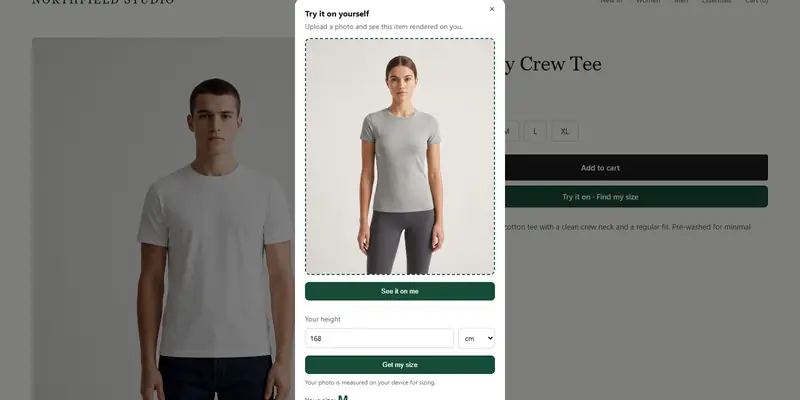
When fit is the surprise, words only go so far. A size recommendation matched to your own size chart tells the shopper which label suits their body, and a virtual try-on shows your real garment on a photo of them.
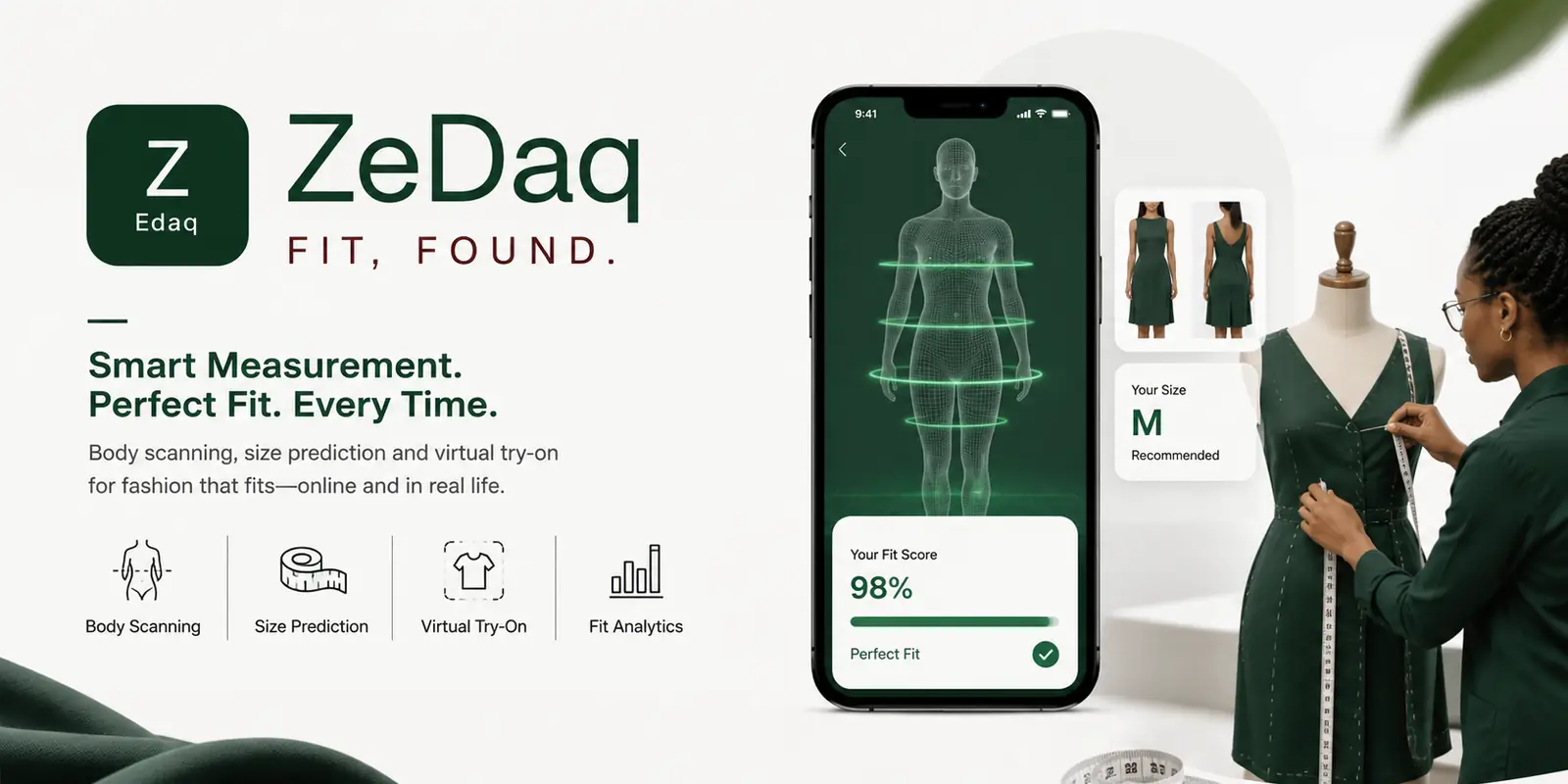
ZeDaq.ai offers both: shoppers upload one photo, and the store's real garment is shown on their body. Merchants enter their own size guide, with one chart per garment type, so the suggested size uses your labels. The size guide article on reducing returns explains how to write the chart itself.
What should you do after the order is placed?
Set expectations again before the parcel arrives. A short email that repeats the fit and fabric notes, and explains how to measure, can head off confusion. See our guide to post-purchase emails that prevent returns for ideas.
If a shopper still finds a garment doesn't fit, offering a fix can be better than a refund. The retailer's guide to offering alterations instead of returns shows how.
What is a worked example of fixing one product page?
Take a linen shirt with a steady stream of "not as described" returns. The return notes say "too sheer" and "wrinkles more than I expected."
Here is how you could fix the page:
- Photos: add a shot of the white shirt against a hand, so shoppers can judge how sheer it is.
- Fabric line: change "premium linen" to "lightweight linen, slightly sheer in white, creases with wear."
- Care note: add "iron on a low setting for a smooth finish, or embrace the relaxed look."
- Fit line: state whether it is cut loose or slim.
None of these changes makes the shirt a different product. They make the page tell the truth about it, which is what the shopper wanted all along.
How do you keep descriptions accurate over time?
Product details drift. A supplier changes a fabric blend, a factory changes a trim, or a new batch dyes slightly darker. Build a habit of checking:
- Each new batch: compare it with the page photos before you list it.
- Each return reason: add repeated complaints to the product page as a note.
- Each season: reread your top sellers' descriptions with fresh eyes.
Assign one person to own the product copy, so changes don't get lost between suppliers, photographers and customer support.
Help shoppers see the real fit before they buy
FAQs
What does "item not as described" mean?
It means the shopper believes the product differs from the listing in fit, color, fabric, details or quality. It can be a genuine listing error or a gap in expectations.
Are photos or text more important?
Both matter. Photos set the first impression, and text fills in what photos can't show, such as fabric weight and fit.
Should I show flaws and variations?
Yes, if they are part of the product, such as handmade variation. Saying so up front is better than a return later.
Can I track which descriptions cause the most returns?
Yes. Ask for a return reason at checkout or in your returns form, then group returns by product and reason to see which pages need work.
Try ZeDaq.ai free
Virtual try-on and Find my size for your store, plus client, order and invoicing tools for tailors, in one subscription.