GenLook Alternatives for Fashion Stores
By the ZeDaq.ai team · · 7 min read
On this page
The closest GenLook alternatives for fashion stores are ZeDaq.ai, Sizebay and True Fit, because all three list photo-based virtual try-on on their own sites. If what you really need is sizing rather than try-on, Virtusize and Kiwi Size Chart & Recommender are worth a look too.
A note before you read: ZeDaq.ai publishes this blog. To keep things fair, we only describe other tools from their own websites or Shopify App Store listings, linked below and checked November 2026. For a wider view of the market, start with our guide to AI virtual try-on apps for Shopify.
What does GenLook do?
GenLook is an AI virtual try-on app. According to GenLook's website (checked November 2026), shoppers upload a photo and see your products on themselves, using the product photos you already have. A try-on button appears on product pages, and setup needs no code.
Other features GenLook lists:
- Live Try-On with the shopper's camera, marked beta and Shopify only
- A Try-On API for developers
- An AI shopping assistant, marked beta, that suggests outfits and sizes
- An AI Size Chart, marked as coming soon
- Analytics comparing shoppers who tried on with those who didn't
- Shopper emails collected with consent and sent to Klaviyo or Shopify
GenLook says it works with Shopify, WooCommerce and PrestaShop, with an API for other platforms. It also says shopper photos are deleted after 7 days and aren't used to train AI models.
GenLook's Shopify App Store listing shows the Built for Shopify badge and a 5.0 rating from 41 reviews (checked November 2026). It has a free plan with 10 try-ons a month, then Starter at $19.99, Growth at $29 and Pro at $79 a month, with extra try-ons charged per use.
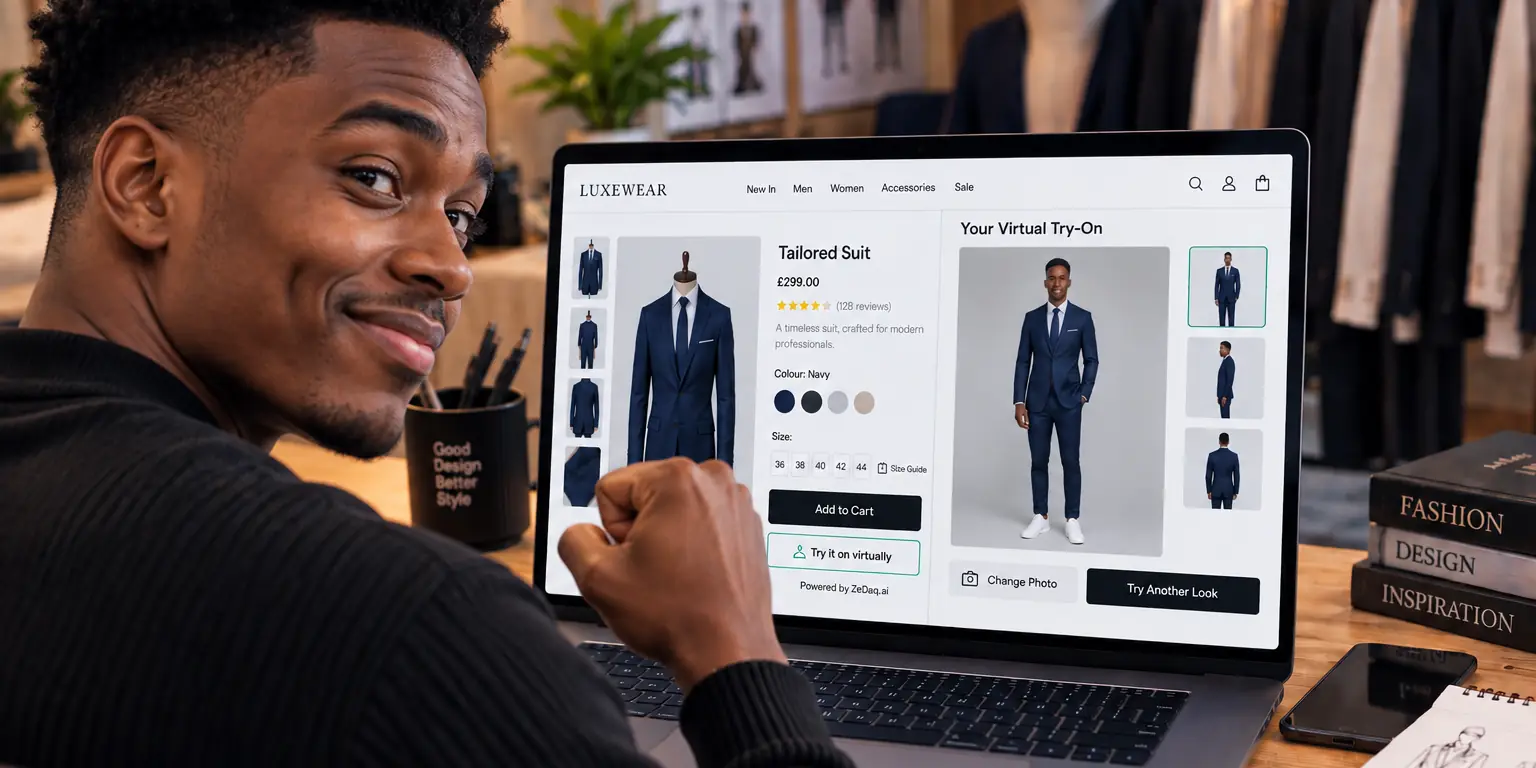
See a try-on render on your own photo
Try it on yourself
Live renderUpload a photo, pick a piece, see it rendered on you.
Pick something to try on
Why might a store look for apps like GenLook?
GenLook is well reviewed, so most stores that compare it are checking fit for their own setup. Typical reasons:
- Sizing built from a body scan. GenLook's size features are listed as beta or coming soon, and some stores want a measured size recommendation today.
- Their own size chart. A brand may want the recommended size to come straight from its own chart, per garment type.
- Other platforms. A store on Wix or Squarespace may want a tool that names its platform.
- Eyewear. An optical or sunglasses store may want live-camera try-on for frames.
- Pricing shape. Some teams prefer fixed monthly allowances, others prefer per-use charges.
Which Shopify try-on alternatives are there?
The table below covers tools that list virtual try-on on their own site, plus two sizing-first options for comparison.
| Tool | Try-on | Sizing | Published price | Source (checked November 2026) |
|---|---|---|---|---|
| GenLook | Photo try-on, live camera (beta) | AI assistant (beta), size chart (coming soon) | Free, then $19.99, $29 and $79/mo | Shopify App Store |
| ZeDaq.ai | Photo try-on, live-camera eyewear | One photo plus height, matched to your chart | Free, then from $14/mo | zedaq.ai/en/pricing |
| Sizebay | Try-on with the shopper's own photo | Height, weight and age | Not published; demo | sizebay.com |
| True Fit | Preview a style on the shopper's photo | Shopper data and fit preferences | Not published; demo | truefit.com |
| Virtusize | Not listed | Fit recommendations and visual size charts | Shopify: $1 first month, then from $39/mo | virtusize.com/pricing |
| Kiwi Size Chart & Recommender | Not listed | Size charts and AI recommenders | Free, then $7.99, $14.99 and $26.99/mo | Shopify App Store |
ZeDaq.ai
ZeDaq.ai shows the store's real garment on the shopper's uploaded photo. Its "Find my size" option takes one photo plus height, measures the shopper on their own device and matches the result to your size chart. You set up one chart per garment type (tops, outerwear, dresses and bottoms), and shoppers who fall between two sizes get the larger one.
It installs as a Shopify app, as a script tag for WooCommerce, Wix, Squarespace and custom sites, or through a REST API. It also offers live-camera eyewear try-on. Unlike GenLook, ZeDaq.ai has no Shopify App Store reviews yet, so you'll be judging it on your own tests. Our direct ZeDaq.ai vs GenLook comparison goes feature by feature.
Sizebay
Sizebay's website lists virtual try-on for clothes and shoes and a combined try-on and size recommendation, where shoppers use their own photo and find their size. Its clothing sizing asks for height, weight and age. It also offers product discovery tools such as image search and outfit looks.
True Fit
True Fit lists a virtual try-on that lets shoppers preview a style on their own photo and adds size and fit guidance to it. Its core is fit recommendation built from shopper data, and it is aimed at retailers and brands that book a demo.
Virtusize and Kiwi
Neither lists photo try-on on the pages we checked. They matter if your real problem is "which size?" rather than "how will it look?" Virtusize focuses on fit recommendations and visual size charts. Kiwi focuses on clear size charts with AI recommenders on higher plans. The full Virtusize alternatives guide covers that group in more detail.
How do you run a fair try-on pilot?
Reading feature lists only gets you so far. A short pilot on your own catalog shows how each app handles your products. Here is a simple two-week plan.
- Pick five products. Include one fitted item, one loose item, one patterned piece, one dark garment and your best seller.
- Recruit three testers. Choose people with different heights and body shapes. Your team is fine.
- Install one app at a time. Running two try-on buttons on one page confuses shoppers and muddles your notes.
- Score each render. Note whether the garment's color, pattern and length look right on each tester.
- Check the size advice. Compare the suggested size with what each tester actually wears in that item.
- Check the cost at your volume. Work out what a month would cost at your real traffic, using each vendor's published plans.
- Read the privacy terms. Note how long shopper photos are kept and whether they are used for training.
Write the results in one table. The tool that does best on your hardest product is usually the right one.
What to note for each render
Keep the scoring simple so testers stay consistent. For each product and tester, record:
- whether the garment looks like your real product, including color and print
- whether the length and fit look believable for that tester's height
- how long the render took, roughly, from upload to result
- whether the tester would trust the image enough to buy
Ask testers for one sentence on what felt off. Short comments such as "sleeves look too long" are more useful than a score alone, and they help you explain your choice to the rest of the team.
What to check on mobile
Most shoppers browse on their phones, so run every test on a phone as well as a laptop. Check that the try-on button is easy to find without scrolling, that photo upload works from the camera and the gallery, and that the result fits the screen. A tool that works well on desktop but feels clumsy on a phone will see little use.
How important is size recommendation alongside try-on?
Try-on answers "will I like how this looks?" Sizing answers "which size do I order?" Shoppers often need both before they buy.
If sizing is your bigger gap, look closely at how each tool measures. Some ask questions, some use height and weight, and some measure from a photo. Our guide to AI size recommendation for fashion stores explains how each method works and what data it needs from you.
What does ZeDaq.ai cost compared with GenLook?
GenLook's published prices are in the table above, linked to its listing. ZeDaq.ai has a Free plan with 3 try-ons and 3 measurements a month, then Micro at $14, Starter at $49, Growth at $129 and Scale at $299 a month. Every paid ZeDaq.ai plan has a 3-day free trial with no card required.
Plans count usage differently, so compare the allowance you'd actually use rather than the headline price. If you're also weighing body-scan tools, the 3DLOOK alternatives roundup covers measurement-focused options.
Add try-on and Find my size to your Shopify store
FAQs
Is GenLook only for Shopify?
No. GenLook's website says it works with Shopify, WooCommerce and PrestaShop, and offers an API for other platforms. Its Live Try-On feature is listed as Shopify only.
Which GenLook competitor offers eyewear try-on?
ZeDaq.ai offers live-camera eyewear try-on. GenLook lists a Live Try-On camera feature in beta, so check its site for the product types it covers.
Can I use try-on without a size recommendation?
Yes. Most try-on apps work on their own. Adding sizing is optional, but it answers a different shopper question.
How do I compare costs between try-on apps?
Estimate how many try-ons you'd use each month, then price that volume on each vendor's published plans. Include any per-use charges above the plan allowance.
Try ZeDaq.ai free
Virtual try-on and Find my size for your store, plus client, order and invoicing tools for tailors, in one subscription.

