
Fabric Inventory for Tailors
By the ZeDaq.ai team · · 4 min read
On this page
- Why keep a fabric inventory?
- What should you record for each fabric?
- How do you count and label stock?
- How do you update it as you work?
- How do you set reorder levels?
- How do you keep client fabric separate?
- How does fabric inventory connect to pricing and measurements?
- What does a sample row look like?
- What mistakes should you avoid?
- What tools should you use?
A fabric inventory for tailors is a simple record of each cloth you own: what it is, how much is left, where it sits and when to reorder. Start with a spreadsheet or notebook, count the stock once, then update it every time you cut.
This guide is for tailors and designers who buy fabric for their own stock. If you want orders and clients in one place alongside it, see the ZeDaq.ai tools for tailors. Cloth that clients bring to you is a separate matter; keep it apart from your stock.
Why keep a fabric inventory?
Fabric is often your biggest material cost. Without a record, you can run out mid-order, buy cloth you already own, or quote a price that ignores what you used.
A basic inventory helps you to:
- Know what you can promise to a client today.
- Reorder before a rush season.
- Cost each garment more accurately.
- Spot cloth that has sat unsold for too long.
What should you record for each fabric?
Keep each entry short. A spreadsheet row per roll or length works.
- Fabric name or code you will recognize.
- Fiber and type, such as cotton lace, ankara print or wool crepe.
- Color and print.
- Supplier and where you bought it.
- Cost per yard or meter, in your own currency.
- Quantity left, with the unit.
- Storage spot.
- Reorder level, meaning the quantity at which you buy more.
Use one unit across the sheet, either yards or meters, so counts add up.
How do you count and label stock?
Do a first full count when the shop is quiet.
Step 1: Measure every length
Unroll and measure, even if you think you know. Write the number on a tag.
Step 2: Label each piece
Tag with the code from your sheet. Attach the tag to the fabric itself.
Step 3: Group by type
Shelve by fiber or by use, such as lining, lace or suiting. Keep fast-moving cloth at hand level.
Step 4: Enter it all
Put the counted numbers into the sheet. This is your starting balance.
How do you update it as you work?
Update after every cut, not at the end of the week.
- Subtract the length used from the quantity left.
- Note which order it went to.
- Put offcuts that are big enough to reuse in a separate "remnants" bin and list them.
Once a quarter, check a few items against the sheet. Fix gaps, and find out why they happened.
How do you set reorder levels?
Your reorder level should cover the time it takes to get new cloth. If a supplier takes a week, hold enough to finish a week of orders.
Look at what you cut most. Fast sellers need a higher level, and slow ones a lower one. Review before busy periods; see seasonal pricing for tailors for planning around peak times.
How do you keep client fabric separate?
Never mix client cloth with your stock. Use different shelves or bags with a clear label, a receipt and a tag. The process is in how to track fabric delivered by clients.
How does fabric inventory connect to pricing and measurements?
Your cloth cost belongs in every quote. Take the yardage an order needs from your measurements, then price it from the cost in your sheet.
Accurate measurements reduce wasted cloth, because you cut once. Compare methods in body scan vs tape measure for tailors, and read the tips for getting accurate measurements from clients at home.
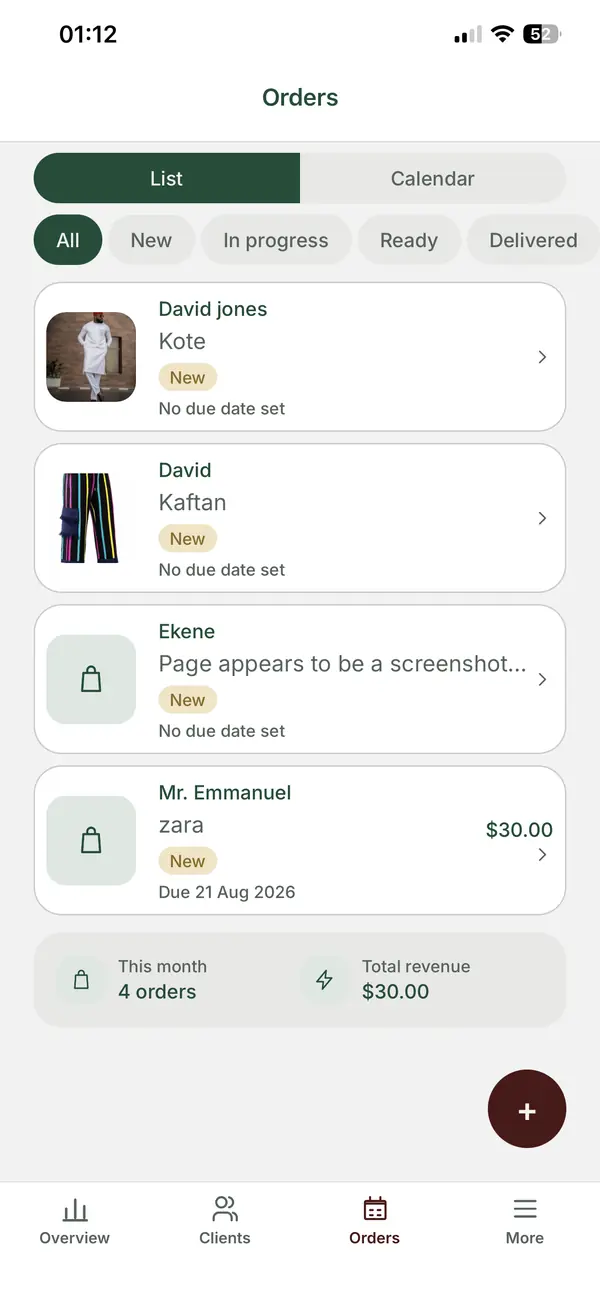
ZeDaq Business, the mobile app for tailors on iOS and Android, covers client records, measurements through a link, orders, a delivery calendar and invoicing. It does not manage fabric stock, so keep your fabric sheet separately.
What does a sample row look like?
Here is an example row. Replace the values with your own.
| Field | Example |
|---|---|
| Code | LACE-IV-01 |
| Type | Ivory cord lace |
| Supplier | Local market stall |
| Cost per yard | Your own price |
| Quantity left | 12 yards |
| Storage | Shelf B, second row |
| Reorder level | 5 yards |
When you cut 5 yards for a gown, subtract it and write the order reference beside the change. When the quantity reaches the reorder level, add the cloth to your shopping list.
What mistakes should you avoid?
- Mixing yards and meters in the same column.
- Forgetting to subtract cloth you used for samples.
- Letting offcuts pile up with no list.
- Buying fabric on impulse with no plan for it.
- Storing cloth in damp or sunny places, which can damage it.
What tools should you use?
| Tool | Good for | Limit |
|---|---|---|
| Notebook | Very small workshops | Hard to search |
| Spreadsheet | Most tailors | Needs regular updating |
| Inventory app | Larger shops | Learning curve, cost |
Pick the one you will keep up. A simple system you use beats an advanced one you abandon.
Run orders, clients and invoices from one app
FAQs
How often should I count my fabric?
A full count once or twice a year, and spot checks every quarter, is enough for most shops.
Should I record offcuts?
Record only the pieces big enough to use again. Throw away or donate the rest.
Do I need software?
No. A spreadsheet works for many tailors. Use software only if it saves you time.
Does ZeDaq Business track fabric stock?
No. It covers clients, measurements, orders, a delivery calendar and invoices. Keep fabric stock in a spreadsheet or another tool.
Try ZeDaq.ai free
Virtual try-on and Find my size for your store, plus client, order and invoicing tools for tailors, in one subscription.

