Can Shoppers Try On Several Items Together? Outfit Try-On Explained
By the ZeDaq.ai team · · 4 min read
On this page
- What is outfit try-on?
- Where does ZeDaq.ai fit?
- Why is trying several items together harder?
- What should you check before promising outfit try-on?
- What can you do today without outfit try-on?
- What does a good outfit page look like without the feature?
- Does outfit try-on change sizing?
- How should you word outfit promises on your store?
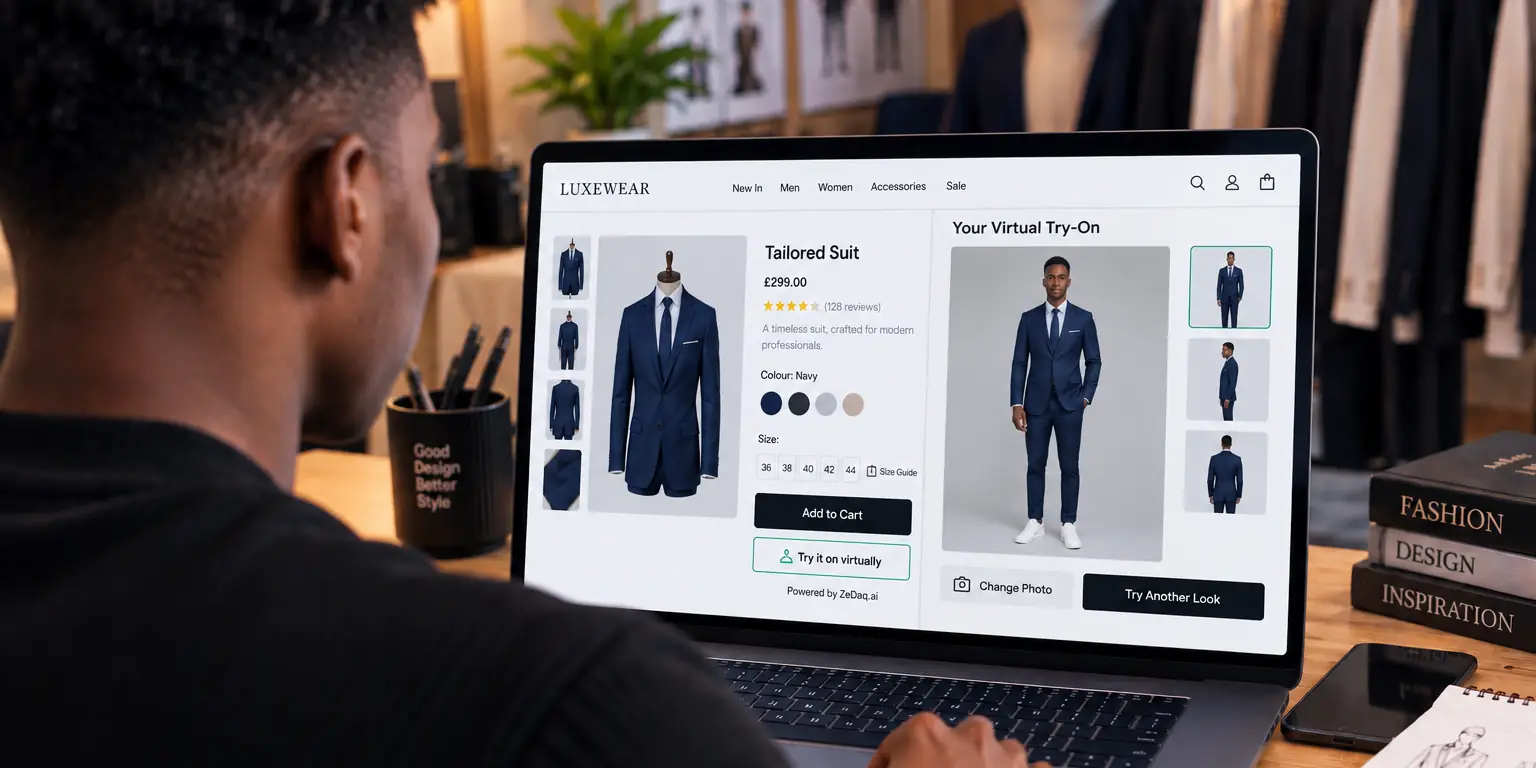
Some virtual try-on tools can show several garments on one shopper, a feature called outfit try-on, but not all do. Many tools show one garment at a time, so check exactly what a tool does before you promise outfits to your customers.
This article explains the idea, the practical limits and a checklist you can use when you evaluate tools. For the basics of how stores use these tools, start with virtual fitting rooms for clothing websites.
What is outfit try-on?
Outfit try-on shows more than one item on the same person, such as a top and trousers, or a dress and a jacket. The goal is to help a shopper judge how pieces look together.
It differs from single-item try-on, where the shopper sees one product on their photo. Single-item try-on answers "does this piece suit me?" Outfit try-on adds "does it work with the rest?"
Where does ZeDaq.ai fit?
ZeDaq.ai is AI virtual try-on for fashion stores. The shopper uploads one photo and sees the store's real garment on their body.
We do not state any outfit or multi-garment feature here, because it is not part of what we publicly describe. To see how it handles your own products, use the live demo and test it with the items you sell.
Test a single garment on your own photo
Try it on yourself
Live renderUpload a photo, pick a piece, see it rendered on you.
Pick something to try on
Why is trying several items together harder?
Showing one garment is a contained problem. Showing a full outfit adds questions:
- Which item sits on top? Layers must overlap in a believable order.
- How do sizes interact? A loose jacket changes how a shirt underneath looks.
- Whose garments are they? Items may come from different product pages or even different brands.
- What does the shopper expect? A shopper may assume the result is exact when it is only an approximation.
None of these makes outfit try-on impossible. They are reasons to read a vendor's claims with care. The companion guide on how virtual try-on handles layered outfits goes deeper on layering.
What should you check before promising outfit try-on?
Use this checklist when you evaluate any tool:
- Does the vendor say it supports multiple garments? Look for it on their live site, not in a sales call alone.
- Which combinations work? Ask about tops with bottoms, dresses with jackets, and accessories.
- Does it use your real product images? Or does it use generic items?
- What happens with layering? Ask to see a jacket over a shirt.
- Is sizing included? A good-looking image does not tell the shopper which size to buy.
- How does it work on a phone? See mobile vs desktop try-on for what shoppers experience.
Test with your own products. Demo images are always the best case.
What can you do today without outfit try-on?
You can still help shoppers build outfits with ordinary tools:
- Add a "complete the look" section with links to matching items.
- Show a styled model photo that includes the pieces.
- Write fit notes that say how a piece layers, such as "fits over a medium knit."
- Let shoppers try one item at a time, and make the size answer clear.
A clear size is the most valuable part. See how to write size guides for advice on making yours useful.
What does a good outfit page look like without the feature?
Here is a simple template you can build on any store. Take one anchor product, such as a blazer, and show it with two partners.
- Show the anchor product with its size and fit note.
- Add two "wear it with" cards, each linking to its own page.
- State which size the model wears in each piece.
- Offer a size recommendation for each item, since sizes can differ between a top and trousers.
Shoppers then build the outfit in their heads and still get a size for every piece. This is also easier to maintain than a custom feature.
Does outfit try-on change sizing?
It can make sizing harder. Each item has its own chart, and the right size in a top may not match the right size in trousers. A good tool should still give a clear size for every piece, not only an image.
How should you word outfit promises on your store?
Be specific. Say "see this jacket on your photo" if that is what the tool does. Avoid "try on any outfit" unless the tool does exactly that.
Overpromising costs trust. A shopper who expects a full outfit and sees one garment may leave.
See the try-on experience for yourself
FAQs
Can virtual try-on show a full outfit?
Some tools can. Others show one garment at a time, so check what the vendor describes on its live site.
Is outfit try-on better than single-item try-on?
Not necessarily. It answers a different question, and adds complexity. Many shoppers mostly want to know if one item fits.
Does ZeDaq.ai offer outfit try-on?
ZeDaq.ai shows the store's real garment on the shopper's photo. We do not describe an outfit feature, so test the live demo on your products.
What is the easiest way to help shoppers build outfits?
Use "complete the look" links and styled photos. They work on any store without extra software.
Try ZeDaq.ai free
Virtual try-on and Find my size for your store, plus client, order and invoicing tools for tailors, in one subscription.

