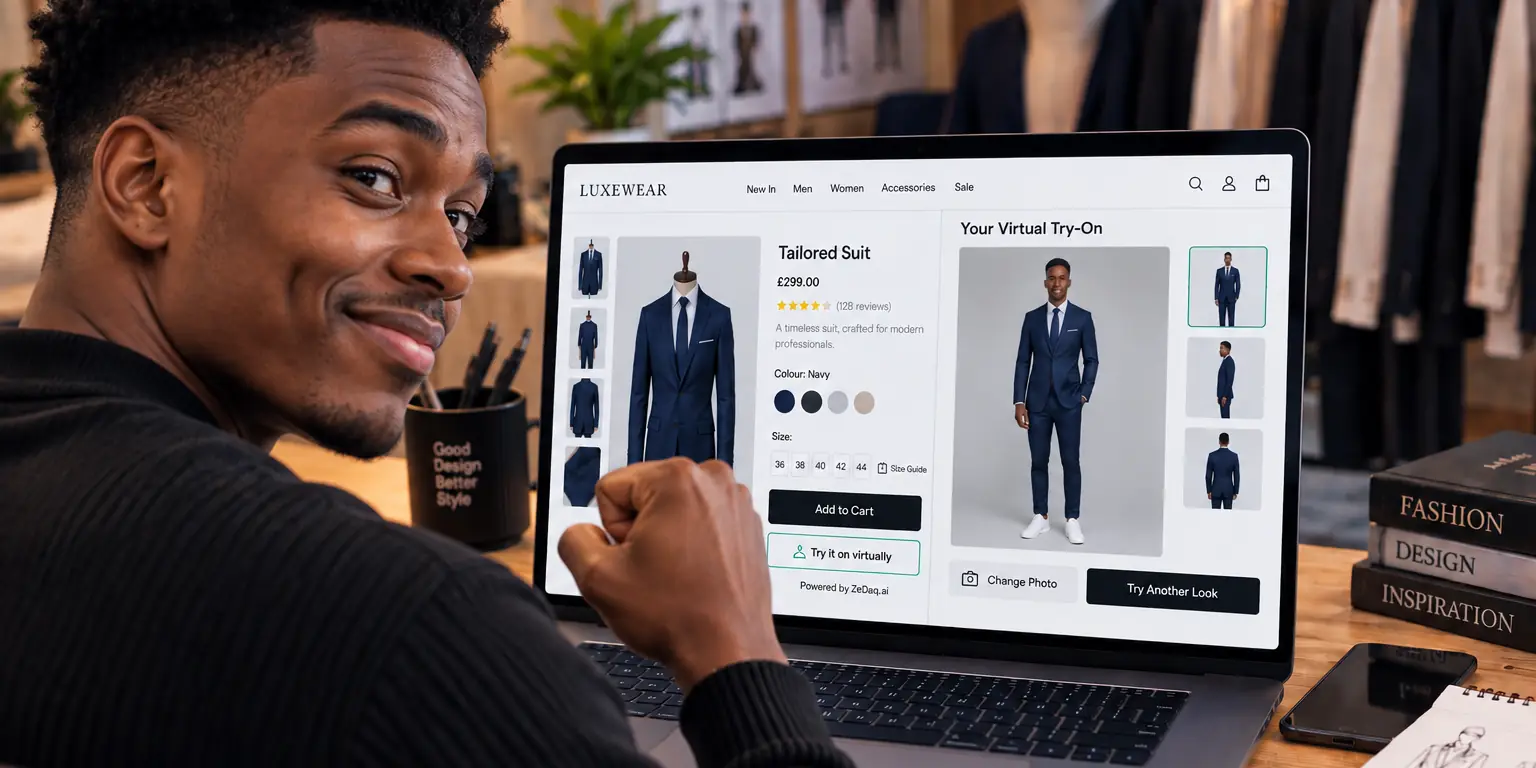
Best Virtual Fitting Room Software
By the ZeDaq.ai team · · 8 min read
On this page
The best virtual fitting room software for most fashion stores is a photo-based try-on tool that runs on your own product pages and matches your platform. Pick a Shopify app if you sell on Shopify, a script-tag widget if you run WooCommerce or a custom site, and an API if your developers want full control.
ZeDaq.ai publishes this blog and is one of the options below. Every other vendor fact comes from that vendor's own website or Shopify App Store listing, linked in place and checked November 2026.
A virtual fitting room lets a shopper see a garment on their own body before they buy. If you are new to the idea, start with our guide to virtual fitting rooms for clothing websites, which explains how the shopper side works. This article compares the software you can buy today.
What counts as virtual fitting room software?
The term covers a few different products. Knowing which kind you need saves you from comparing tools that do different jobs.
- Photo try-on apps. The shopper uploads a photo and gets an AI-generated image of themselves wearing your product. Most Shopify apps work this way.
- Size recommendation tools. The shopper gets a suggested size, from a quiz or a body scan. Some try-on tools include this, and many don't.
- Try-on APIs. Developers send a person image and a product image and get a result back. You build the shopper interface yourself.
- Eyewear try-on. Glasses are usually tried on through the live camera, which is a different technology from clothing try-on.
If you sell glasses, read our comparison of eyewear virtual try-on software instead, since the vendors are mostly different.
Try a virtual fitting room on yourself
Try it on yourself
Live renderUpload a photo, pick a piece, see it rendered on you.
Pick something to try on
Which virtual fitting room vendors should you compare?
These six options cover the main approaches. The list mixes Shopify apps, a developer API and a content tool, because stores come at this problem from different places.
ZeDaq.ai
ZeDaq.ai offers photo try-on and a "Find my size" body scan in one product. The shopper uploads one photo to see your real garment on their body. For sizing, they add their height and the scan matches their measurements to your own size chart.
It installs as a Shopify app, as a script-tag widget for WooCommerce, Wix, Squarespace and custom sites, or through a REST API. It also includes live-camera eyewear try-on. There is a Free plan, and paid plans run from Micro at $14 a month to Scale at $299 a month, each with a 3-day trial. The app has no Shopify reviews yet.
AI Virtual Try-On by EganAI
The AI Virtual Try-On listing says shoppers upload a photo and see AI-generated images of themselves wearing products. It adds a "Try It On" button to product pages and requires no shopper login. Plans run from a free tier to $99.99 a month, with per-try-on overage charges on paid plans. The listing showed no reviews when checked November 2026.
TryItOnShop
The TryItOnShop listing describes photo-based clothing try-on for Shopify stores. It has a free plan and paid plans from $24 to $179 a month, each paid plan with a 7-day free trial. It showed a 5.0 rating from one review when checked November 2026.
Dazeign
The Dazeign listing says customers upload a photo and preview the product using AI-generated imagery. It has a free Starter plan and paid plans from $19.99 to $149.99 a month. It showed no reviews when checked November 2026.
FASHN
FASHN describes itself as an AI agent for fashion e-commerce. Its site lists product photos, AI models, fashion videos and virtual try-on, plus an API that brings these tools into your own product. It may suit brands that want to create product imagery as well as offer try-on. Its homepage showed no prices when checked, so compare plans on its own pricing page.
Google Vertex AI Virtual Try-On
Google Cloud documents a Virtual Try-On model on Vertex AI. You provide an image of a person and an image of a clothing product, and it generates an image of the person wearing that product. It is a building block for developers, with no storefront widget or size chart included.
How do these options compare side by side?
This table sums up what each vendor's own page says. A dash means the page didn't mention it, not that the feature is missing.
| Vendor | Type | Platforms named | Free option | Paid range per month | Sizing built in |
|---|---|---|---|---|---|
| ZeDaq.ai | Try-on and body-scan sizing | Shopify, script tag, REST API | Free plan | $14 to $299 | Yes, matched to your chart |
| AI Virtual Try-On (EganAI) | Photo try-on app | Shopify | Free plan | $19.99 to $99.99 | — |
| TryItOnShop | Photo try-on app | Shopify | Free plan | $24 to $179 | — |
| Dazeign | Photo try-on app | Shopify | Free plan | $19.99 to $149.99 | — |
| FASHN | Content tool and API | Web, mobile app, API | — | See vendor | — |
| Vertex AI Virtual Try-On | Cloud model | Google Cloud API | — | See vendor | — |
Sources, checked November 2026: ZeDaq.ai pricing, EganAI listing, TryItOnShop listing, Dazeign listing, FASHN site and Google Cloud docs.
How do you choose the right software for your store?
Start with your platform, then your catalog, then your budget. The order matters, because a tool that can't run on your store is out no matter how good it looks.
Step 1: Match the platform
On Shopify, an app from the App Store is the fastest route. Look for one that installs through the Theme Editor so you don't touch code. If you are setting one up for the first time, our answers to Shopify fitting room setup questions cover the common snags.
On WooCommerce, Wix, Squarespace or a custom site, you need either a script tag or an API. Most Shopify-only apps won't work there.
Step 2: Check your catalog type
Ask whether the tool handles the garments you sell. Some list upper body, lower body and dresses separately. If you sell glasses as well as clothing, check whether one vendor covers both, or plan for two tools.
Step 3: Decide whether you need sizing
Try-on shows how a garment looks. It doesn't tell the shopper which size to order. If wrong sizes drive your returns, favor a tool that also recommends a size from your own chart.
Step 4: Count your volume
Most apps price by try-ons per month. Estimate how many product-page visitors might try on, then pick the plan that covers that number with room to spare.
Step 5: Test on your own products
Install the free plan or trial and try your three hardest products: a patterned dress, a loose jacket and something dark. Judge the result the way a shopper would.
What does a worked example look like?
Say you run a Shopify store with 200 dresses and tops, and you expect around 100 try-ons a month to start.
- Platform. You are on Shopify, so every app above is in play, plus the APIs if you have a developer.
- Catalog. Dresses and tops are covered by the photo apps. You don't sell glasses, so eyewear doesn't matter.
- Sizing. Your returns notes say "too small" often. That points you to a tool with size recommendation built in, or a separate sizing app.
- Volume. At about 100 try-ons a month, you would compare plans that include at least that many. On ZeDaq.ai, Starter at $49 a month covers 75 try-ons and 100 size scans, and Growth at $129 covers 650 try-ons, per the current pricing page.
- Test. You run the same three products through two or three free plans and keep the one whose images look most like your real garments.
The answer will differ for a store on WooCommerce, or one that only needs try-on without sizing. That is why the steps matter more than any ranking.
What should you check before you sign up?
Use this checklist on any vendor's page or listing:
- It runs on your platform without custom code, or you have a developer for the API.
- It renders your real product image, not a generic garment.
- The shopper doesn't need an account or a separate app.
- The pricing unit is clear: per try-on, per order or per month.
- Overage charges are stated.
- There is a free plan or trial long enough to test.
- The privacy terms explain what happens to shopper photos.
- Sizing is included, or you know which tool will handle it.
For a deeper set of questions to ask, see our guide on what to look for in a try-on provider. If your developers plan to build their own interface, the roundup of try-on APIs for developers compares the API options in more detail.
Test a virtual fitting room on your own products
FAQs
Is virtual fitting room software only for large retailers?
No. Several Shopify apps above have free plans, and paid plans start at a low monthly price. Small stores can test on a handful of products before committing.
Do shoppers need to download an app to use a virtual fitting room?
Usually not. The photo try-on apps above run on your product pages in the shopper's browser. With ZeDaq.ai, shoppers use try-on on your store's own site.
Can one tool handle both try-on and sizing?
Some can. ZeDaq.ai combines photo try-on with a body-scan size recommendation. Many try-on apps focus on the image only, so check the listing.
How were these vendors chosen?
We picked tools that represent the main approaches: Shopify try-on apps, a content tool with an API, and a cloud model. All facts come from each vendor's own page, checked November 2026, and prices change often.
Try ZeDaq.ai free
Virtual try-on and Find my size for your store, plus client, order and invoicing tools for tailors, in one subscription.

