Amazon Virtual Try-On: What Fashion Sellers Should Know
By the ZeDaq.ai team · · 4 min read
On this page
Amazon's Virtual Try-On, as described on Amazon's own newsroom page, is a feature in the Amazon Shopping app for iOS that shows sneakers on a shopper's feet through the phone camera. It is a visual preview for shoes, and that page says nothing about sizing or fit. Fashion sellers should know what it covers before deciding whether it changes their plans.
This article only repeats what Amazon's page says (checked November 2026). Then it covers what you can do on your own store, with our guide to the best AI virtual try-on apps for Shopify as a starting point.
What does Amazon's Virtual Try-On do?
According to Amazon's announcement, shoppers tap "Virtual Try-On" under the product image and point their phone camera at their feet. They can then move around to see the shoes from different angles, switch colors and share a photo of the virtual shoe.
Amazon says the feature helps customers visualize how a pair of shoes will look on themselves.
Where is it available, and for which products?
The page says the feature is in the Amazon Shopping app on iOS and available in the U.S. and Canada. It lists sneaker brands including New Balance, adidas, Reebok, Puma, Superga, Lacoste, Asics and Saucony.
The page doesn't confirm Android support. It also covers shoes only. We did not find an Amazon page describing a clothing version, so this article makes no claims about one.
Does it help shoppers choose a size?
The page doesn't discuss sizing or fit. It says the feature helps customers make better purchase decisions, but it gives no details on how well it predicts fit.
That matters because ordering the wrong size is one reason shoppers send clothing back. Our guide to where fit-related returns come from explains why a preview alone does not settle the question.
How is that different from try-on on your own store?
The two approaches solve different problems. The table compares what Amazon's page describes with a photo-based try-on on your own product page.
| Amazon Virtual Try-On | Photo-based try-on on your store | |
|---|---|---|
| Where it runs | Amazon Shopping app on iOS | Your own product page |
| What the shopper does | Points the camera at their feet | Uploads one photo |
| What it shows | Sneakers on the foot | Your garment on the shopper's body |
| Who controls it | Amazon | You |
The Amazon column comes from Amazon's announcement, checked November 2026.
The main difference is control. On your own store, you choose which products get the feature and how it looks. You also own the customer relationship.
What does it mean if you sell on Amazon?
Amazon's page doesn't say how brands take part, whether sellers can switch it on, or whether it applies to apparel listings. Check Amazon's seller documentation or your account manager for those answers. Don't assume your products are covered.
What can you do on your own store?
On your own site, you decide what shoppers see. A try-on tool on your product page can show your real garment on the shopper's body, not just a shoe on a foot.
Here is what to check before you choose a tool:
- Platform. Does it install on your platform, or do you need a developer?
- Garment types. Does it work for the clothes you sell, such as dresses, tops and outerwear?
- Sizing. Does it also recommend a size from your own size chart?
- Pricing. Is the price public, and what counts toward the monthly limit?
- Photos. What does the tool do with the shopper's photo?
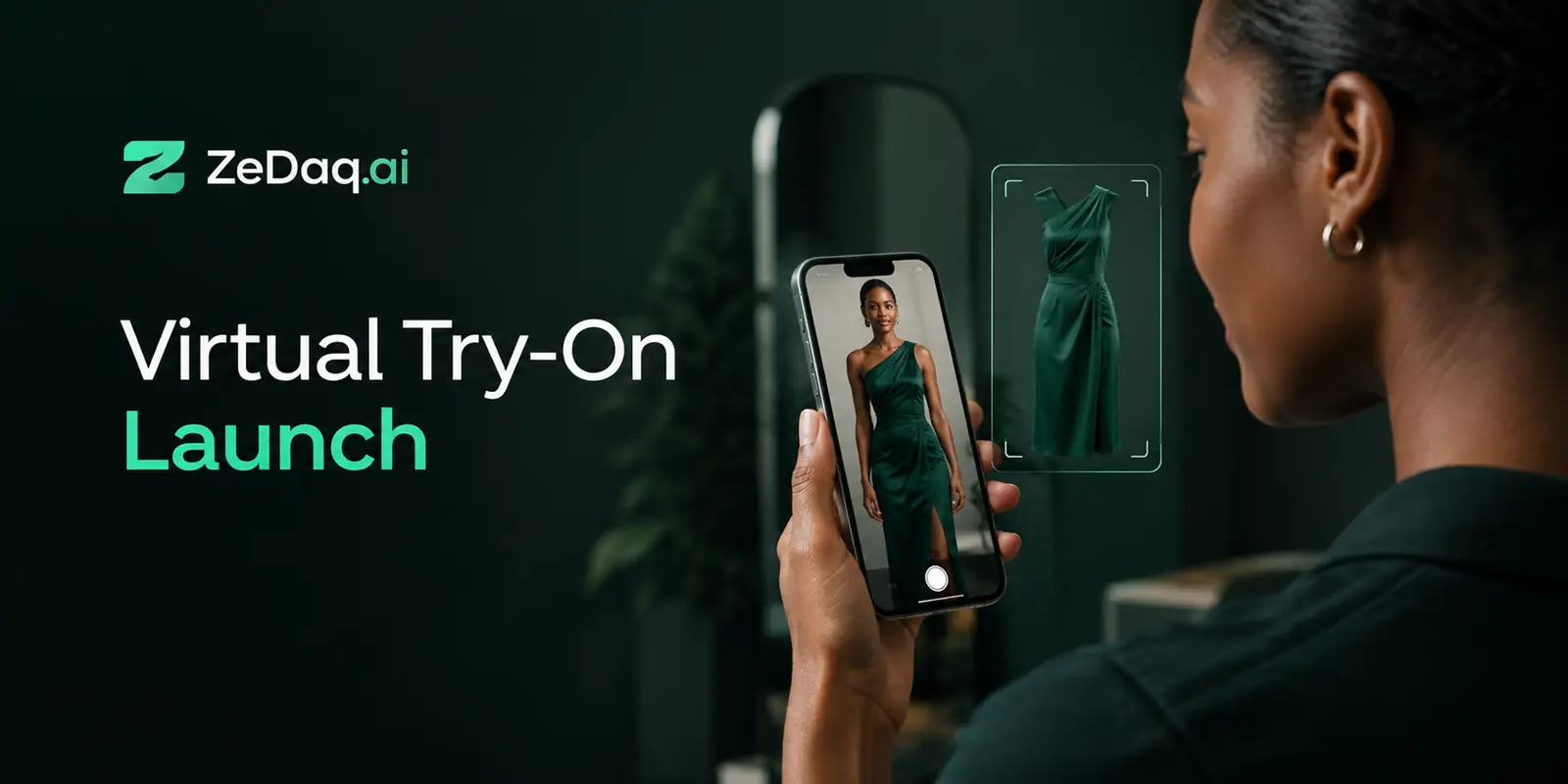
ZeDaq.ai is one option. The shopper uploads one photo and sees your store's garment on their body. It also gives a size recommendation from a 30-second body scan, matched to your own size chart. It runs as a Shopify app, a REST API, or a script-tag widget for WooCommerce, Wix, Squarespace, BigCommerce and custom sites. Eyewear has a separate live-camera try-on.
For the cost side, the free versus paid try-on apps guide shows what free plans usually cover. ZeDaq.ai's Free plan is $0 with 3 try-ons and 3 measurements a month, and paid plans start at $14 a month with a 3-day free trial and no card required.
If you sell glasses or sunglasses, read the review of the best eyewear virtual try-on software instead, because eyewear works differently from clothing.
How do you launch try-on without a mess?
Test with a few products first, write a short product-page note about how try-on works, and tell customer support what to expect. The virtual try-on launch checklist covers the full list.
See try-on on your own products
FAQs
Does Amazon have virtual try-on for clothes?
Amazon's newsroom page that we checked covers shoes only. We did not find an Amazon page that describes a clothing version.
Does Amazon's Virtual Try-On work on Android?
The page describes the iOS Amazon Shopping app and does not confirm Android support.
Can I add a similar feature to my own store?
Yes, through a try-on app, API or script-tag widget, depending on your platform. The features differ by vendor, so test with your own products.
Is try-on the same as a size recommendation?
No. Try-on shows how a garment looks, and a size recommendation says which size to order. Many stores want both.
Try ZeDaq.ai free
Virtual try-on and Find my size for your store, plus client, order and invoicing tools for tailors, in one subscription.

