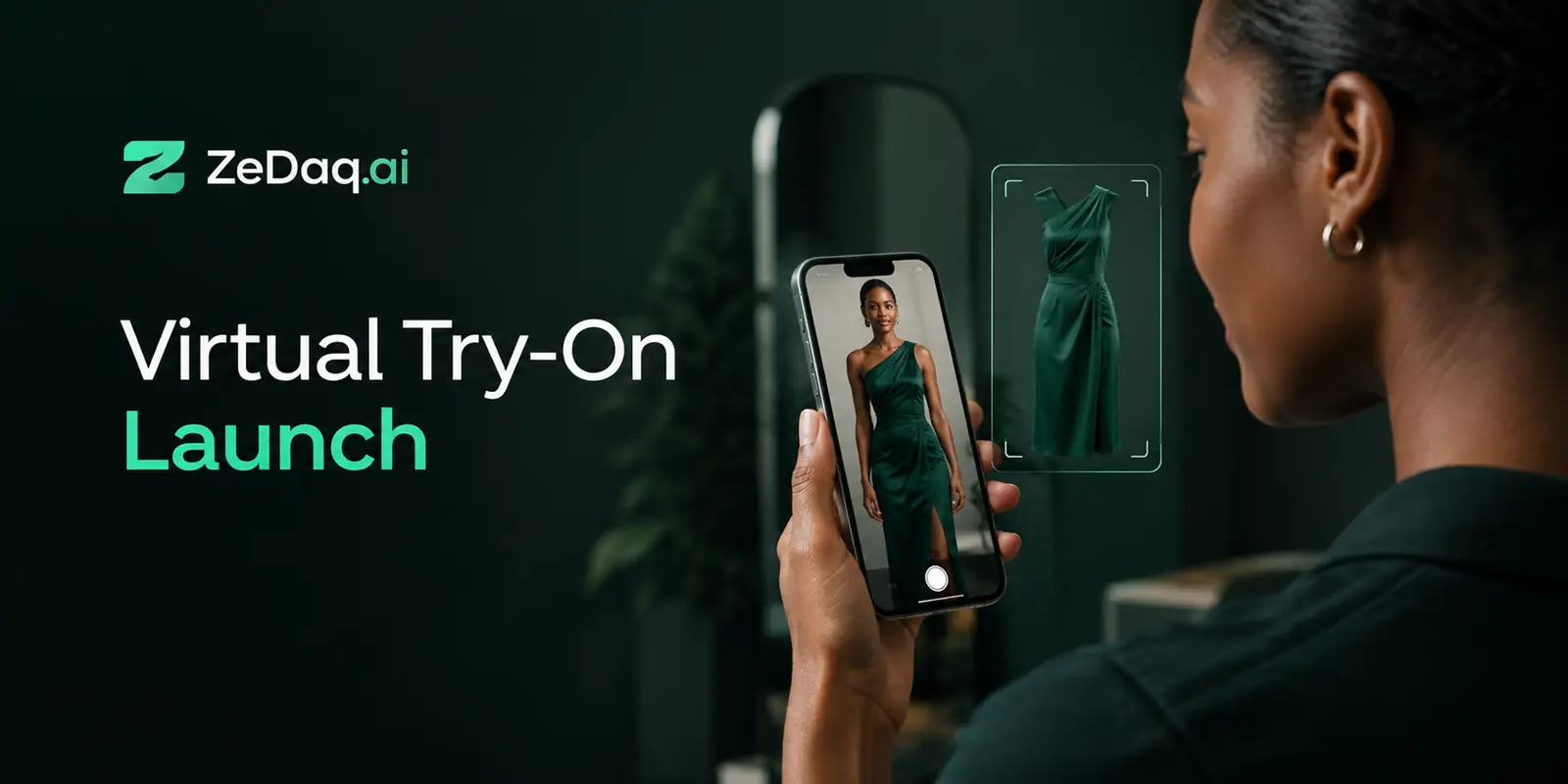
ZeDaq.ai vs FASHN AI: Try-On Approaches Compared
By the ZeDaq.ai team · · 8 min read
On this page
ZeDaq.ai vs FASHN AI comes down to who uses the try-on. ZeDaq.ai puts try-on and "Find my size" in front of shoppers on a store's product pages, while FASHN AI describes itself as an AI agent for fashion e-commerce teams, with a try-on API among its tools.
Both offer an API, so a developer could build with either. The difference is in what each product is built around. For a wider view of the market, see our roundup of the best AI try-on apps for Shopify.
ZeDaq.ai publishes this blog. FASHN details below come only from FASHN's own website and were checked November 2026. Features and prices change, so check fashn.ai before you decide.
What is the main difference between the two approaches?
The main difference is the end user.
- ZeDaq.ai is shopper-facing. A shopper on your store uploads one photo and sees your real garment on their body. The same window offers "Find my size", which matches the shopper to your own size chart.
- FASHN is creator-facing. FASHN's homepage calls it "The AI agent for fashion e-commerce" and lists uses such as product photos, virtual try-on, AI models and fashion videos. Its focus is producing images and video for a brand's team.
Neither approach is better in general. A store that wants shoppers to try clothes on before buying has different needs from a brand that wants on-model photos without a photo shoot.
See shopper-side try-on for yourself
Try it on yourself
Live renderUpload a photo, pick a piece, see it rendered on you.
Pick something to try on
How do the two products compare side by side?
This table uses ZeDaq.ai's product facts and FASHN's public pages, checked November 2026.
| ZeDaq.ai | FASHN AI | |
|---|---|---|
| Main user | Shoppers on a store's site, set up by the store | Brand and creator teams (fashn.ai) |
| Try-on input | One photo of the shopper plus the store's garment | "a photo of a person and a product" (FASHN docs) |
| Other image tools | Not offered | Product photos, AI models, editing, backgrounds, video (fashn.ai) |
| Size recommendation | "Find my size", matched to the store's own chart | Not described on its homepage (fashn.ai) |
| Eyewear | Live-camera eyewear try-on | Not described on its homepage (fashn.ai) |
| Shopify | Shopify app | No Shopify integration described on its homepage (fashn.ai) |
| Other storefronts | Script-tag widget for WooCommerce, Wix, Squarespace and custom sites | Not described on its homepage |
| API | REST API | API for image, try-on, editing and video tools (FASHN docs) |
| Mobile apps | ZeDaq Business app for tailors, not for shoppers | iOS and Android apps for creating content (fashn.ai) |
"Not described" means we didn't find it on the page we checked. It doesn't mean FASHN can't do it, so ask them directly if a feature matters to you.
How does the try-on API work on each side?
ZeDaq.ai's API
ZeDaq.ai's REST API takes a request at POST /api/v1/tryon, with your key in an x-api-key header. You send the shopper's photo and the garment, and you get back a try-on image to show in your own interface. The API reference lists the fields.
If you don't want to build anything, you don't need the API at all. On Shopify you install the app. On WooCommerce, Wix, Squarespace or a custom site you paste one script tag into the product template:
<script src="https://www.zedaq.ai/widget/zedaq.js" data-key="…" defer></script>
The key is locked to your store's domain, so it can't be reused on another site. The widget adds "Try it on" and "Find my size" buttons.
FASHN's API
FASHN's API documentation says the API offers "endpoints for image generation, virtual try-on, model creation, editing, background manipulation, and reframing". It names "Try-On Max" as "the recommended try-on endpoint for most applications" and says "Try-On v1.6 remains available for real-time, cost-sensitive integrations."
That range is useful if you want one API for several kinds of fashion imagery. It suits teams producing catalog content or building their own creative tools.
How does sizing fit into each approach?
Sizing is where the two products differ most. Try-on shows how a garment looks. It doesn't tell a shopper which size to order.
ZeDaq.ai pairs try-on with "Find my size". The shopper gives one photo plus their height. The measuring runs on the shopper's device. The result is matched to the store's own size chart, with one chart per garment type: tops, outerwear, dresses and bottoms. When the shopper falls between sizes, it sizes up.
FASHN's homepage doesn't describe a sizing feature, as checked November 2026. If you choose FASHN for imagery and still want size recommendations, you would add a separate sizing tool. The guide to AI size recommendation for stores explains how that part works.
How do prices compare?
The two products charge in different ways, so compare them against how you'll use them.
ZeDaq.ai pricing
ZeDaq.ai has a Free plan with 3 try-ons and 3 measurements a month. Paid plans are Micro at $14 a month, Starter at $49, Growth at $129 and Scale at $299. Every paid plan has a 3-day free trial with no card required. See the current ZeDaq.ai pricing page for what each plan includes.
FASHN pricing
FASHN's pricing page lists app plans of Basic at $19 a month, Pro at $49 a month and Agency at $99 a month, each with a monthly credit allowance. On the same page, the API is on-demand at $0.075 per credit with no subscription, and a minimum purchase of $7.50 for 100 credits.
FASHN's pricing page also says "Most tools start at 1 credit per image" and that videos and higher resolutions use more credits. It states that new accounts start with complimentary credits, while the API itself offers no free credits.
Because one product bills by plan and the other by credit, the cheaper choice depends on your volume. Estimate how many try-ons you expect a month, then price both.
Which should you choose?
Use the checklist below. Count which column matches more of your needs.
| If you need… | Better fit |
|---|---|
| Shoppers trying clothes on your product pages | ZeDaq.ai |
| Size recommendations from your own chart | ZeDaq.ai |
| A Shopify app or a no-code widget | ZeDaq.ai |
| Eyewear try-on with a live camera | ZeDaq.ai |
| On-model product photos without a shoot | FASHN |
| AI fashion video and image editing | FASHN |
| One API for many kinds of fashion imagery | FASHN |
| A shared creative workspace for your team | FASHN |
A worked example: two teams, two jobs
Picture two businesses with the same question: "Should we use AI try-on?"
Team A is a womenswear brand that launches a new collection every season. Booking models and a studio for every product takes weeks. What it wants is on-model photos and short videos for its product pages and social posts. Its own staff will use the tool, not its shoppers. That job matches what FASHN's homepage describes: product photos, AI models and fashion videos.
Team B is a small Shopify store selling dresses and jackets. Its photos are fine. The problem is shoppers who can't picture an item on themselves and keep asking which size to order. It wants a button on each product page that shows the garment on the shopper's own photo and gives a size from its own chart. That job matches ZeDaq.ai.
If your team looks like both, the two tools can sit side by side, because they do different jobs.
Questions to ask before you commit
Run through these with any try-on vendor, including these two:
- Who will use the tool day to day: your staff, your shoppers or your developers?
- Do you need a no-code install, or will a developer build on the API?
- Does the tool give size advice, or will you need a separate sizing tool?
- Is pricing billed by plan or by credit, and what happens when you use more?
- Can you test it on your own products before you pay?
- What happens to photos after the image is created?
Write the answers in two columns. The tool that answers more of your must-haves is your starting point for a trial.
Some brands may use both: FASHN to create catalog imagery, and ZeDaq.ai to let shoppers try items on and find their size. Since the jobs differ, they don't overlap much.
How does FASHN compare with other try-on tools?
FASHN is one of several vendors with a different focus. If you're comparing more widely, our look at ZeDaq.ai and Revery AI covers another clothing try-on option.
For glasses and sunglasses, the comparison of ZeDaq.ai and Fittingbox for eyewear looks at live-camera try-on in more detail.
Build shopper try-on and sizing into your store
FAQs
Is FASHN a Shopify app?
FASHN's homepage doesn't describe a Shopify integration, as checked November 2026. Check FASHN's site or contact them for current details.
Does ZeDaq.ai create product photos or AI models?
No. ZeDaq.ai shows a store's real garment on the shopper's own photo. It doesn't generate catalog imagery or AI models.
Do both products offer an API?
Yes. ZeDaq.ai offers a REST API for try-on, and FASHN's documentation describes an API for try-on, image generation, editing and video.
Does ZeDaq.ai work on stores outside Shopify?
Yes. You can paste the script-tag widget into product templates on WooCommerce, Wix, Squarespace and custom sites, or call the REST API from your own interface.
Can shoppers use ZeDaq.ai without an account?
Yes. Shoppers use try-on on the store's own website with no sign-up. ZeDaq.ai has no consumer app, so there is nothing to download.
Try ZeDaq.ai free
Virtual try-on and Find my size for your store, plus client, order and invoicing tools for tailors, in one subscription.

