ZeDaq.ai vs 3DLOOK: Body Scanning Compared
By the ZeDaq.ai team · · 7 min read
On this page
ZeDaq.ai and 3DLOOK both turn phone photos into body measurements, but they are built for different jobs. 3DLOOK's Mobile Tailor captures two photos and returns a full set of body measurements and a 3D model, while ZeDaq.ai uses one photo plus height to pick a size from your store's own chart and adds virtual try-on.
ZeDaq.ai publishes this blog. Every 3DLOOK detail below comes from 3DLOOK's own website, checked November 2026. Features and prices change, so confirm on each company's site before you decide. For the wider market, see our comparison of AI try-on apps for Shopify.
What is 3DLOOK?
3DLOOK is a body-measurement company with several products. Its homepage describes FitXpress, a scanning product aimed at health and fitness uses such as weight prediction, body progress tracking and body-fat estimates.
For clothing, the relevant product is Mobile Tailor. 3DLOOK describes it as "AI-powered body measuring for an effortless, accurate fit." The site lists its users as made-to-measure and luxury tailoring brands, on-demand manufacturers, ready-to-wear businesses, bridal and tuxedo businesses, custom apparel companies and uniform makers.
3DLOOK also lists a wrist measurement product. This comparison focuses on Mobile Tailor, because it is the one that overlaps with ZeDaq.ai.
How does a 3DLOOK Mobile Tailor scan work?
According to the Mobile Tailor page, checked November 2026:
- The customer opens a scanning link, a "Get Measured" widget on your website, or a QR code in your store.
- A guided flow takes two photos, one from the front and one from the side. It uses the phone's gyroscope to check the angle.
- The customer wears tight-fitting clothes for best results.
- The system returns body measurements and a 3D body model.
The page says "only 2 photos needed" and quotes "80+" measurements in one place and "over 85 measurements" in another. It also says uploading existing photos isn't supported, because the scan must run through 3DLOOK's scanning link.
You can send scan links by SMS or email from an admin panel. The page says Mobile Tailor "requires no integration" for its standard plans.
How does a ZeDaq.ai body scan work?
ZeDaq.ai's scan is built to answer one question for a shopper: which size should I order? It is called "Find my size" and sits on your product page.
- The shopper uploads one photo and types their height.
- Measurements are taken on the shopper's own device.
- The measurements are matched to your store's size chart. You add one chart per garment type: tops, outerwear, dresses and bottoms.
- The shopper sees one size label from your chart. If they fall between two sizes, the scan sizes up.
If you haven't added a chart yet, a generic UK, US, EU or AU chart is used as a fallback. For more on the method, see how AI size recommendation works.
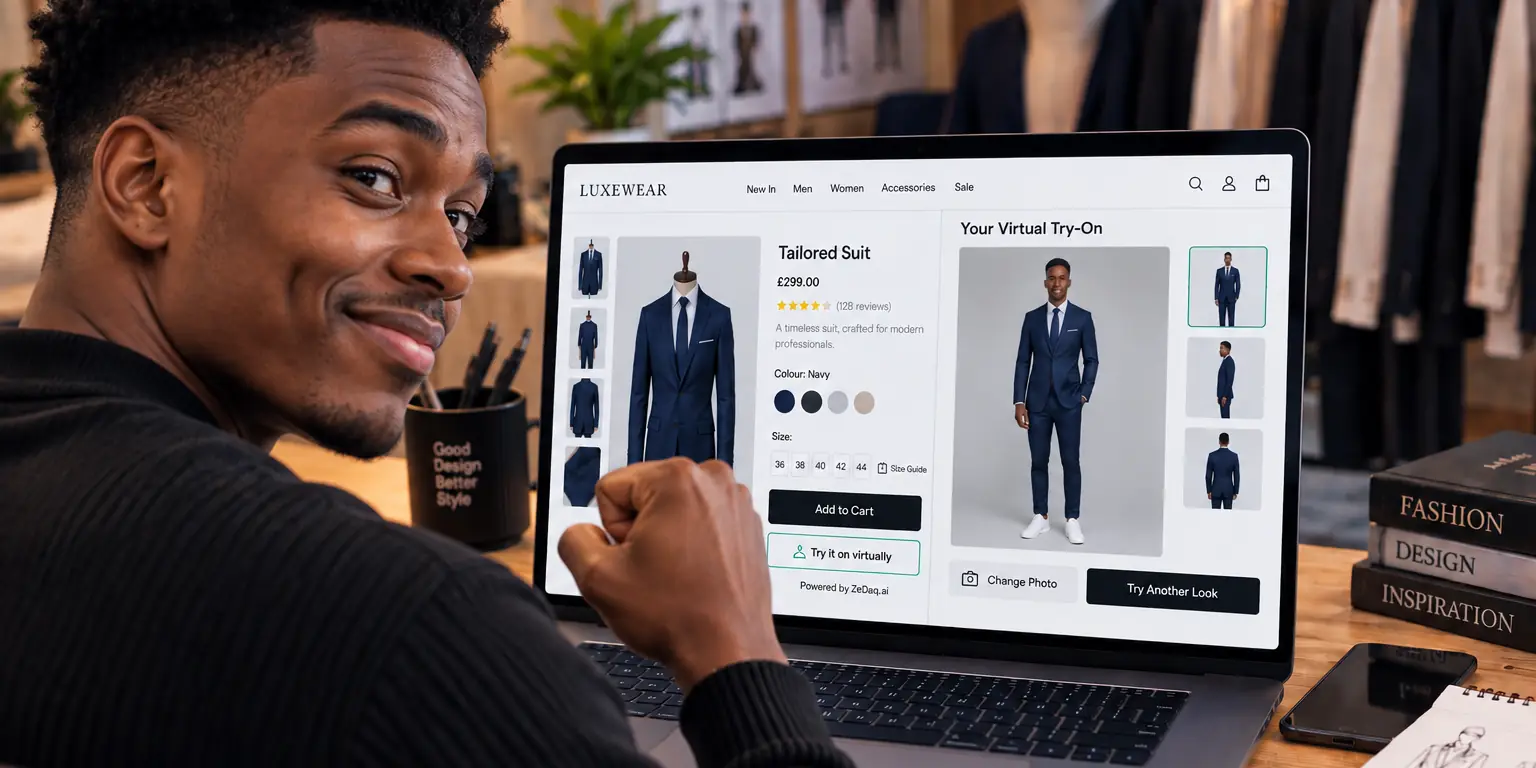
ZeDaq.ai also includes AI virtual try-on, where the shopper sees your real garment on their own photo. Tailors get a separate measurement link that clients open on their phone, with results stored in a client CRM.
How do 3DLOOK and ZeDaq.ai compare side by side?
| 3DLOOK Mobile Tailor | ZeDaq.ai | |
|---|---|---|
| Main output | Body measurements and a 3D model (source) | A size from your own chart, plus virtual try-on |
| Photos needed | Two, front and side (source) | One, plus height |
| Number of measurements | "80+" or "over 85", per 3DLOOK's page (source) | The measurements your chart uses, such as chest, waist and hips |
| How customers reach it | Scanning link, website widget, QR code, SMS or email (source) | "Try it on" and "Find my size" on the product page; measurement links for tailors |
| Store platforms | Website widget; API on some plans (source) | Shopify app, script tag for WooCommerce, Wix, Squarespace and custom sites, REST API |
| Tailor tools | Admin panel for sending scans | Client CRM, orders and delivery calendar, multi-currency invoices, mobile app |
| Trial | 7-day trial (source) | 3-day trial, no card required, and a Free plan |
What does each one cost?
3DLOOK publishes Mobile Tailor prices on its pricing page, checked November 2026:
| 3DLOOK Mobile Tailor plan | Monthly price | Scans |
|---|---|---|
| Basic | $499 | Up to 100 a month |
| Premium | $999 | Up to 500 a month |
| Enterprise | Custom | Volume-based, includes API and SDKs |
The same page says billing is per successful scan, and Basic includes CSV data export and 3D model export. Premium adds widget customization, real-time notifications and SMS and email templates.
ZeDaq.ai's prices are on its own pricing page:
| ZeDaq.ai plan | Monthly price |
|---|---|
| Free | $0 |
| Micro | $14 |
| Starter | $49 |
| Growth | $129 |
| Scale | $299 |
Each plan includes a set number of try-ons and measurements, and the pricing page says size lookups don't count against any cap. Every paid plan has a 3-day free trial with no card required.
The two price lists don't measure the same thing. A 3DLOOK scan returns a full body profile and 3D model. A ZeDaq.ai scan returns a size from your chart. Compare the cost of the output you need, not the headline number.
Does 3DLOOK work on Shopify?
3DLOOK's Mobile Tailor page doesn't mention Shopify. It offers a website widget instead, which can sit on many kinds of site.
3DLOOK has had a Shopify listing called YourFit Virtual Fitting Room. When we checked in November 2026, the YourFit listing said "This app is not currently available on the Shopify App Store." If Shopify matters to you, ask 3DLOOK directly about its current options.
ZeDaq.ai has a Shopify app. It has no reviews on the Shopify App Store yet, so test it on your own products before you decide.
When is 3DLOOK the better fit?
3DLOOK suits you if:
- You make garments to order and need a long list of body measurements, not just a size.
- You want a 3D body model or a CSV export to feed your pattern-making.
- You scan customers in a showroom, using QR codes in-store.
- You run uniforms or on-demand manufacturing, which 3DLOOK names as use cases.
- You are comfortable with a plan priced for higher monthly volume.
3DLOOK's two-photo flow and fitted clothing guidance are designed for detailed measurements. That makes it a strong match for brands where every garment is cut to the person.
When is ZeDaq.ai the better fit?
ZeDaq.ai suits you if:
- You sell ready-to-wear in standard sizes and want shoppers to pick the right one.
- You want shoppers to see the garment on themselves as well as get a size.
- You run Shopify, WooCommerce, Wix, Squarespace or a custom site.
- You want a free plan or a low-cost plan while you test.
- You are a tailor or designer who also needs client records, orders and invoices.
Uniform suppliers sit between the two. If your staff order from fixed sizes, a size pick may be enough. Our guide to sizing for uniform suppliers covers that case in more detail.
How should you test a body-scanning tool?
Whichever tool you try, run the same test:
- Pick five people of different heights and body shapes.
- Measure each one with a tape, by hand, and write the numbers down.
- Run each person through the scan in normal home lighting.
- Compare the scan result with the tape result, or with the size they actually wear.
- Repeat one scan twice to check the result is consistent.
- Ask each tester how easy the flow was on their own phone.
If you are also comparing questionnaire-based sizing, read our Bold Metrics comparison.
For a look at photo try-on without scanning, see ZeDaq.ai vs Revery.ai.
Test photo sizing on your own products
FAQs
Does 3DLOOK need two photos?
Yes. 3DLOOK's Mobile Tailor page says "only 2 photos needed", taken from the front and the side through its guided flow. ZeDaq.ai's Find my size uses one photo plus height.
Can 3DLOOK use photos a customer already has?
Not according to its site. The Mobile Tailor page says customers must use the scanning link rather than upload existing photos.
Does ZeDaq.ai create a 3D body model?
No. ZeDaq.ai matches measurements to your size chart and renders try-on images. It doesn't produce a 3D model.
Which one is cheaper?
ZeDaq.ai has a Free plan and paid plans from $14 a month. 3DLOOK lists Mobile Tailor from $499 a month on its pricing page. They produce different outputs, so compare what each scan gives you.
Do shoppers need an app for either tool?
ZeDaq.ai runs on your product page, so shoppers install nothing. 3DLOOK's site says its Mobile Tailor scan opens from a link, a website widget or a QR code.
Try ZeDaq.ai free
Virtual try-on and Find my size for your store, plus client, order and invoicing tools for tailors, in one subscription.

