WhatsApp Message Templates for Tailors
By the ZeDaq.ai team · · 4 min read
On this page
- How should a tailor write on WhatsApp?
- What template confirms a new order?
- What template asks for measurements?
- What template reminds clients of a fitting?
- What template says an order is ready?
- What template reminds a client about payment?
- What template announces busy-season prices or deadlines?
- What template handles a delay?
- When should you stop using chat alone?
The best WhatsApp templates for tailors are short, polite and specific: they name the client, the garment and one clear next step. Below are copy-ready messages for the moments you write most often, from a fitting reminder to an "order ready" message and a payment reminder.
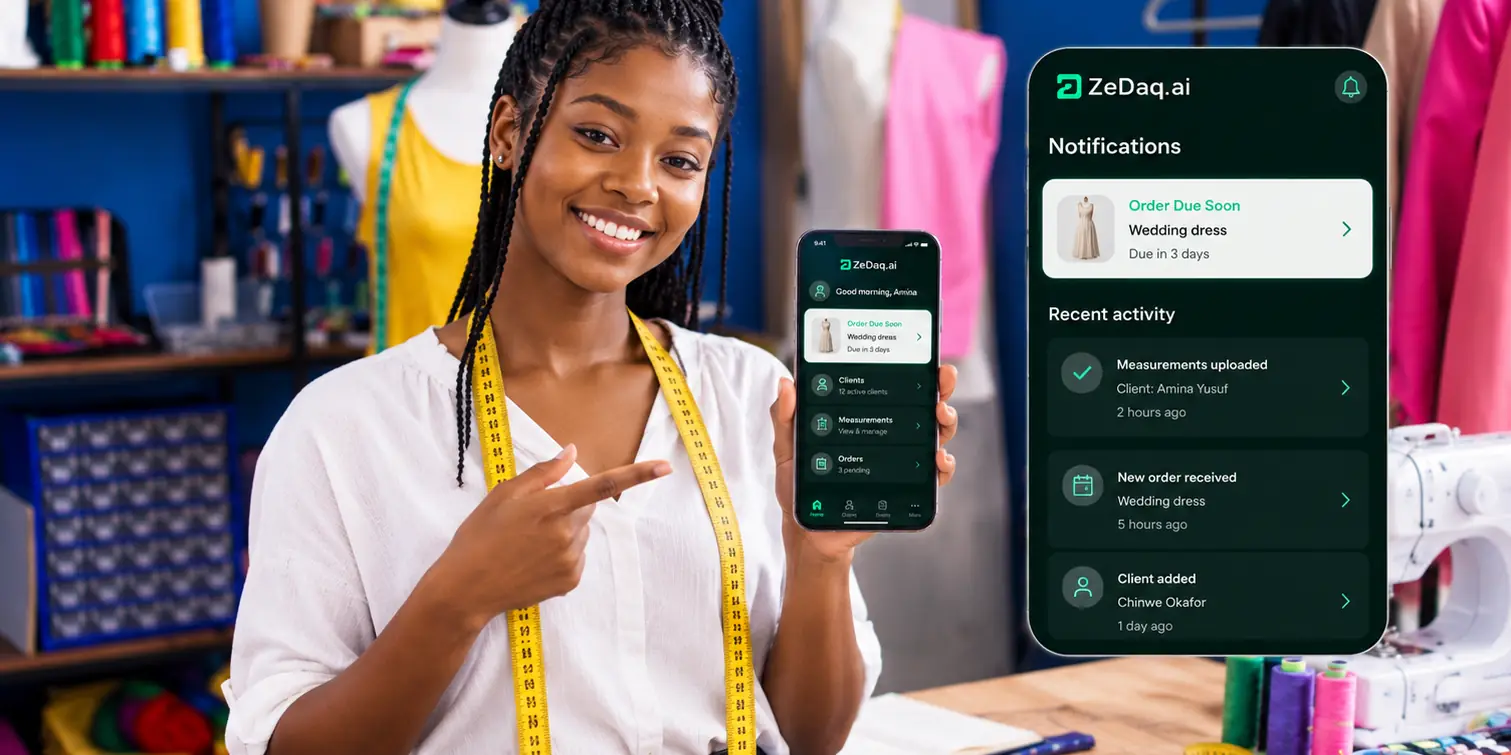
Templates save time and keep your tone consistent. As your client list grows, a system such as the ZeDaq.ai tailor tools can hold client records, orders and invoices, so your chat stays for conversation.
How should a tailor write on WhatsApp?
Keep each message to one purpose. Greet by name, say the point, and end with a question or a date.
- Write in the language your client prefers.
- Avoid long voice notes for anything involving money or dates. Text is easier to find later.
- Reply during set hours and say what those hours are.
- Put prices, dates and measurements in writing.
Replace the text in [brackets] each time. Do not send a template without checking the name and date.
What template confirms a new order?
"Hi [name], thank you for your order. I have noted: [garment], [fabric], [color]. Total [amount], deposit [amount] to start. Your first fitting is [date]. The finished piece will be ready by [date]. Please reply to confirm."
Confirming in writing prevents arguments later about what was agreed.
What template asks for measurements?
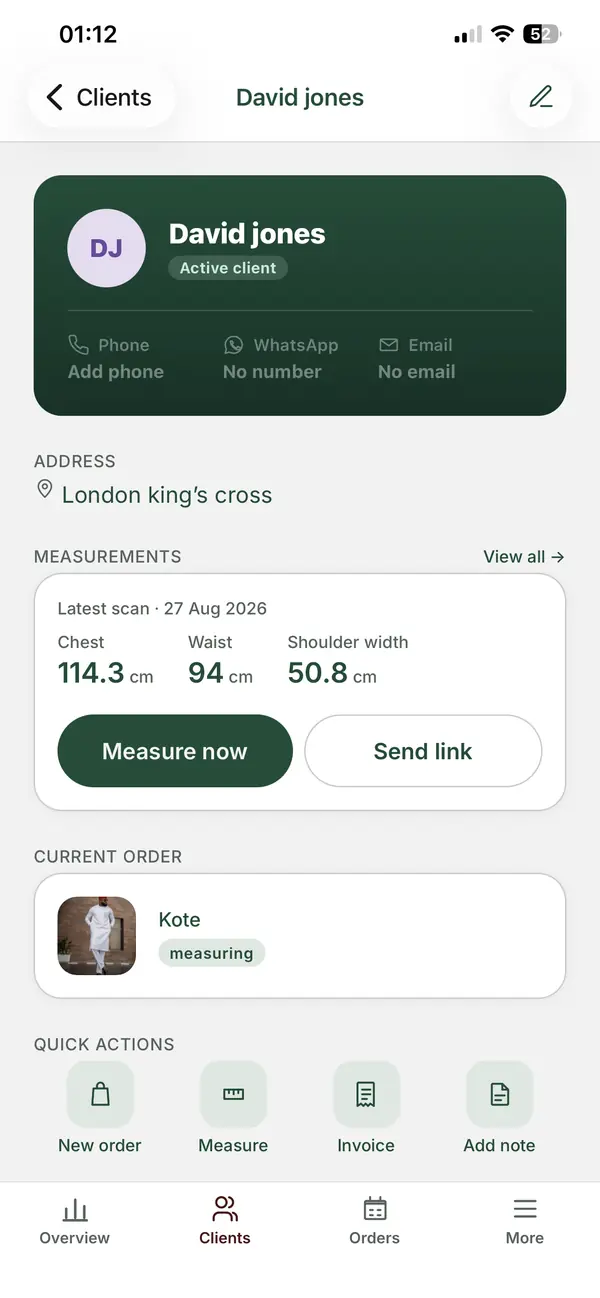
"Hi [name], to start your [garment], I need your measurements. Please open this link on your phone and follow the steps: [link]. It takes a few minutes. Tell me if anything is unclear."
If you use the ZeDaq.ai tools, clients can enter measurements through a link they open on their phone. For tips on getting accurate numbers at home, see measurement capture tips for clients.
What template reminds clients of a fitting?
"Hi [name], a reminder of your fitting on [day] at [time] at [place]. Please wear [shoes or underlayer] if possible. Reply to confirm, or tell me if you need another time."
Send it a day before. If the client does not reply, a second short message the morning of the fitting usually settles it.
What template says an order is ready?
"Hi [name], good news: your [garment] is ready. You can collect it on [days and hours], or I can send it by [courier]. The balance is [amount]. Let me know which you prefer."
For delivery, add the cost and who pays it.
What template reminds a client about payment?
Stay friendly on the first reminder and firmer on the second.
First reminder "Hi [name], a quick reminder that the balance of [amount] for your [garment] is due on [date]. Here are my payment details: [details]. Thank you."
Second reminder "Hi [name], I have not yet received the balance of [amount]. I will hold your [garment] until [date]. Please let me know when you can pay, or if we should arrange something."
Invoices make these messages easier. The guide on invoicing tailoring clients by email and WhatsApp shows how. If you work with South African clients, the basics are in tax for tailors in South Africa.
What template announces busy-season prices or deadlines?
"Hi [name], our wedding season orders close on [date]. To be sure of your delivery by [event date], please confirm your order and deposit by [date]. After that we may need longer."
Pair this with a pricing plan. See seasonal pricing for tailors for ideas on charging for rush work.
What template handles a delay?
"Hi [name], your [garment] will be ready on [new date], not [old date]. The reason is [short reason]. I am sorry for the change and will keep you updated. Please tell me if this causes a problem."
Send delay news as early as possible. A fuller guide is in how to tell clients about delays.
When should you stop using chat alone?
Chat works at the start. Problems grow when orders pile up and details sit in scrolling threads.
If you find yourself searching old chats for a measurement or a deposit, it may be time to move that information into one place. Compare the options in ZeDaq.ai versus WhatsApp for tailoring before you decide.
Keep clients, orders and invoices in one place
FAQs
Is WhatsApp Business better than normal WhatsApp for a tailor?
WhatsApp publishes the features of its Business app on its own site, so check there for what is available to you. Either way, the templates above work the same.
Where should I keep these templates?
Save them in a notes app or document, and copy them into the chat. Replace every bracket before you send.
Should I send voice notes to clients?
Use voice notes for friendly chat, and text for anything involving dates, prices or measurements. Written messages are easier to find.
How often should I remind a client to pay?
Send a first reminder on the due date and a second a few days later. After that, call, and decide whether to hold the garment.
Try ZeDaq.ai free
Virtual try-on and Find my size for your store, plus client, order and invoicing tools for tailors, in one subscription.

