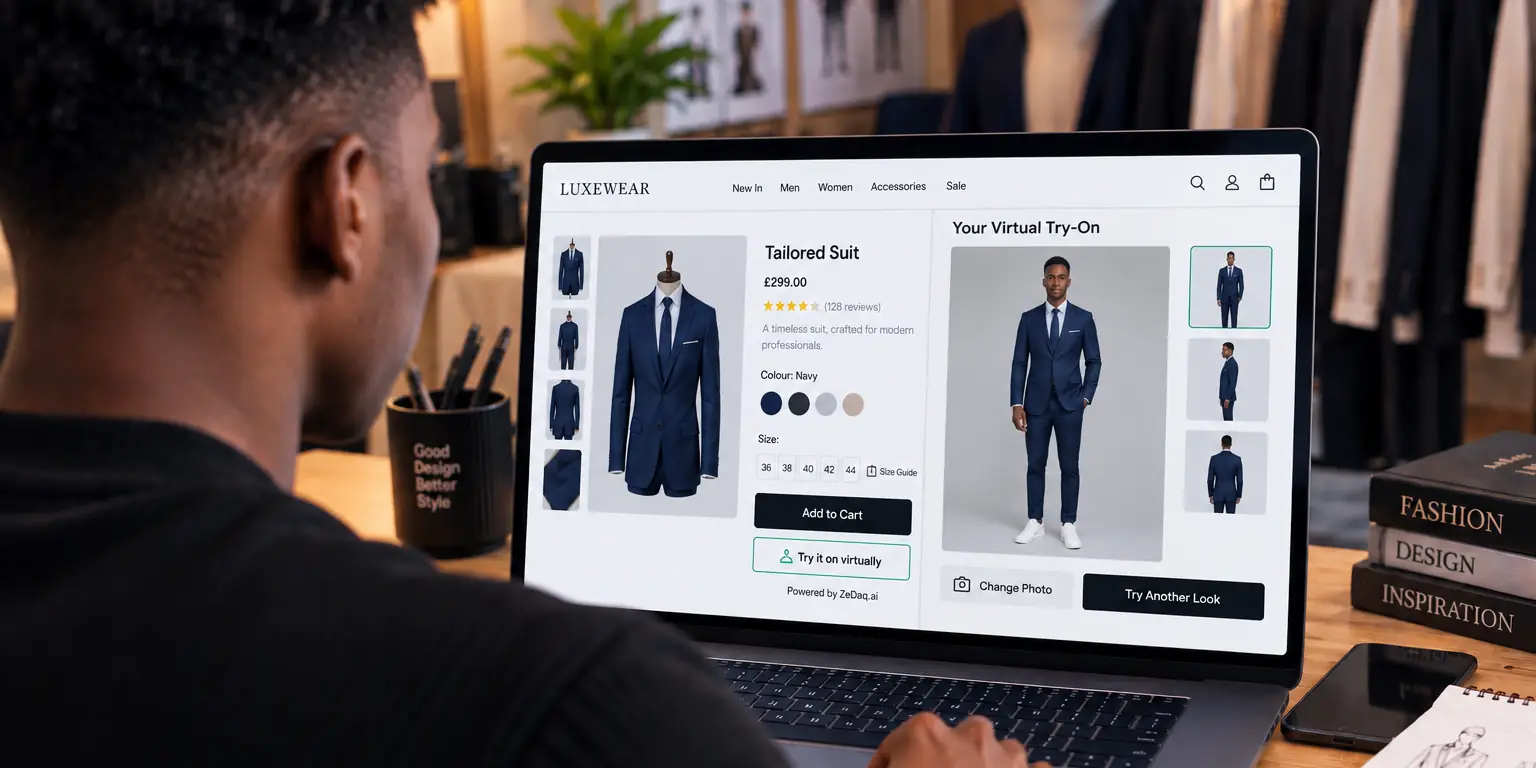
Virtual Try-On for Abaya Stores
By the ZeDaq.ai team · · 6 min read
On this page
Virtual try-on for abaya stores lets a shopper upload one photo and see your real abaya on their own body, right on your product page. It helps her judge color, drape and overall look before she orders, while your length guide and shoulder measurements answer the fit questions.
This guide covers how try-on works for abayas, how to prepare product photos, and how to present sizing for a loose garment. It builds on the wider guide to virtual try-on for African fashion brands, which covers platforms and pricing in more depth.
Why is buying an abaya online harder than it looks?
An abaya is a loose, full-length outer robe worn by many Muslim women. Because it is loose, the usual questions about a tight chest or waist matter less. Other questions matter more:
- Will it be the right length? Too short shows the ankle. Too long drags and gets dirty.
- Will the shoulders sit right? A shoulder seam that drops too far makes the whole robe look oversized.
- How will the fabric fall? Crepe, nida and chiffon drape very differently on the body.
- Does the color suit me? Black looks different across fabrics, and colored abayas are harder still to judge from a flat photo.
A product photo on a model answers some of this. Seeing the abaya on her own photo answers more.
See an abaya-style garment on your own photo
Try it on yourself
Live renderUpload a photo, pick a piece, see it rendered on you.
Pick something to try on
How does virtual try-on work for an abaya?
The shopper taps Try it on on your product page. She uploads one full-length photo of herself and gets back an image of your actual abaya on her body. She doesn't need an account or an app, and the photo she uses is her own choice.
The garment shown is your real product, taken from your product images. It is not a generic robe or a 3D model. So the embroidery, trim, sleeve shape and fabric color she sees come from your listing.
Shoppers also get Find my size, a 30-second body scan from one photo plus their height. That suggests a size label from your own size chart.
How do you photograph abayas for try-on?
Try-on works from your product images, so the main image matters most. For abayas, follow these steps:
- Show the full length. Keep the hem in frame. A cropped hem makes the robe look shorter than it is.
- Shoot it front-facing and closed. For open-front styles, close the front for the main image, and show it open in a second photo.
- Use a plain background. A clear outline helps the garment come through cleanly.
- Light it evenly. Black fabric loses detail in dim light, so add soft light from the front.
- Spread the sleeves. Wide butterfly and kimono sleeves should be visible, not folded behind the body.
Test each new style on your own phone before it goes live. If a render looks off, swap in a cleaner front image.
How should you present abaya sizing?
Abaya size charts usually focus on length and shoulder width, because the body of the robe is loose. Many sellers label sizes by length alone, while others pair a size letter with a length.
Here is a common way to lay that out:
| Size label | Length (neck to hem) | Shoulder width | Suits height around |
|---|---|---|---|
| 52 | 52 in | 15 in | 5 ft 0 in |
| 54 | 54 in | 15.5 in | 5 ft 3 in |
| 56 | 56 in | 16 in | 5 ft 5 in |
| 58 | 58 in | 16.5 in | 5 ft 7 in |
| 60 | 60 in | 17 in | 5 ft 9 in |
Example chart only. Check your brand's own chart, and measure length in the shoes your customer will wear.
To help shoppers read it:
- Explain where length is measured. Most charts measure from the base of the neck or the top of the shoulder to the hem. Say which.
- Give a height guide. A "suits height around" column saves shoppers from measuring.
- Note the shoulder style. Dropped shoulders and butterfly cuts fit wider by design. Say so in the fit note.
- Add the sleeve length. Shoppers who wear an abaya over other layers often care about this.
- Mention the hem finish. A plain hem is easy for a tailor to shorten. A lace, embroidered or beaded hem is much harder, so the length choice matters more on those styles.
What does ZeDaq.ai sizing cover for abayas?
ZeDaq.ai size charts work on chest, waist and hips, with one chart per garment type. The scan matches the shopper's body to those measurements and sizes up to the largest relevant one. It does not choose a length.
So for abayas, use both parts together:
- Add a dresses chart in Dashboard → Size charts with chest and hips ranges for each of your sizes. This tells a shopper which width suits her.
- Keep your length guide in your product description or size guide tab, next to the try-on button.
- Write one fit note, such as "Choose your width with Find my size, then your length from the chart below."
This split works well for loose garments. The same approach suits kaftans, as the guide to virtual try-on for kaftan brands shows. If you also sell extended sizes, the guide to try-on for modest and plus-size stores covers how to keep sizing inclusive.
How do you add try-on to your abaya store?
Pick the route for your platform:
- Shopify: install the ZeDaq.ai app from the Shopify App Store and switch on its app embed in your theme.
- WooCommerce, Wix, Squarespace, BigCommerce or a custom site: paste the ZeDaq.ai script tag into your product template, with a key locked to your store's domain.
- Your own app or headless store: use the REST API, documented in the ZeDaq.ai API reference.
The Free plan includes 3 try-ons a month, enough to test a few styles. Paid plans start with Micro at $14 a month, and every paid plan has a 3-day free trial with no card required.
If you run a small boutique and aren't sure the cost is justified yet, the guide on whether try-on is worth it for small brands walks through the decision.
See your abayas on a shopper's photo
FAQs
Can a shopper use a photo where she wears a headscarf?
She chooses which photo to upload, and the tool needs one clear, full-length photo. Try a photo like this yourself during testing so you know how the render looks.
Does try-on show the abaya's real embroidery and trim?
It shows your real garment from your product images. The clearer your main image is, the more detail comes through.
Will the scan tell a shopper which abaya length to buy?
No. The scan suggests a size from chest, waist and hips. Keep your length chart and height guide on the page for length.
Does it work for open-front and butterfly abayas?
Try-on uses your main product image, so show the style clearly in that image. Test each cut on your own phone before it goes live.
Try ZeDaq.ai free
Virtual try-on and Find my size for your store, plus client, order and invoicing tools for tailors, in one subscription.

