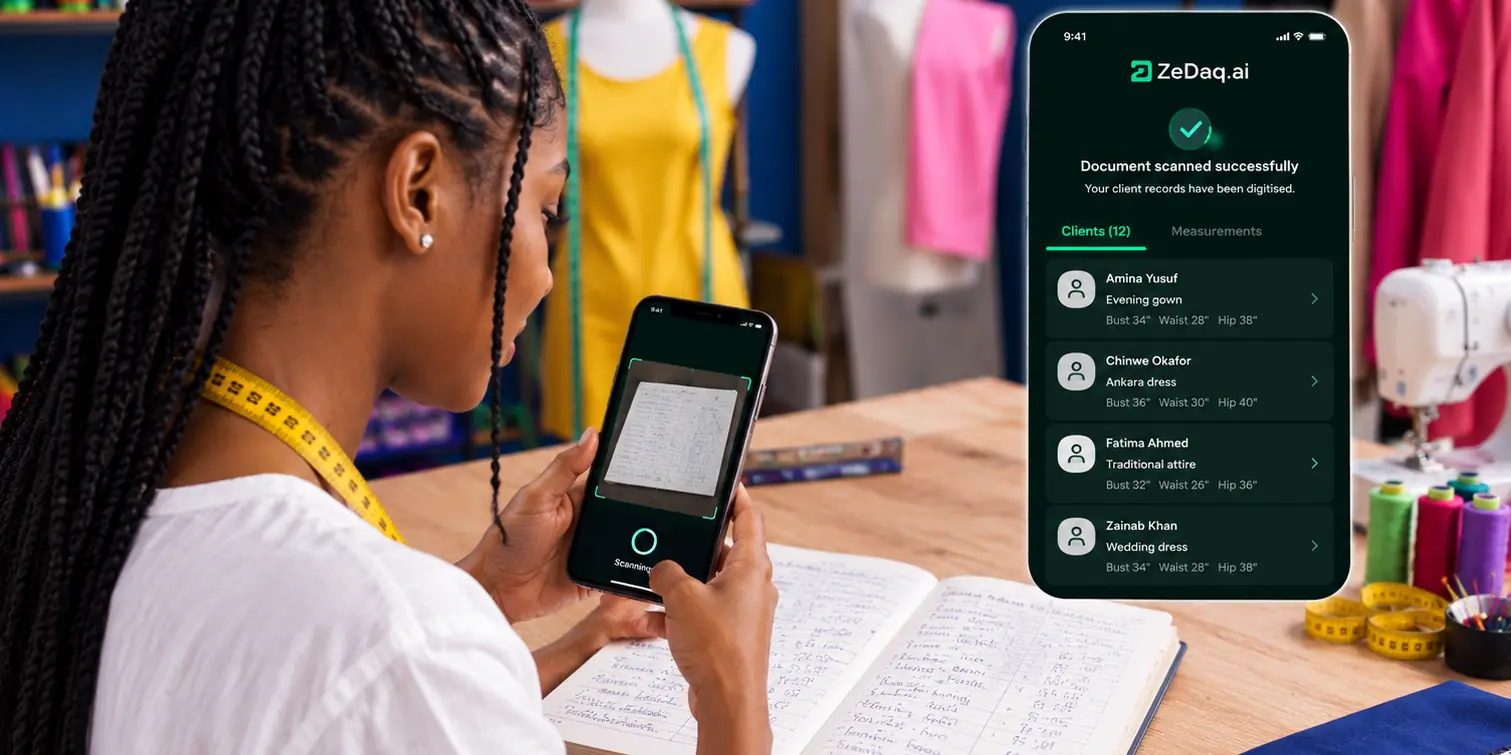
Tracking Orders and Delivery Dates Across Several Tailors
By the ZeDaq.ai team · · 5 min read
On this page
To track orders and delivery dates across several tailors, keep every order in one list, give each order one owner and one status, and put every delivery date on one shared calendar. When orders live in five WhatsApp chats and two notebooks, dates get missed and clients start calling.
This problem grows fast for Nigerian brands. One tailor in your Lagos workshop, two freelancers and a partner workshop in Aba can mean dozens of open orders at once in December. This guide shows a simple system you can run on paper, a spreadsheet or an app. On the selling side, our guide to virtual try-on for African fashion brands covers how fit tools help buyers choose before they order.
Why do orders get lost between tailors?
Most missed deadlines don't come from slow sewing. They come from gaps in information:
- The order was agreed in a DM and never written down.
- Two tailors both thought the other had the job.
- The client changed the style, and only one tailor heard.
- Fabric arrived late, but nobody moved the delivery date.
- The fitting date was missed, so the final date slipped too.
A tracking system closes these gaps by making one record the truth for every order.
What should every order record include?
Each order needs the same basic details, wherever you keep them:
| Field | Example |
|---|---|
| Order number | Use a simple running number |
| Client | Name and phone number |
| Item | Style, fabric and size or measurements |
| Assigned to | The tailor or workshop responsible |
| Fitting date | When the client tries it on |
| Delivery date | When the client receives it |
| Status | See the stages below |
| Payment | Deposit paid, balance due |
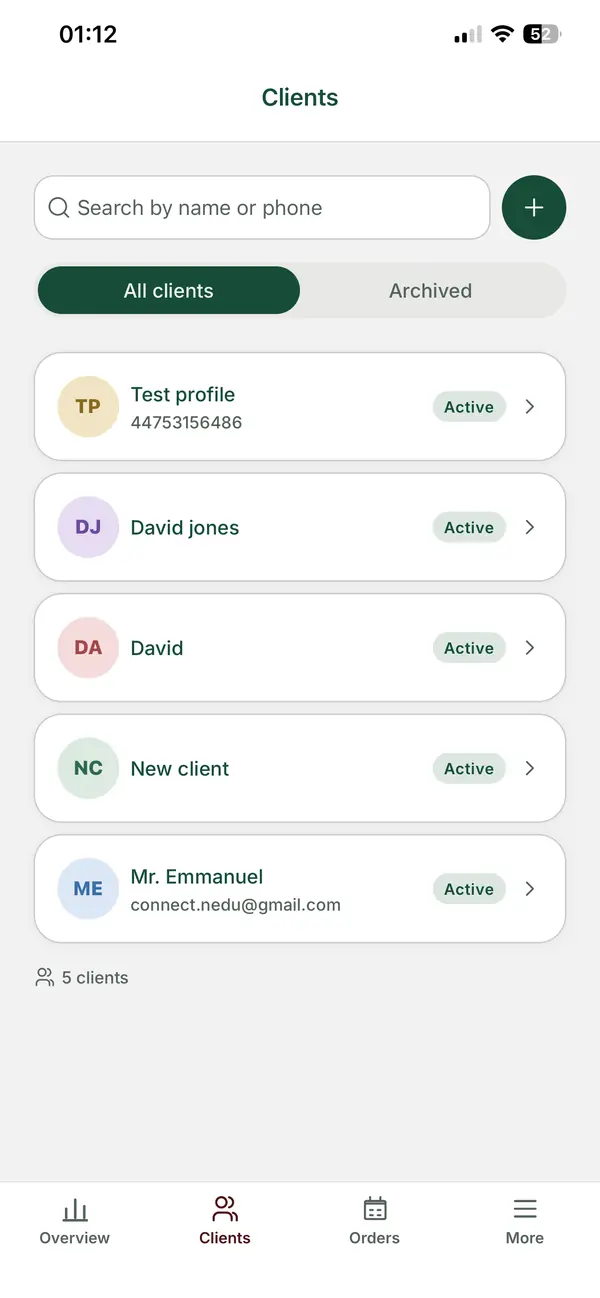
Keep measurements linked to the client, not buried in the order note. A client CRM makes this easy, because the next order for the same client starts with their measurements already on file.
What status stages should you use?
Use a short, fixed list of stages, so everyone means the same thing. For example:
- Confirmed: price and date agreed, deposit received.
- Fabric ready: fabric and trims are in the workshop.
- Cutting.
- Sewing.
- Fitting: ready for the client to try on.
- Finishing: alterations, hems and pressing.
- Quality check: checked against the job card.
- Ready: packed and waiting for pickup or delivery.
- Delivered.
Ask each tailor to update the status when they move an order on. A short message is enough if you are the one updating the record.
The quality check stage is easy to skip when you are rushed. The quality control checklist for clothing production gives you a list to use at that step.
How do you set delivery dates you can keep?
Work backward from the date the client needs the garment:
- Start with the event date, such as a wedding or an Owambe party.
- Set the delivery date a few days before it.
- Set the fitting date with time for alterations after it.
- Set the start date based on how long that style takes your tailor.
- Check the tailor's other orders for the same week before you agree.
For diaspora clients, add shipping time to the UK or US, and add extra time for customs. Always tell the client the delivery date, not the date you hope to finish.
How do you run a weekly review?
Once a week, go through every open order with your team or partner tailors. Use the calendar as your guide:
- Due this week: is everything on track?
- Late or at risk: what is the cause, and what is the new date?
- Waiting on the client: fitting, payment or style confirmation.
- Waiting on materials: fabric, lining or trims.
Call clients early when a date will slip. A client who hears "your dress will be two days late" a week ahead is far happier than one who finds out on the day.
How do you keep payments in step with orders?
Many Nigerian brands take a deposit before cutting and the balance before delivery. Track both against each order, so you never deliver a garment with an unpaid balance by mistake.
Invoices help keep this clear. The guide to invoicing in naira with deposits and balances explains how to set up deposit and balance invoices.
Should you use paper, a spreadsheet or an app?
Each option can work. The right one depends on your volume.
| Option | Works well when | Watch out for |
|---|---|---|
| Notebook | A handful of open orders, one tailor | Lost pages, no backup, hard to share |
| Spreadsheet | More orders, a few tailors | Easy to forget to update, awkward on a phone |
| Order app | Many orders, several tailors, remote clients | Takes some setup time |
ZeDaq.ai's tools for tailors and designers include a client CRM, measurement links clients open on their phone, and orders with a delivery calendar. Invoicing supports multiple currencies, including NGN, GBP and USD. The ZeDaq Business mobile app for iOS and Android lets you check orders and dates from your phone while you are at the market or in the workshop.
You can see how these fit a multi-tailor setup on the ZeDaq.ai page for tailors, or book a demo to walk through your own orders.
See every tailor's orders on one calendar
FAQs
How often should tailors update order status?
Each time an order moves to a new stage. If that is hard, collect updates at a short daily check-in.
What if a tailor works outside my workshop?
Treat them the same. Assign the order to them, agree on the dates in writing and ask for photo updates at key stages.
How much buffer should I leave before an event?
Leave enough time for one round of alterations after the fitting. For diaspora clients, add shipping and customs time.
Can clients see their order status?
You can share updates with clients on WhatsApp at each key stage. A short message at fitting and ready stages keeps most clients calm.
Try ZeDaq.ai free
Virtual try-on and Find my size for your store, plus client, order and invoicing tools for tailors, in one subscription.

