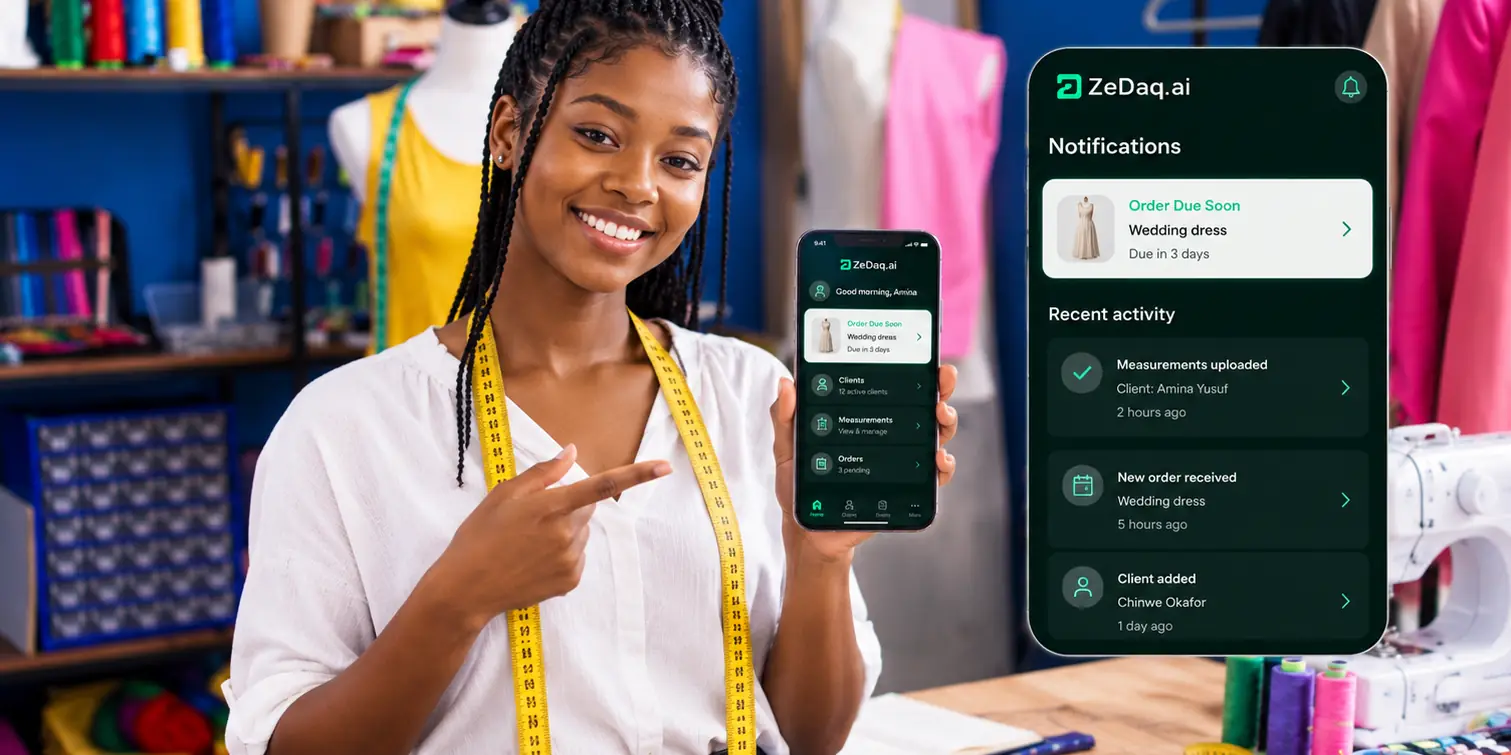
Tailor App for iPhone: Features That Matter
By the ZeDaq.ai team · · 6 min read
On this page
- Who is a tailoring app on iPhone really for?
- Which features should you check first?
- What is different about using it on an iPhone?
- How do you test a tailor app in one evening?
- Which warning signs should make you skip an app?
- How does ZeDaq Business compare with WhatsApp and notebooks?
- How much does ZeDaq Business cost?
A tailor app for iPhone should handle five jobs well: client records, measurements clients can send from their own phone, orders, a delivery calendar and invoices in the currency your client pays. Features beyond those are nice to have, but those five decide whether the app runs your business or becomes another place to check.
Below is a checklist for judging any iOS tailoring app, a short test you can run in an evening, and how ZeDaq.ai covers each point. For the full picture of what ZeDaq.ai offers sewing businesses, see the ZeDaq.ai tools for tailors.
Who is a tailoring app on iPhone really for?
It is for tailors, dressmakers and fashion designers who spend more time on their phone than at a desk. If you take orders at fittings, reply to clients between cuts and check due dates on the move, the phone is your office.
An iPhone app suits you if:
- you already run the business from an iPhone
- you share the workshop with someone on Android and want one account for both
- you want to show a client their measurements or invoice on the spot
If your team uses Android, the matching guide to Android tailor app features covers the same checklist for that platform.
Which features should you check first?
Use this table when you compare apps in the App Store. Give each app a tick only if the feature works without a workaround.
| Feature | What to look for | Question to ask |
|---|---|---|
| Client CRM | One record per client, with contact details and notes | Can I find any client in under a minute? |
| Remote measurements | A link the client opens on their own phone | Can a client abroad send me measurements? |
| Orders | Each order linked to a client and their measurements | Can I see every open order at once? |
| Delivery calendar | All due dates in one calendar view | Can I see what is due this week? |
| Invoices | Sent from the phone, in the client's currency | Can I bill in NGN, GBP or USD? |
| Same account on Android | One login across devices | Can my assistant use it on their phone? |
Client records
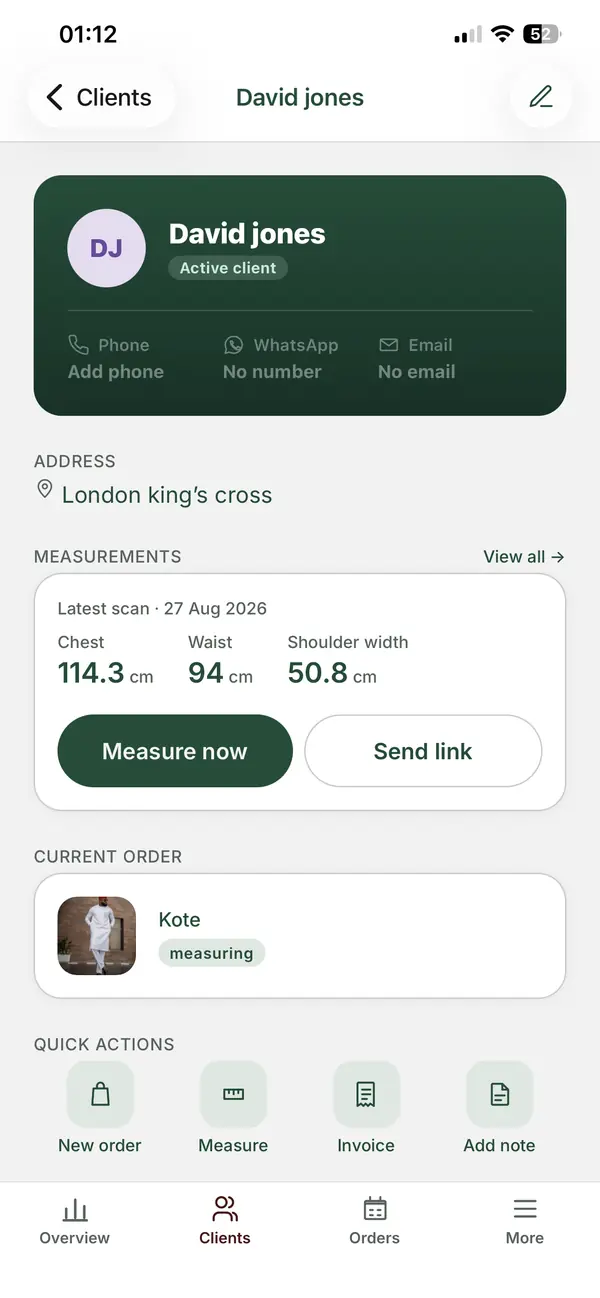
The CRM is the base of everything else. Each client needs one record that holds their contact details, past orders and measurements. If the app makes you retype a returning client, it will cost you time every week.
Measurements by link
This feature matters most for tailors who sew for clients in other cities or countries. With ZeDaq.ai, you send the client a link. They open it on their own phone and their measurements come back to their record. The client doesn't need to install anything.
You can still take measurements by hand at a fitting. The link is for clients you can't see in person.
Orders and the delivery calendar
An order should connect to the client and the measurements used. That way, when a client returns for a second outfit, you can see what you made last time.
The delivery calendar turns those orders into dates. In busy seasons, one view of everything due this week is often what stops a missed deadline.
Invoices in more than one currency
If you have clients at home and abroad, you need invoices in their currency. ZeDaq.ai invoices support multiple currencies, including NGN, GBP and USD. You create and send them from the app, so you can bill straight after a fitting.
What is different about using it on an iPhone?
The feature list should be the same on every phone. What changes is how you get the app and how you share work with others.
- Getting the app. The ZeDaq Business app is available for iOS and Android. Search the App Store for "ZeDaq Business."
- Mixed teams. Many workshops have one iPhone and one Android phone. Because ZeDaq Business runs on both, your assistant can work from their own phone.
- Showing clients. An iPhone screen is a quick way to show a client their saved measurements or an invoice during a fitting.
Before you commit to any app, check that it is listed by the developer you expect and that it was updated recently.
How do you test a tailor app in one evening?
Don't judge an app from its screenshots. Run one real order through it.
- Add three real clients, including one who lives far away.
- Send a measurement link to the distant client and see how easy they find it.
- Create an order for each client with a due date.
- Open the delivery calendar and check the dates appear.
- Send one invoice in the currency that client pays.
- Log in on a second phone, if someone else in the workshop will use it.
If any step takes more than a few minutes, note it. Small delays add up when you have dozens of orders.
Which warning signs should make you skip an app?
Some problems only show up after you have entered fifty clients. Watch for these during your test.
- No way to get your data out. If you leave one day, your client records should come with you.
- Measurements stored as free text. A single notes box makes it hard to compare a client's sizes over time.
- Invoices in one currency only. If you have clients abroad, you will end up editing bills by hand.
- No link between orders and clients. You should be able to open a client and see every order they have placed.
- Phone-only access. Some jobs, like reviewing a month of orders, are easier on a larger screen.
- Unclear pricing. You should know what the app costs before you move your clients into it.
What should you ask before paying?
Ask three plain questions. What happens to my data if I stop paying? Can more than one person use the account? Which limits apply on the plan I am choosing? A clear answer to each tells you a lot about the company behind the app.
How does ZeDaq Business compare with WhatsApp and notebooks?
Many tailors run orders through chats, photos of notebook pages and voice notes. That works with a few clients, but measurements get buried in threads.
The comparison of ZeDaq.ai and WhatsApp Business explains where each tool fits. Many tailors keep WhatsApp for chatting and move records, orders and invoices into an app.
If you work in Nigeria, local payment habits and currencies matter too. The guide on choosing a tailor app in Nigeria covers what to check there.
How much does ZeDaq Business cost?
ZeDaq.ai lists its plans on its pricing page:
| Plan | Price | Notes |
|---|---|---|
| Free | $0 | 3 try-ons, 3 measurements and 5 invoices a month |
| Micro | $14/mo | |
| Starter | $49/mo | |
| Growth | $129/mo | |
| Scale | $299/mo |
Every paid plan has a 3-day free trial with no card required. The Free plan's 3 measurements and 5 invoices a month are enough to run the one-evening test above.
See the tailor tools on your own orders
FAQs
Is ZeDaq Business on the App Store?
Yes. The ZeDaq Business app is available for iOS, and also for Android.
Do my clients need the app to send measurements?
No. You send them a link, and they open it on their own phone.
Can I send invoices in naira and pounds?
Yes. ZeDaq.ai invoices support multiple currencies, including NGN, GBP and USD.
Is ZeDaq Business an app for shoppers?
No. ZeDaq Business is for tailors and fashion designers to run their business. It is the only ZeDaq.ai app.
Try ZeDaq.ai free
Virtual try-on and Find my size for your store, plus client, order and invoicing tools for tailors, in one subscription.

