Size Recommendation vs Fit Quiz Apps
By the ZeDaq.ai team · · 8 min read
On this page
A size recommendation app gives the shopper one size label for a specific product, while a fit quiz app asks a series of questions to guide the shopper toward a fit, style or product. If your main problem is "which size do I order?", a size recommendation app is the more direct tool; a fit quiz helps more when shoppers don't know which cut or style to pick.
ZeDaq.ai publishes this blog. Competitor details come only from each company's own public page, checked November 2026. If you also want shoppers to see clothes on themselves, our guide to Shopify try-on apps covers that side.
What does a size recommendation app do?
A size recommendation app sits on the product page and answers one question: which size of this item fits me? It collects some information about the shopper, compares it with the product's size chart and returns a label such as "M" or "UK 12."
Apps differ in what they collect:
- Answers to a few questions, such as height, weight and age.
- A photo, which the app measures.
- Past purchases, such as a size the shopper wears in another brand.
Sizebay's homepage (checked November 2026) is an example of the first type for clothing. It says shoppers get a size "with only their height, weight, and age."
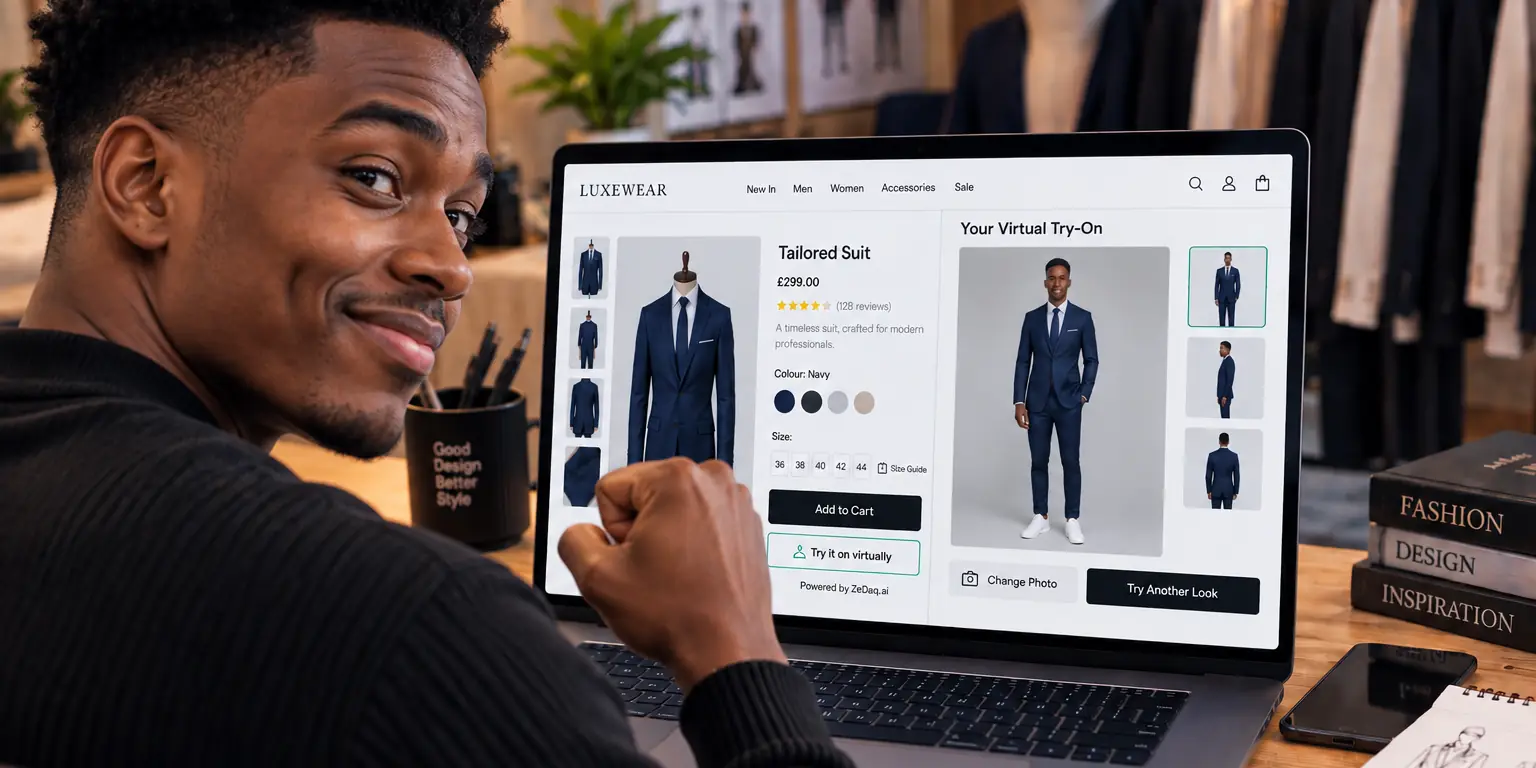
ZeDaq.ai is an example of the photo type. "Find my size" runs a 30-second body scan from one photo plus height and matches the measurements to your own size chart.
Try the photo size scan yourself
Try it on yourself
Live renderUpload a photo, pick a piece, see it rendered on you.
Pick something to try on
What does a fit quiz app do?
A fit quiz app asks a sequence of questions and uses the answers to guide the shopper. Quizzes are common for products where the right choice depends on preference as much as body shape.
Typical quiz questions include:
- How do you like your jeans to fit: slim, straight or relaxed?
- Where do you usually feel tight: waist, hips or thighs?
- What will you wear this for: work, weekends or sport?
- Which brands do you usually buy, and in what size?
The result is often a product or a collection, not a single size. For example, a denim quiz might suggest "our straight leg in a mid rise" and then link to that product.
How do the two app types compare?
| Size recommendation app | Fit quiz app | |
|---|---|---|
| Main question | Which size of this product? | Which product or fit suits me? |
| Where it appears | On the product page, near the size picker | Often on a landing page or collection page |
| Shopper effort | A few inputs or one photo | Several questions, one at a time |
| Output | One size label from your chart | A product, collection or fit type |
| Needs your size chart | Yes | Not always |
| Best for | Reducing size doubt on a chosen item | Guiding shoppers who haven't chosen yet |
Many stores benefit from both. A quiz helps someone choose a cut, then a size tool on that product confirms the label.
Which one should your store pick first?
Start with the problem that costs you the most time today. These signs point one way or the other.
Signs you need a size recommendation app
Choose a size recommendation app first if:
- Shoppers already know what they want. They've chosen the dress. They just need the size.
- Your inbox is full of size questions. "I'm usually a 10, what should I get?" is a sizing problem, not a style problem.
- Your sizes run differently from other brands. Your own chart can correct for that, where a quiz based on other brands can't.
- You sell many simple styles. T-shirts, knitwear and basics need a size, not a style quiz.
Our comparison of the top size recommendation apps lists the main options and what they cost.
Signs you need a fit quiz app
A fit quiz is the better first step if:
- You sell many cuts of one product type. Jeans, bras and swimwear often come in several fits.
- Shoppers don't know your range. New visitors may not know the difference between your "slim" and "tapered."
- Preference matters as much as size. Some people want a loose fit even when a smaller size technically fits.
- You want to collect preferences for marketing. A quiz can learn a shopper's style for later emails, if you ask for consent.
Denim brands often face both problems at once. Our guide to sizing for denim brands shows how to handle rise, leg shape and stretch.
How do you combine a quiz and a size tool?
Combining the two works best when each has a clear job. Here's a simple flow a fashion store can set up.
- Quiz on the collection page. Ask two or three questions about fit preference and use. Send the shopper to the matching product.
- Size tool on the product page. The shopper taps "Find my size" and gets a label from that product's chart.
- Fit note under the size. Add one line, such as "runs small, size up if you prefer a looser fit," so the shopper can adjust for preference.
Keep the quiz short. Every extra question loses some shoppers, and people browsing on a phone have little patience for long forms. Three questions is a sensible starting point, and you can add more if completion stays strong.
A worked example: a women's jeans store
Say you sell three jean fits: skinny, straight and wide leg. Each fit has its own size chart because the leg and hip ease differ.
- Without either tool, shoppers guess the fit from photos and the size from a table. Some buy two sizes to try at home.
- With a quiz only, shoppers reach the right fit but still guess the size.
- With a size tool only, shoppers get the right size of whichever fit they clicked, even if it isn't the fit they'd prefer.
- With both, the quiz sends them to straight leg, and the size tool picks their size from the straight-leg chart.
The combined flow takes a little more setup, because you maintain both quiz answers and three charts. In return, shoppers reach a specific fit and a specific size without messaging your team.
How do you tell whether it's working?
Don't judge either tool by a feeling. Track a few simple signals for a month before and a month after you install it.
- Size questions in your inbox. Tag every message that asks about size or fit, and count them each week.
- Exchange reasons. If your returns form asks why, compare how often "too small" and "too large" come up.
- Tool completion. Most apps show how many shoppers start and finish the flow. A low finish rate suggests too many steps.
- Shoppers ordering two sizes. Look for orders with the same item in two sizes. That's a sign shoppers still feel unsure.
If size questions drop but exchanges don't, check your chart ranges first. The tool can only be as good as the chart behind it. If completion is low, cut a step, such as a question in the quiz, before you change tools.
What should you check when choosing either type?
Run through this checklist before you install anything:
- Does it use your own size chart? Generic charts ignore how your brand cuts.
- How many steps does the shopper take? Count taps on a phone, not a laptop.
- What data does it collect? Ask what is stored and for how long.
- Can you edit it yourself? You'll want to change questions or ranges as your range changes.
- What happens when there's no answer? A size tool should fall back to a standard chart. A quiz should still show products.
If your shoppers resist long forms, read our breakdown of photo-based vs questionnaire sizing, which compares the two ways a size tool collects information.
What does ZeDaq.ai cost?
ZeDaq.ai lists its plans on the pricing page:
| Plan | Price | Notes |
|---|---|---|
| Free | $0 | 3 try-ons, 3 measurements and 5 invoices a month |
| Micro | $14/mo | |
| Starter | $49/mo | |
| Growth | $129/mo | |
| Scale | $299/mo |
Every paid plan has a 3-day free trial with no card required. Each size scan uses one measurement from your plan.
Give shoppers a size from your own chart
FAQs
Is a fit quiz the same as a size quiz?
Not always. Some quizzes estimate a size from answers, while others recommend a style or product. Check what result the quiz actually returns.
Can a size recommendation app replace my size chart?
No. A size app reads your chart to give its answer, so you still need accurate ranges for each garment type.
Does ZeDaq.ai include a fit quiz?
No. ZeDaq.ai offers a photo-based size scan and AI virtual try-on. You can use a separate quiz tool alongside it.
Which is better for a small store?
Start with whichever problem costs you more time. If most customer messages ask about size, a size app helps first.
Where should a fit quiz appear on my store?
Put it where shoppers are still choosing, such as a collection page, the main menu or a landing page for one product type. A size tool belongs on the product page, next to the size picker.
Do shoppers need an account to use ZeDaq.ai's size scan?
No. The shopper uploads one photo and types their height on your product page. There is no sign-up and nothing to download.
Try ZeDaq.ai free
Virtual try-on and Find my size for your store, plus client, order and invoicing tools for tailors, in one subscription.

