Running a Nigerian Fashion Brand From Your Phone With ZeDaq Business
By the ZeDaq.ai team · · 6 min read
On this page
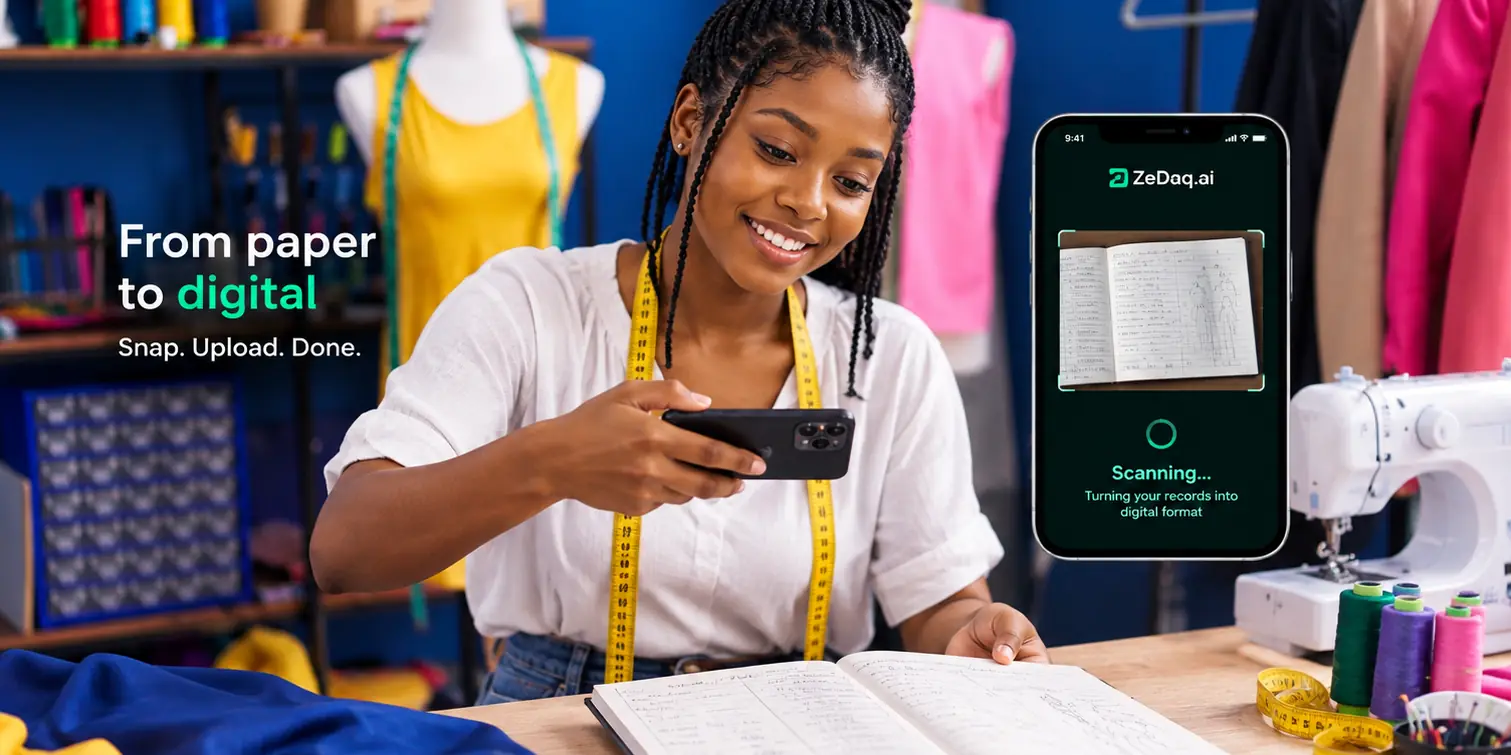
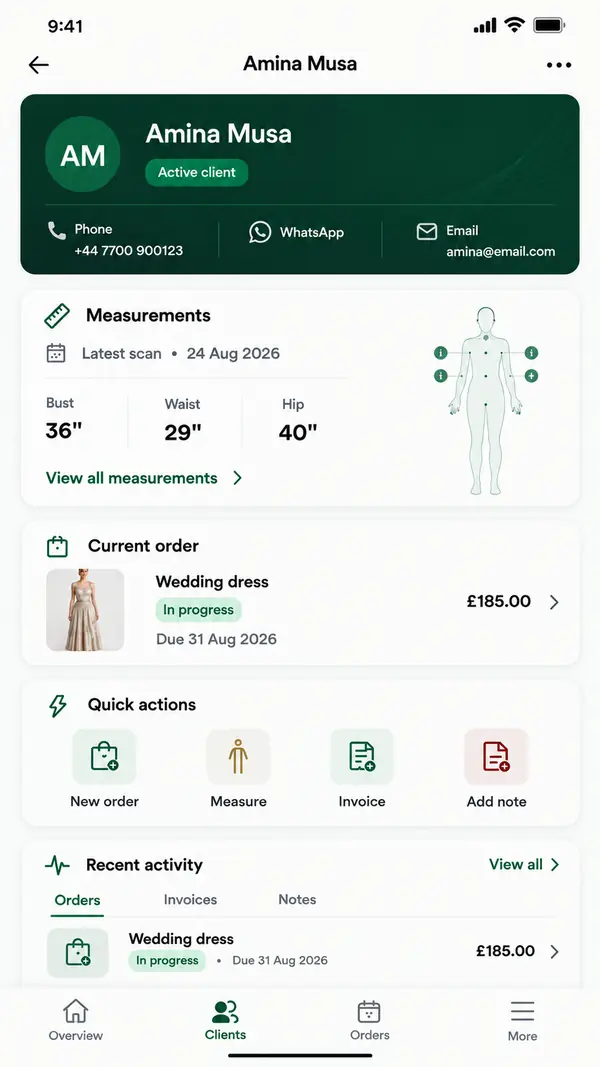
You can run a Nigerian fashion brand from your phone with ZeDaq Business, the ZeDaq.ai mobile app for iOS and Android. It keeps your clients, measurement links, orders, delivery calendar and invoices in one place, so you are not juggling WhatsApp chats, a notebook and a calculator.
Most Nigerian brand owners already work from their phones. You answer DMs on the way to Balogun, check fabric in the market and confirm fittings between meetings. This guide shows how to turn that phone into your business office. For the online selling side, our guide to virtual try-on for African fashion brands covers how fit tools help buyers choose.
What can you manage in ZeDaq Business?
ZeDaq Business is built for tailors, designers and fashion brand owners. It covers the jobs that usually live in chats and notebooks:
| Task | What the app gives you |
|---|---|
| Clients | A client CRM, with each client's details and measurements |
| Measurements | A link the client opens on their own phone |
| Orders | Each order with its details and delivery date |
| Delivery dates | A delivery calendar showing what is due |
| Invoices | Invoicing in multiple currencies, including NGN, GBP and USD |
It shares the same account as the ZeDaq.ai web dashboard, so you can sign in on a laptop when you want a bigger screen.
ZeDaq Business is the only ZeDaq.ai app. It is for you and your team, not for shoppers. Shoppers who use virtual try-on do so on your store's website.
What does a working day look like?
Here is how a typical day might run for a Lagos brand owner, using only a phone:
- Morning: open the delivery calendar and see which orders are due this week.
- On the way to the market: a new client from Abuja asks for a custom Owambe dress on Instagram. You add her as a client and send a measurement link on WhatsApp.
- At the fabric market: check her order details, so you buy the right amount of fabric.
- Midday: her measurements arrive in her record. You don't copy numbers from a voice note.
- Afternoon: you agree a price and send a deposit invoice in naira.
- Evening: a diaspora client in London confirms a balance. You send her invoice in GBP.
Nothing in that day needed a laptop or a paper notebook.
How do measurement links work for distant clients?
Measurement links are one of the most useful tools for Nigerian brands with clients outside their city. Instead of asking a client to measure herself and type numbers into a chat:
- You send a link from the app by WhatsApp or email.
- The client opens it on her own phone. She doesn't need to install anything.
- The results land in her client record.
That helps with clients in Port Harcourt, Kano or Enugu, and with diaspora clients in the UK and US who can't come for a fitting. It also helps with Aso-ebi groups, where you need measurements from many people for one event.
A few tips make measurement links work better:
- Send the link with a short note, such as "please wear fitted clothes and ask someone to help you."
- Send links early, at least a few days before you plan to cut fabric.
- Check each result when it arrives. If a number looks odd, call the client before cutting.
- Keep the record for next time. A returning client's measurements are already on file, so you only confirm changes.
For a bridal party or family order, send one link per person. Each result lands in that person's own record, so you never mix up the bride's sister with her cousin.
How do you handle orders and delivery dates?
Every order you add sits on the delivery calendar. That gives you one view of what is due, instead of scrolling back through chats.
Use it to:
- Check your week every morning before you take new orders.
- Spot clashes, such as three wedding outfits due on the same Saturday.
- Set realistic dates for new clients by looking at what is already booked.
As your client list grows, the guide to building a customer list for a boutique shows how to keep client records clean as you grow.
How do you send invoices from the app?
Invoices are where many small brands lose money, through forgotten balances or unclear deposits. In ZeDaq Business, you can invoice in multiple currencies, including NGN, GBP and USD.
A simple routine:
- Send a deposit invoice when the client confirms the order.
- Note the deposit when it arrives.
- Send the balance invoice when the garment is ready.
- Deliver only after the balance is paid, unless you have agreed otherwise.
For more on what to include, including VAT and deposit terms, read the guide to invoicing in naira for fashion brands.
How do you set up the app?
Setup takes one short sitting:
- Create a ZeDaq.ai account on the website.
- Download ZeDaq Business from the Apple App Store or Google Play.
- Sign in with the same account.
- Add your next few clients, starting with those whose orders are due soon.
- Send one measurement link to a real client and check how the results arrive.
- Add one live order and send its deposit invoice.
Start small. You don't need to move every old client in one day. Add them as they place new orders.
If you have staff, decide early who updates what. For example, you might add new clients and send invoices yourself, while your head tailor checks the delivery calendar each morning. Clear roles stop two people changing the same order in different ways.
Give yourself two weeks before judging the app. The first few days feel slower than a notebook, because you are adding records. After that, finding a client's measurements or checking a balance takes seconds instead of a long scroll through chats.
What does it cost?
ZeDaq.ai has a Free plan at $0, which includes 3 try-ons, 3 measurements and 5 invoices a month. That lets you test measurement links and invoices with real clients.
When you need more, paid plans are priced in US dollars:
| Plan | Price |
|---|---|
| Micro | $14/mo |
| Starter | $49/mo |
| Growth | $129/mo |
| Scale | $299/mo |
Every paid plan has a 3-day free trial with no card required. Check each plan's monthly allowance on the ZeDaq.ai pricing page.
How is this different from WhatsApp Business?
WhatsApp is still where you talk to clients, and you should keep using it. The difference is where your records live. In WhatsApp, measurements, prices and payment notes are scattered across chats. In ZeDaq Business, each client has one record with their measurements, orders and invoices together.
Many brand owners use both: WhatsApp for conversation, ZeDaq Business for the record. For a tailoring-shop view of the same app, see running a tailoring shop from your phone.
You can see all the tools for tailors and designers on the ZeDaq.ai tailor page, or book a demo to walk through your own setup.
Run your fashion brand from your phone
FAQs
Is ZeDaq Business available on Android?
Yes. ZeDaq Business is available for both iOS and Android.
Do my clients need to download the app?
No. Clients open measurement links in their phone's browser. The app is for you and your team.
Can I invoice diaspora clients in pounds or dollars?
Yes. Invoicing supports multiple currencies, including NGN, GBP and USD.
Can I use the app and the web dashboard together?
Yes. Both use the same ZeDaq.ai account, so you can switch between your phone and a laptop.
Try ZeDaq.ai free
Virtual try-on and Find my size for your store, plus client, order and invoicing tools for tailors, in one subscription.

