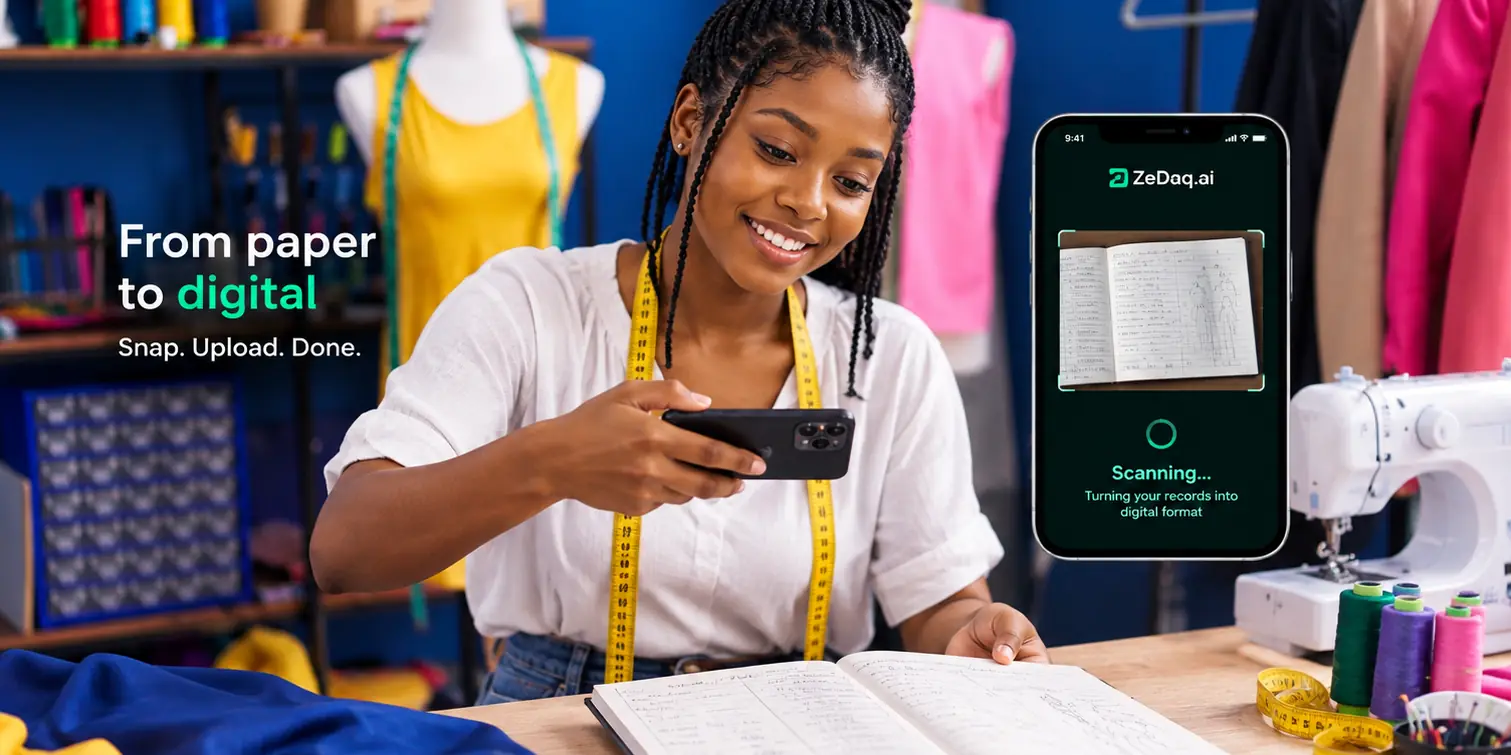
Running a Tailoring Shop From Your Phone With the ZeDaq Business App
By the ZeDaq.ai team · · 4 min read
On this page
You can run a tailoring shop from your phone with the ZeDaq Business app, which lets you manage clients, orders and invoices on iOS or Android. The app is free with any ZeDaq.ai plan, including the Free plan, and it shares the same records as the web dashboard.
This guide walks through a working day in the app and what to set up first. For the full list of features, see ZeDaq.ai for tailors.
What can you do in the ZeDaq Business app?
The app covers the daily jobs of a small tailoring business:
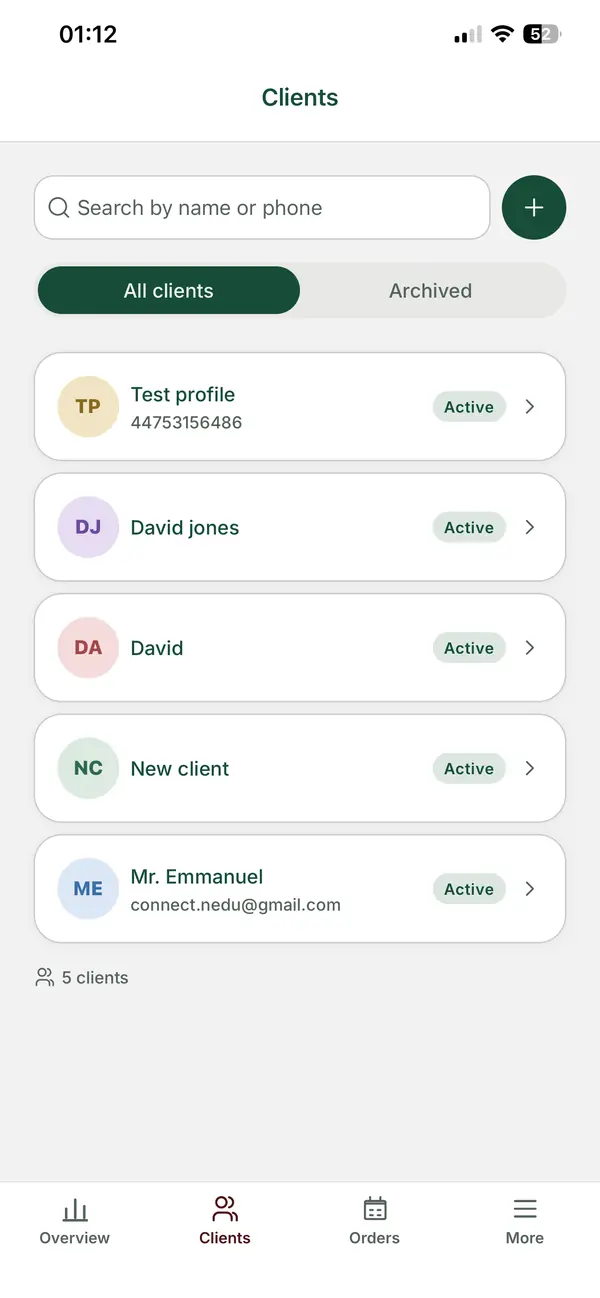
- Clients. Look up a client's details and measurements while you talk to them.
- Measurement links. Send a link by WhatsApp or email. The client opens it on their own phone, with no app to install, and the results land on their profile.
- Orders. Record the amount charged, the deposit, the delivery date and the location.
- Delivery calendar. See every due date on a calendar view.
- Reminders. Get push reminders as due dates approach, at a time you choose, with the option to back them up to your phone's calendar.
- Invoices. Send invoices by email or WhatsApp, in multiple currencies including NGN, GBP and USD.
These details come from the ZeDaq.ai tailor page, checked November 2026.
What does a working day look like on your phone?
Here is how a typical day might run with only your phone:
- Morning. Open the calendar and check which orders are due this week.
- A new client messages you. Add them as a client and send a measurement link by WhatsApp.
- They send the measurements. The results land on their profile, so you don't copy numbers from a chat.
- You agree a price. Create an order with the deposit and delivery date.
- The deposit arrives. Send an invoice in their currency while you are still at the cutting table.
- Evening. A push reminder tells you a dress is due in two days.
Nothing in that day needs a laptop, a notebook or a long scroll through old chats.
Why move from chats and notebooks to an app?
Many tailors run their shop through WhatsApp messages and a paper measurement book. That works until a page is lost or a deposit is forgotten.
An app gives every client one record. Measurements, orders and invoices sit together, so you can answer "how much do I still owe?" in seconds. Our guide to moving off chats and notebooks covers how to make the switch without losing old records.
You don't have to stop using WhatsApp. You still talk to clients there, and send links and invoices through it. For a closer look at the difference, read ZeDaq.ai versus WhatsApp Business.
How do you set up the app?
Setup follows five steps:
- Create a ZeDaq.ai account on the website.
- Download ZeDaq Business from the Apple App Store or Google Play. The download buttons are on the tailor page.
- Sign in with the same account.
- Add your next three clients, or the clients with orders due soon.
- Send one measurement link to a client and check where the results appear.
Start small. Adding the clients you are working with now is quicker than copying a whole notebook on day one.
If you are just opening your business, the guide to the first tools to set up helps you decide what else you need.
What does it cost?
The app itself is free with any plan. What changes between plans is the monthly allowance of measurements and invoices.
| Plan | Price | Measurements a month | Invoices a month |
|---|---|---|---|
| Free | $0 | 3 | 5 |
| Micro | $14/mo | 30 | 10 |
| Starter | $49/mo | 100 | 30 |
| Growth | $129/mo | Unlimited | Unlimited |
| Scale | $299/mo | Unlimited | Unlimited |
These limits come from the live ZeDaq.ai pricing page, checked November 2026. Every paid plan has a 3-day free trial with no card required.
Is a phone enough to run the whole business?
For many small shops, yes. The app covers clients, orders, invoices and reminders, which are the jobs you do every day.
You may still want the web dashboard for larger tasks, such as entering many clients at once or reviewing a full month of invoices on a bigger screen. Both use the same account, so you can switch between them.
Run your tailoring shop from your phone
FAQs
Is the ZeDaq Business app free?
Yes. The app is free with any ZeDaq.ai plan, including the Free plan.
Does it work on Android and iPhone?
Yes. ZeDaq Business is available for iOS on the Apple App Store and for Android on Google Play.
Do my clients need the app?
No. Clients open a measurement link on their own phone, with no app to install. The app is for you and your business.
Can I send invoices on WhatsApp from the app?
Yes. Invoices can be sent by email or WhatsApp, in multiple currencies including NGN, GBP and USD.
Try ZeDaq.ai free
Virtual try-on and Find my size for your store, plus client, order and invoicing tools for tailors, in one subscription.

