MySize or ZeDaq.ai for Measurement Capture?
By the ZeDaq.ai team · · 7 min read
On this page
Choose MySize if you want measurement capture that uses a phone's motion sensors and no camera, and choose ZeDaq.ai if you want measurement capture from a photo plus height, joined to virtual try-on. Both match the results to a store's own size chart, so the real difference is how the shopper is measured and what else comes with it.
This comparison uses each company's public pages, checked November 2026. If you're still mapping the wider market, start with our guide to the best AI try-on apps for Shopify.
How does MySize capture measurements?
MySize describes itself on its homepage as "an omnichannel e-commerce platform and provider of AI-driven apparel sizing and digital experience solutions" (checked November 2026). Its sizing product is MySizeID, listed on the site as Size Recommendation.
According to the MySize FAQ (checked November 2026), MySizeID works like this:
- The shopper opens the app on their phone.
- A tutorial video shows exactly where to place the phone on the body for each measurement.
- The shopper moves the phone and follows audio beeps, so the phone's volume must be on.
- The phone's sensors record the measurement "without the need for a camera."
- MySizeID "correlates your personal measurements with retailers' size charts" and suggests the best size for that store.
The FAQ says it runs on iPhones released since 2014, which it describes as iPhone 6 and newer, and on Android phones with gyroscope and accelerometer sensors. It also notes that shoppers need to follow the tutorials exactly as shown.
What else does MySize offer?
The MySize homepage lists five products: Size Recommendation, First Look Smart Mirror, Smart Catalogue, BOXSIZE and SIZEUP. That makes MySize a wider retail suite than a single sizing button. The pages we checked don't publish prices. They offer a demo request instead.
Try ZeDaq.ai sizing on yourself
Try it on yourself
Live renderUpload a photo, pick a piece, see it rendered on you.
Pick something to try on
How does ZeDaq.ai capture measurements?
ZeDaq.ai uses the phone's camera rather than its motion sensors. It has two capture flows for two different users.
For shoppers on a fashion store
The shopper taps Find my size on a product page:
- They upload one full-length photo.
- They type their height, which sets the scale.
- The photo is measured on the shopper's own device.
- The measurements are matched to the store's own size chart for that garment type: tops, outerwear, dresses or bottoms.
- The shopper sees one size label from the store's chart. If they fall between two sizes, ZeDaq.ai suggests the larger one.
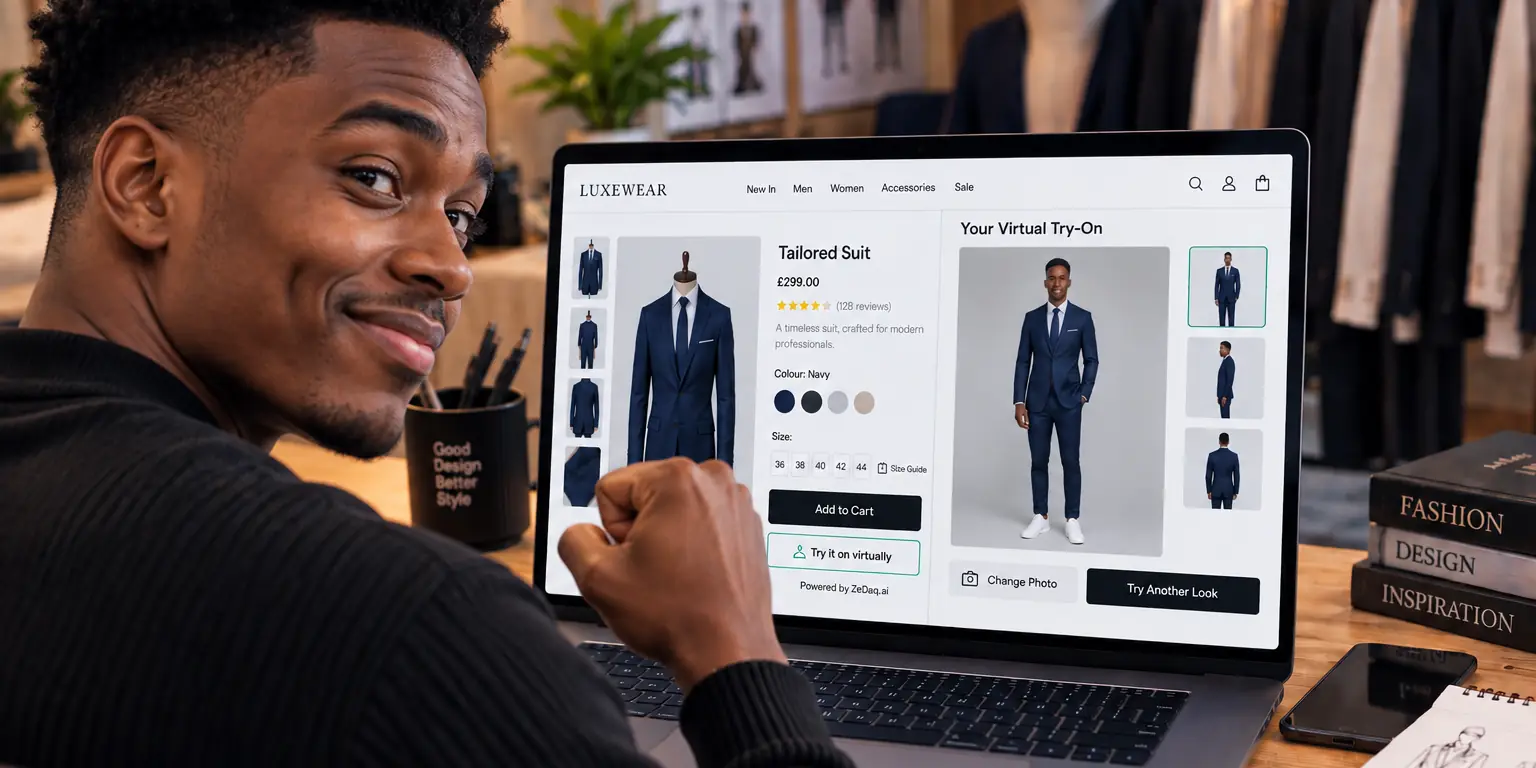
The same photo can be used for virtual try-on, so the shopper sees the garment on their own body as well as getting a size.
For tailors and their clients
Tailors send a measurement link from the ZeDaq.ai dashboard. The client opens it on their phone without an account, enters their height and a few details, and takes two photos: one facing the camera and one from the side. The photos are measured on the client's phone. The measurements, such as chest, waist, hips, sleeve and inseam, go straight to the tailor's client record.
The guide to measurement capture tips for clients at home covers lighting, clothing and distance.
How do MySize and ZeDaq.ai compare side by side?
MySize details come from its homepage and FAQ, checked November 2026.
| MySize (MySizeID) | ZeDaq.ai | |
|---|---|---|
| Capture method | Phone motion sensors, no camera | Phone camera: one photo plus height (shoppers) or two photos (tailor clients) |
| Shopper guidance | Tutorial videos and audio beeps | On-screen steps for the photo and height |
| Match to store chart | Yes, retailer size charts | Yes, store's own chart per garment type |
| Visual try-on | Not part of MySizeID | Built in, on the shopper's own photo |
| Other products | Smart mirror, smart catalogue, BOXSIZE, SIZEUP | Eyewear try-on, tailor CRM, invoicing |
| Where the shopper uses it | "The app," per the FAQ | On the store's own product page |
| Published pricing | None, demo request | Free plan, paid plans from Micro at $14/mo |
Which capture method suits your shoppers?
Each method asks something different of the person being measured.
Sensor-based capture, as MySize describes it
- No photo is taken. Some shoppers are more comfortable with that.
- The shopper follows steps on their body. The phone is placed in set spots while the shopper listens for beeps.
- Accuracy depends on following the tutorial. MySize's own FAQ says to follow it exactly.
Photo-based capture, as ZeDaq.ai works
- One photo plus height for shoppers. The shopper stands back and takes a full-length picture.
- Measured on the device. For sizing, the photo is measured on the shopper's phone and only the measurements are used to match the chart.
- Try-on comes with it. The same flow can show the garment on the shopper.
If your shoppers often shop on the go, a quick photo step may be easier. If your audience prefers not to take a photo at all, a sensor method may suit them better. Testing both with a small group of real customers will tell you more than any spec sheet.
A worked example: one shopper, two flows
Say a shopper is looking at a wrap dress on her phone during a lunch break.
With a sensor-based flow like the one MySize's FAQ describes, she watches a short tutorial, then places her phone at set points on her body while listening for beeps. She needs a quiet spot with the volume on, and she repeats the steps for each measurement.
With ZeDaq.ai, she taps Find my size, uploads a full-length photo that a friend took earlier, and types her height. She gets one size label from the store's dresses chart. If she wants, she can also see the dress on her own photo before deciding.
Neither flow is right for every shopper. The useful question is which one your customers will actually finish.
Questions to ask either vendor
Use this checklist on a demo call or during a trial:
- Where is the shopper's data processed, and what is stored?
- Does the result come back in my own size labels?
- Can I set different charts for tops, dresses and bottoms?
- What happens when a shopper falls between two sizes?
- Does the shopper need to install anything or create an account?
- How do I add it to my platform, and who maintains it?
- Are prices published, or do I need a quote?
Write the answers down side by side. Gaps in the answers are as useful as the answers themselves.
How do you set up ZeDaq.ai sizing?
- Add the tool to your store. On Shopify, install the ZeDaq.ai app. On WooCommerce, Wix, Squarespace or a custom site, paste the script tag
<script src="https://www.zedaq.ai/widget/zedaq.js" data-key="…" defer>into your product template. The key is locked to your store's domain. - Enter your size charts. Add one chart per garment type, using body measurements rather than flat garment widths.
- Test it on yourself. Run Find my size on a few products and check that the suggestion matches what you'd recommend in person.
- Write a short fit note. A line like "relaxed fit, size down if between sizes" helps shoppers trust the result.
For a broader look at fitting tools on product pages, see our guide to virtual fitting rooms for clothing websites.
What does ZeDaq.ai cost?
ZeDaq.ai publishes its plans and prices:
| Plan | Price |
|---|---|
| Free | $0 |
| Micro | $14/mo |
| Starter | $49/mo |
| Growth | $129/mo |
| Scale | $299/mo |
Every paid plan has a 3-day free trial with no card required. MySize doesn't list prices on the pages we checked, so you'd need to ask for a quote.
If you also sell glasses, body measurements won't tell a shopper how frames look on their face. Our comparison of Banuba and ZeDaq.ai for eyewear covers live-camera try-on for frames.
If you also run a made-to-measure side of the business, measurements are only half the job. Our comparison of ZeDaq.ai with Notion and Airtable looks at where client records and orders should live.
Test photo-based sizing on your own store
FAQs
Does MySize use the phone camera?
Its FAQ says MySizeID measures "using smartphone sensors, without the need for a camera." Shoppers follow tutorial videos and audio beeps instead.
Do shoppers need to download an app for ZeDaq.ai sizing?
No. Shoppers use Find my size on the store's own product page. The only ZeDaq.ai app is ZeDaq Business, which is for tailors and designers.
Can ZeDaq.ai use my own size chart?
Yes. You add one chart per garment type, and the shopper gets a size label from your chart. If you haven't added a chart, a generic UK, US, EU or AU chart is used.
Is the shopper's photo stored for sizing?
For sizing, the photo is measured on the shopper's device and only the measurements are used. If the shopper also runs a try-on, the photo is sent to create the try-on image.
Try ZeDaq.ai free
Virtual try-on and Find my size for your store, plus client, order and invoicing tools for tailors, in one subscription.

