Is a Free Virtual Try-On Plan Enough to Test It Properly?
By the ZeDaq.ai team · · 4 min read
On this page
- What does ZeDaq.ai's free plan include?
- What can you learn with three try-ons?
- What can you learn with three measurements?
- What can't a free plan tell you?
- How do you record free-plan results so they are useful?
- What decision should the free plan help you make?
- When should you move to the 3-day free trial?
A free virtual try-on plan is enough to test image quality on a handful of your own products, but not enough to test how real shoppers respond. Use the free plan to judge the output, then use a paid plan's free trial to judge it on live traffic.
This guide shows what you can learn on each, and how to plan the tries so none are wasted. If you are new to the idea, start with our guide to a virtual fitting room for clothing websites.
What does ZeDaq.ai's free plan include?
The ZeDaq.ai Free plan costs $0. Each month it includes:
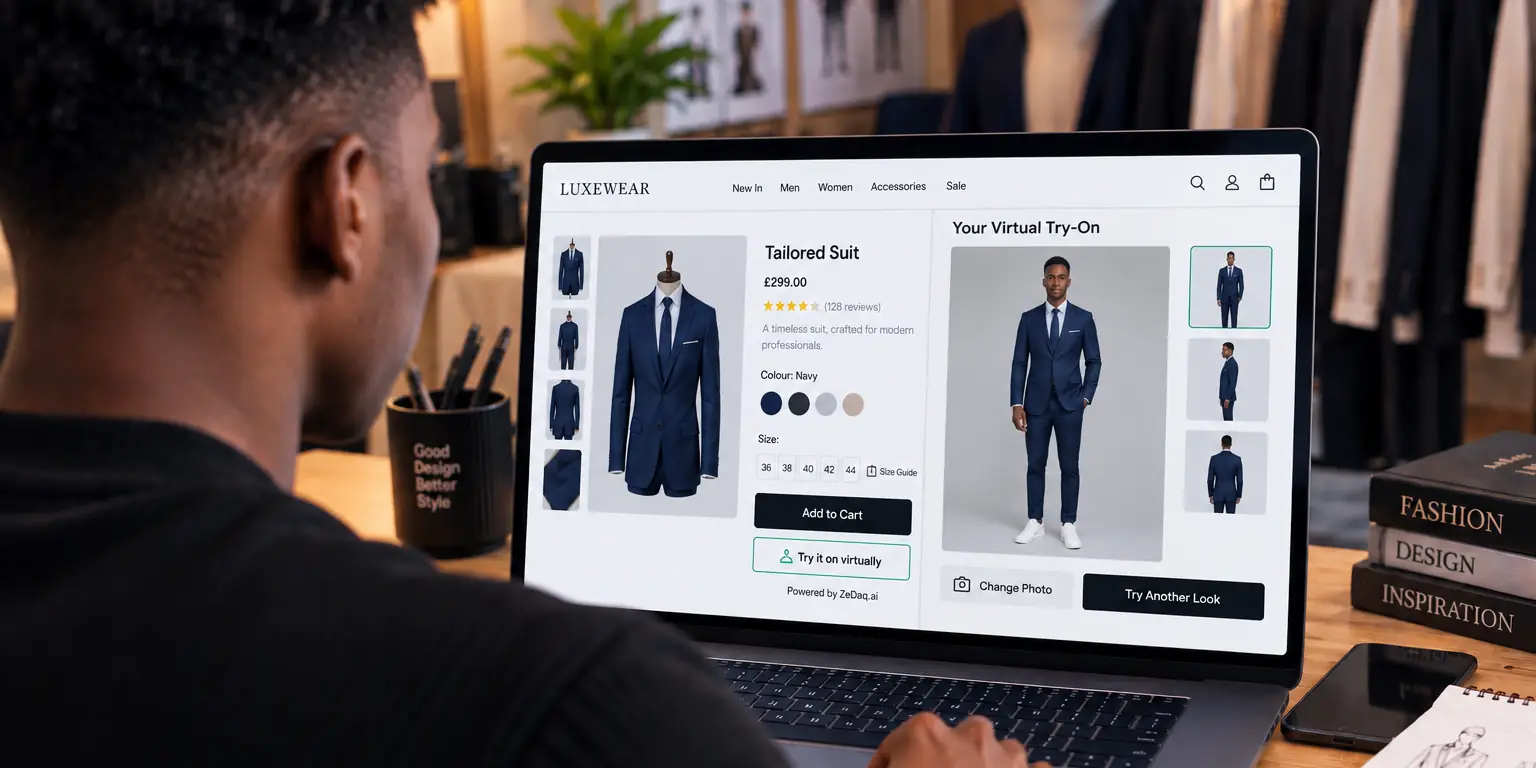
- 3 try-ons, where a shopper uploads one photo and sees your real garment on their body
- 3 measurements, each one a 30-second body scan for Find my size
- 5 invoices, for the tailor tools
That is enough for a careful internal test. It is not enough to leave switched on for shoppers, because three visitors could use it up in minutes.
What can you learn with three try-ons?
Three try-ons are a small sample, so choose them on purpose. Pick products that show you different things:
- A fitted top, to check how the garment follows the body.
- A loose or long piece, such as a dress, to check length and drape.
- Your hardest product, such as a bold print or unusual cut.
Use one clear, full-length photo of a team member for all three. Keeping the photo the same lets you compare garments fairly. Our guide on what to upload to a try-on demo explains which photos give the clearest result.
What can you learn with three measurements?
Size scans test something different: whether the suggested size matches your own chart. Enter your size chart first, then scan three people whose correct size you already know.
| Person | Size you would choose | Size the scan suggests | Match? |
|---|---|---|---|
| Team member 1 | |||
| Team member 2 | |||
| Team member 3 |
If the scan disagrees, check your chart before blaming the tool. Gaps between size ranges are the most common cause. The guide to AI size recommendation for stores covers how matching works.
What can't a free plan tell you?
A free plan can't show how shoppers behave. You won't learn:
- how many visitors tap Try it on
- whether mobile shoppers finish the upload
- which products get the most use
- what questions shoppers still send after trying
Those answers need real traffic over several days.
How do you record free-plan results so they are useful?
A test is only useful if you can compare results later. Keep a simple log as you go, even for three tries.
For each try-on, note:
- the product and its garment type
- the photo you used, and the person's height
- whether the garment looked like your real product, in color, length and fit
- anything that looked wrong, such as a cut-off hem or a blurred print
- whether you would show the image to a shopper as it is
For each measurement, note the size you expected, the size suggested and whether the person said it matched how that size feels on them.
Share the log with whoever handles customer messages. They know which products cause the most fit questions, and they can tell you whether the results would answer them.
What decision should the free plan help you make?
By the end of the free tests, you should be able to answer one question: is the output good enough to show your shoppers?
If yes, move on to a live trial. If the try-on images look off, retest with a better photo before you decide. A cropped, dark or busy photo can make a result look worse than it should.
If the size suggestions miss, fix your chart and use the next month's measurements to check again. A free plan resets monthly, so you can repeat the test without paying.
When should you move to the 3-day free trial?
Move to a trial once the free tests look good on your own products. Every ZeDaq.ai paid plan has a 3-day free trial with no card required.
The paid plans are:
| Plan | Price |
|---|---|
| Micro | $14/mo |
| Starter | $49/mo |
| Growth | $129/mo |
| Scale | $299/mo |
Pick the plan that matches the traffic on the products you will test, and check current limits on the ZeDaq.ai pricing page. Three days is short, so plan it first. The guide on running a fair 3-day trial gives a day-by-day plan.
Test try-on on your own products
FAQs
Does the free plan need a card?
No. The Free plan costs $0, and the 3-day trial on paid plans also needs no card.
Does the free plan work on any platform?
Yes. You can test through the Shopify app or the script tag for WooCommerce, Wix, Squarespace, BigCommerce and custom sites.
Can shoppers use the free plan on my live store?
They can, but three try-ons run out quickly. Keep the free plan for internal testing and use a trial for live traffic.
Is a body scan the same as a try-on?
No. A try-on shows the garment on the shopper's photo. A measurement is a body scan that suggests a size from your chart.
Try ZeDaq.ai free
Virtual try-on and Find my size for your store, plus client, order and invoicing tools for tailors, in one subscription.

