Designing a Fashion Store for Nigerian Mobile Shoppers
By the ZeDaq.ai team · · 5 min read
On this page
- Why does mobile data change how you design?
- What should a mobile product page show first?
- How do you make sizes easy to pick on a small screen?
- How should delivery and payment look on mobile?
- How do you keep WhatsApp part of the journey?
- Which platform makes mobile design easier?
- How can you answer "will this fit me?" on a phone?
Designing a fashion store for Nigerian mobile shoppers means building for a small screen and a paid data plan first: light images, big tap targets, sizes and delivery fees near the price, and a short checkout. Your desktop layout comes second.
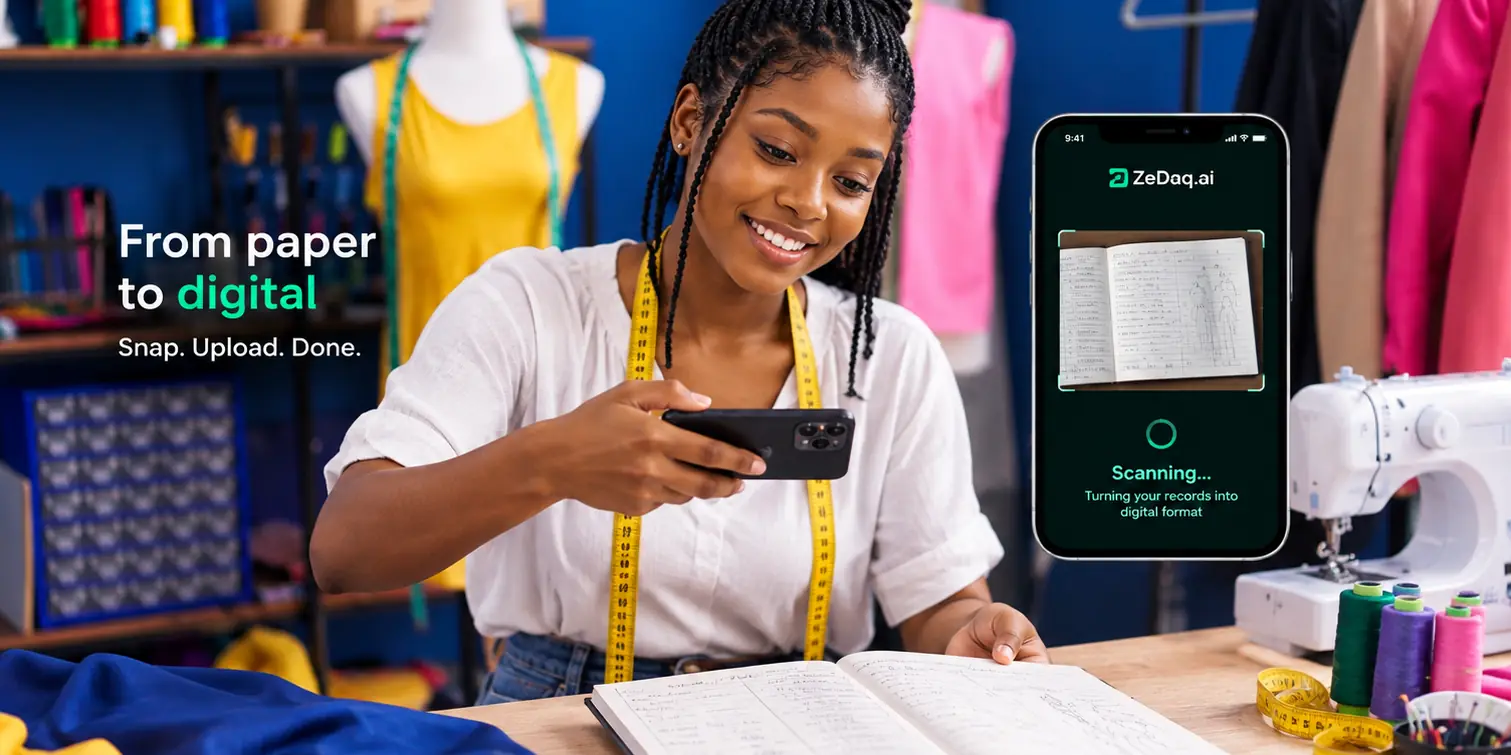
Most of your buyers already find you on Instagram, TikTok or WhatsApp on their phones. When they tap your link, the store has a few seconds to load and look trustworthy. For how fit and try-on work for African fashion buyers, see our main guide to virtual try-on for African fashion brands.
Why does mobile data change how you design?
Your shopper pays for every megabyte. A heavy page costs them money and time, and on a weak network in traffic on Third Mainland Bridge, it may not load at all.
Design choices that respect data:
- Compress every photo before upload. A clear product photo does not need to be a huge file.
- Avoid autoplay video on product and home pages. Let shoppers tap to play.
- Limit fonts and effects. Each extra font and animation adds weight.
- Keep the home page short. Show new arrivals and best sellers, not every collection at once.
Test your store on a mid-range Android phone using mobile data, not office Wi-Fi. That is closer to what your buyers see.
What should a mobile product page show first?
On a phone, the first screen decides whether a shopper scrolls or leaves. Put these above the fold, in this order:
- A clear main photo of the garment, worn on a person
- The product name and price in naira
- The size selector, with a "size guide" link beside it
- The add-to-cart button, large and easy to reach with a thumb
Below that, add more photos, the fabric details, a fit note and delivery information. Our product page checklist for fashion stores covers each element in more detail.
How do you make sizes easy to pick on a small screen?
Sizing is where mobile shoppers struggle most. A wide size chart table that needs sideways scrolling is hard to read on a phone.
| Problem | Mobile-friendly fix |
|---|---|
| Size buttons too small | Make each size a large button with space around it |
| Wide size chart table | Show only the measurements that matter for that garment, such as bust, waist and hip for a gown |
| Shopper unsure of their size | Add a one-line fit note and a "find my size" option |
| Many colors and sizes | Show color swatches first, then sizes for that color |
| Sold-out sizes | Grey them out instead of hiding them, so shoppers know the size exists |
Keep the size guide in a pop-up or drop-down on the product page. Sending shoppers to a separate page costs data and loses them.
How should delivery and payment look on mobile?
Surprise costs at checkout make shoppers leave. Show delivery information early.
- Write delivery fees and days for Lagos, Abuja and other cities on the product page or in the cart.
- Offer pickup if buyers can collect from your shop.
- Offer the payment methods your buyers already use, such as card and bank transfer through your payment provider.
- Keep checkout to as few steps as possible. Ask only for what you need to deliver.
- Let shoppers check out as a guest. A forced sign-up is a reason to leave.
If you sell to diaspora buyers too, show their currency and international delivery times clearly. Our guide on Jumia vs your own website explains why owning this experience matters.
How do you keep WhatsApp part of the journey?
Many Nigerian shoppers want to ask a quick question before they pay. If your store makes that hard, they will DM you instead, and the sale may never close.
- Add a floating WhatsApp button that opens a chat with the product name already filled in.
- Put your reply hours next to the button.
- After checkout, send a WhatsApp or SMS confirmation with the order number.
The goal is not to move every sale to WhatsApp. It is to answer the one question that stops a buyer, then send them back to the store to pay.
Which platform makes mobile design easier?
All major store builders offer mobile-friendly themes. What matters is how you set them up. Choose a simple theme, test it on a phone and remove anything that slows it down.
If you are still choosing, our comparison of Shopify and WooCommerce for Nigerian brands covers hosting, themes and apps for each.
How can you answer "will this fit me?" on a phone?
A phone is a natural place to take a photo. That makes it a good fit for sizing tools that work from a picture.
ZeDaq.ai adds virtual try-on and size recommendation to your product pages. The shopper uploads one photo and sees your real garment on their body. A 30-second body scan (one photo plus height) suggests a size from your own size chart. It works as a Shopify app, and as a script-tag widget for WooCommerce, Wix and custom sites.
Try ZeDaq.ai free for 3 days
FAQs
How do I test my store like a Nigerian mobile shopper?
Use a mid-range Android phone on mobile data, open your store from an Instagram bio link, and try to buy one item. Note every point where you wait or feel unsure.
Should I build a mobile app instead of a mobile website?
For most fashion brands, no. Shoppers rarely download an app for one brand. A fast mobile website reaches everyone who taps your link.
How many product photos should load on a phone?
Load the main photo first and let the others load as the shopper swipes. Four to six well-chosen photos usually show a garment better than many similar ones.
Do I need a separate design for diaspora shoppers?
No. Use the same mobile design, and add their currency, delivery times and size labels they understand, such as UK or US sizes.
Try ZeDaq.ai free
Virtual try-on and Find my size for your store, plus client, order and invoicing tools for tailors, in one subscription.

