Collecting Sizes for Aso-Ebi Group Orders on a Website
By the ZeDaq.ai team · · 4 min read
On this page
The simplest way to collect sizes for Aso-ebi group orders on a website is to create one product or order page per event, ask each guest to choose a size or submit their own measurements, and set a clear deadline. That replaces dozens of WhatsApp voice notes with one list you can sew from.
Aso-ebi orders can be large and time-sensitive. A coordinator for a Lagos wedding or an Ibadan 60th birthday may collect for a whole family, plus friends in London and Atlanta. If sizes come in through screenshots and chats, mistakes are easy to make. For the wider picture on fit and online selling, see our guide to virtual try-on for African fashion brands.
Why do group orders go wrong on WhatsApp?
WhatsApp is great for talking, but poor for keeping records. Common problems:
- Sizes arrive as voice notes, photos of tape measures or "same as last time"
- Guests change their minds and the update gets buried in the chat
- Two people with the same name get mixed up
- Payment and size are sent separately, so it is hard to match them
- Diaspora guests send sizes in UK or US labels while others give inches
A website form solves most of these by asking the same questions, in the same order, for every guest.
How should you set up an Aso-ebi order page?
Create one page per event. The page should show the fabric, the style options and the deadline in one place.
- Name the event clearly, such as "Tolu and Kunle wedding, family Aso-ebi."
- Show the fabric with a close-up photo and the color names the couple chose.
- List the style options, such as iro and buba, a fitted gown, or fabric only.
- Add a size choice for ready-to-wear styles and a measurement option for sewn pieces.
- Ask for the guest's full name and phone number, so you can tell orders apart.
- State the deadline for orders and payment, and the date outfits will be ready.
If your platform supports it, use a private or hidden page and share the link only with the coordinator.
What size details should you collect from each guest?
Ask only for what you need for the style they chose. Too many fields make guests give up.
| Style chosen | What to collect |
|---|---|
| Fabric only | Name, phone, number of yards or pieces |
| Ready-to-wear gown or buba | Size from your chart, height, fit preference |
| Sewn to measure | Bust, waist, hip, shoulder, length, height |
| Men's agbada or kaftan | Chest, shoulder, sleeve, top length, trouser waist and length |
| Gele or cap | Head circumference, or "standard" if you offer one size |
Add a free-text box for notes, such as "pregnant, due before the event" or "prefer longer sleeves."
How do you handle guests who don't know their measurements?
Many guests have never measured themselves. Help them get it right:
- Add a short "how to measure" guide with simple pictures.
- Ask them to measure over light clothing, with a tape held level.
- Offer your size chart in UK and US labels for diaspora guests, next to your own.
- For sewn pieces, send a measurement link they can open on their phone.
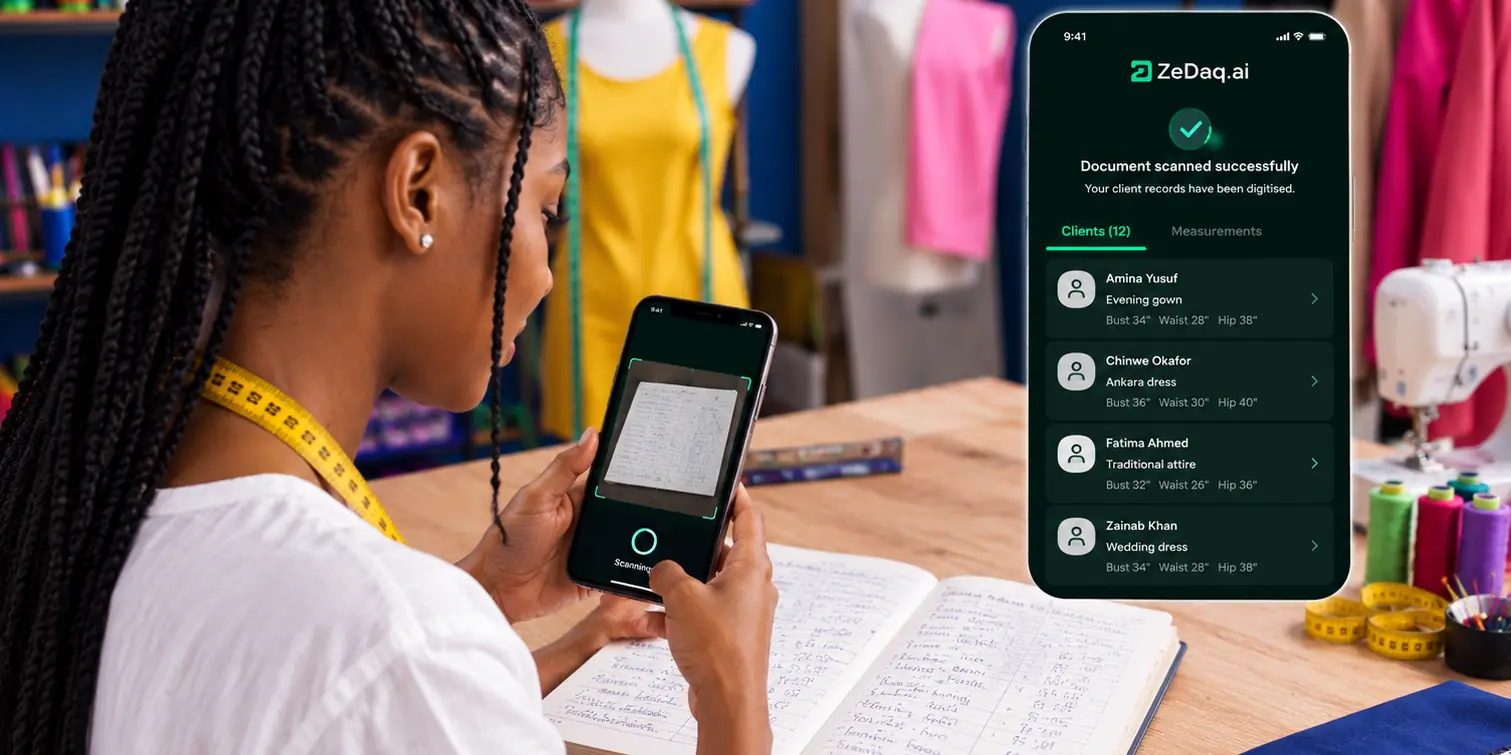
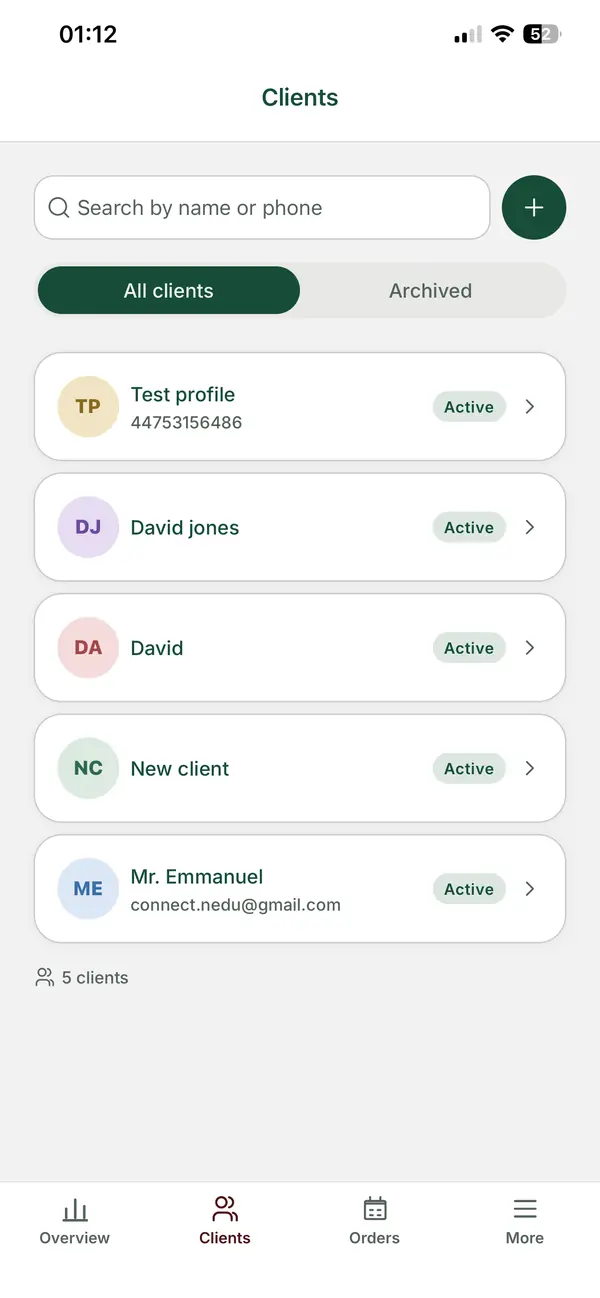
ZeDaq.ai's tailor tools include measurements through a link the client opens on their phone. The client fills in their details in their own time, and the measurements land in your client records. Our guide to sending a measurement link to a client shows how that works.
How do you track payments and deadlines?
Group orders fail when payment and production fall out of step. Keep it simple:
- Take payment with the size. One checkout per guest means size and payment always match.
- Close the page on the deadline. Late orders can go on a waiting list.
- Share a summary with the coordinator, such as a list of names, styles and payment status.
- Plan production by style. Cut all the same style together, then sew.
If the fabric is hand-dyed, warn the coordinator about shade differences. Our guide to adire variation explains how to set that expectation.
How do ready-to-wear sizes help group orders?
Ready-to-wear styles make large group orders faster. Instead of sewing each piece from scratch, you produce standard sizes and let guests pick one.
This works best for relaxed styles where fit is forgiving. Iro and buba, bubu gowns and simple kaftans suit it well. Our guide to iro and buba sizing for online sale shows how to build a size range for those styles.
For guests who are unsure, a size recommendation from a quick body scan helps. With ZeDaq.ai on your store, a guest uploads one photo, enters their height and gets a size from your own chart in about 30 seconds. They can also see the garment on their own body with virtual try-on.
Try ZeDaq.ai free for 3 days
FAQs
Should each guest pay separately or should the coordinator pay?
Either works. Separate payments keep size and payment matched. If the coordinator pays for everyone, ask them to fill in one entry per guest.
What deadline should I set for Aso-ebi orders?
Work back from the event date. Allow time for production, fittings or alterations, and delivery, especially for guests abroad.
Can diaspora guests order Aso-ebi on my website?
Yes. Show prices in their currency if your platform supports it, give UK or US size labels, and state international delivery times.
How do I handle a guest who sends the wrong size?
Ask them to confirm their size before production starts. Send each guest a short summary of their order so they can spot mistakes early.
Try ZeDaq.ai free
Virtual try-on and Find my size for your store, plus client, order and invoicing tools for tailors, in one subscription.

