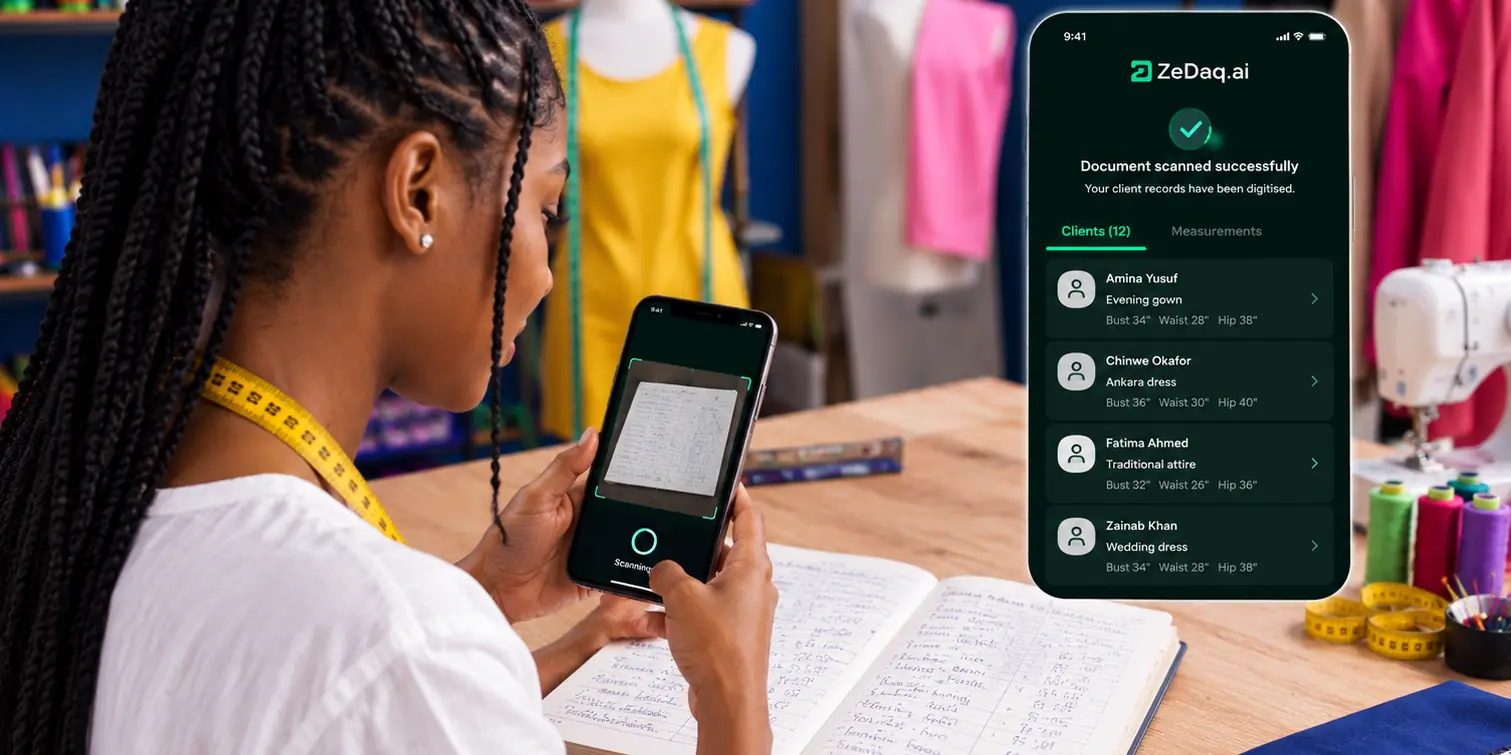
Client Portal for Tailors: What Clients Should See
By the ZeDaq.ai team · · 6 min read
On this page
- Why do tailoring clients want an order status page?
- What should clients see in a tailor customer portal?
- Should clients be able to edit their own measurements?
- How do you give online order updates without a full portal?
- What changes for group orders like aso ebi?
- How does ZeDaq.ai help clients stay informed?
- What does a client-friendly update process cost to run?
A client portal for tailors should show clients four things: where their order is, the measurements you hold for them, what they have paid and still owe, and when the garment will be ready. Anything else, such as your costs, notes on difficult fittings or other clients' orders, stays on your side.
Whether you use a dedicated portal, a shared link or a well-organized WhatsApp routine, the goal is the same. Clients should be able to answer "where is my outfit?" without messaging you. This guide is written for tailors and designers, and it sits within our wider tailor business tools and guides.
Why do tailoring clients want an order status page?
Made-to-measure work takes time, and clients can't see it happening. A suit or a bridal gown can sit between fittings for weeks, and silence makes clients nervous.
The result is a steady stream of "any update?" messages. Each one takes a few minutes to answer, and on a busy week they pile up. A simple client order status page, or a predictable update routine, replaces most of those messages with information the client can check.
It also protects you. When the agreed dates, prices and measurements are written down where both of you can see them, there is less room for "I thought you said Friday."
What should clients see in a tailor customer portal?
Think of the portal as the answers to the questions clients ask most. Here is what belongs on the client side, and what should stay private.
| Information | Show the client? | Why |
|---|---|---|
| Order stage (measured, cutting, sewing, ready) | Yes | Answers "where is my outfit?" |
| Next fitting or delivery date | Yes | Lets them plan travel or events |
| Measurements on file | Yes, read-only | Lets them spot a mistake early |
| Fabric, style and design notes | Yes | Confirms you are making what they ordered |
| Deposit paid and balance due | Yes | Avoids payment disputes |
| Invoices and receipts | Yes | Gives them a record for their own budget |
| Your fabric cost and margin | No | Private business information |
| Internal notes on fit issues or behavior | No | Can cause offense if seen |
| Other clients' orders | Never | Privacy |
The table is a starting point. Some tailors also share photos of work in progress, which builds excitement for wedding and event clients.
Should clients be able to edit their own measurements?
Clients should be able to submit measurements, but not quietly change the ones you have already cut to. Once fabric is cut, a changed number causes confusion about who is responsible for the fit.
A good pattern is:
- Send the client a measurement link before the first fitting.
- Review what comes back and correct anything that looks wrong.
- Lock the measurements for that order.
- If the client needs changes, they ask you, and you record the new numbers against a new date.
The step-by-step guide to sending a measurement link to a client covers the wording to use and how to check the results.
How do you give online order updates without a full portal?
Many small workshops don't need a portal with logins. Clients often find logins annoying, especially if they order once or twice a year. What they need is a reliable rhythm of updates.
A simple update routine
- At order confirmation: send the invoice, the agreed delivery date and the measurement link.
- When measurements are in: confirm them in one message.
- At each stage: send a short update when you start cutting, after the first fitting and when the garment is ready.
- Before delivery: send the final invoice for the balance and confirm collection or shipping.
Use the same wording each time so clients learn what to expect. For example: "Update on your order: cutting has started. Your next fitting is Thursday at 3pm."
This routine gives clients most of what a portal would, with no new account to create.
Where to send updates
Send updates on the channel the client already uses. For most clients that means WhatsApp or email. Pick one channel per client and stick to it, so updates don't get split across two threads.
Keep every update short and dated. A client scrolling back through a chat should be able to find the latest status in seconds, without reading a long conversation.
What changes for group orders like aso ebi?
Group orders multiply every question. A bride with twelve bridesmaids, or a family ordering matching aso ebi, means many people asking about the same order.
For group work, decide who sees what:
- The organizer sees the whole group: who has sent measurements, who has paid and the shared delivery date.
- Each member sees only their own measurements, their own payment and their own fitting time.
Keeping members' measurements private matters. Nobody wants their waist size shared with the whole wedding party. The guide on managing wedding and aso ebi orders goes further into collecting payments and measurements from large groups.
How does ZeDaq.ai help clients stay informed?
ZeDaq.ai doesn't offer a client login portal. Instead, it gives you the pieces a portal is built from, kept in one place on your side:
- Client CRM: every client's details and history in one record.
- Measurement links: the client opens a link on their phone and sends their measurements to you.
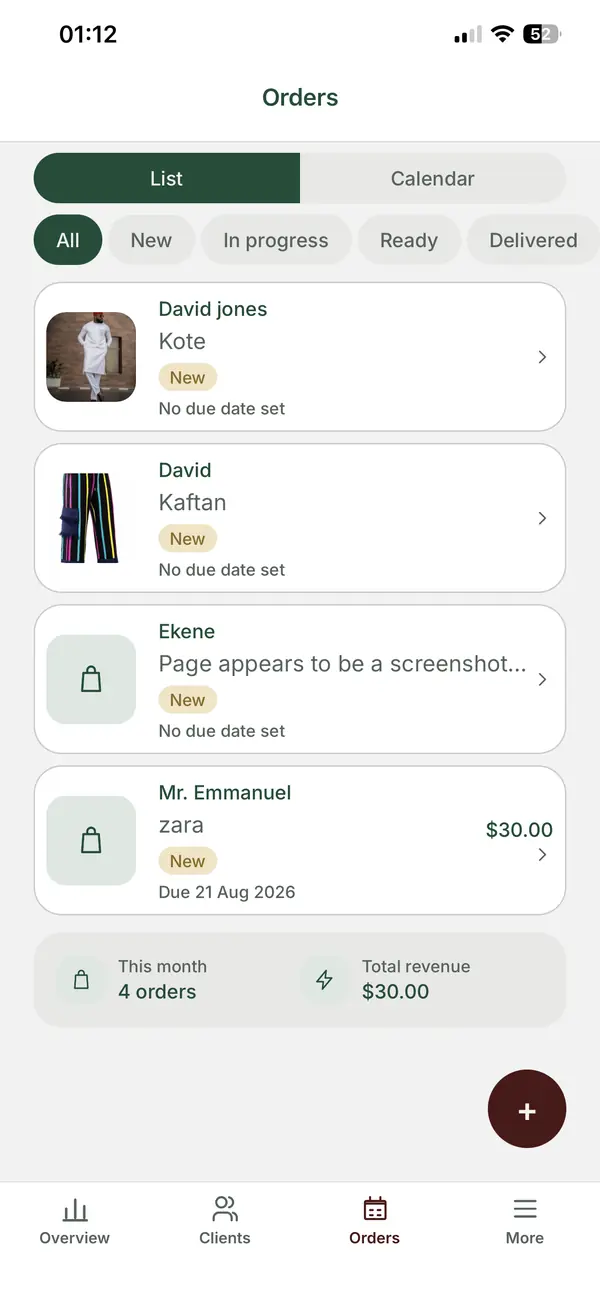
- Orders and a delivery calendar: each order has a due date, so you can answer "when will it be ready?" in seconds.
- Invoices in multiple currencies: including NGN, GBP and USD, so clients see what they owe in the currency they pay in.
- The ZeDaq Business app: a mobile app for iOS and Android, so you can work from your phone as well as a computer.
The client sees the measurement link and the invoices you send. You see the full picture and decide what to share in each update.
What does a client-friendly update process cost to run?
On ZeDaq.ai you can start on the Free plan, which includes 3 measurements and 5 invoices a month. Paid plans start with Micro at $14 a month, followed by Starter at $49, Growth at $129 and Scale at $299. Each paid plan includes a 3-day free trial with no card required.
If you want more clients to reach the point of needing updates at all, ways to win tailoring clients online covers profiles, posting and referrals.
See how ZeDaq.ai keeps orders and clients organized
FAQs
Do small tailoring businesses need a client portal?
Not always. A clear update routine, measurement links and proper invoices cover what most clients want to know, without asking them to create an account.
What is the most important thing to show clients?
The next date that matters to them, whether that is a fitting or delivery. Clients plan travel and events around it, so make it easy to find in every update.
Should clients see their measurements?
Yes, in read-only form. Showing them the numbers lets them catch an error before you cut, but changes should go through you.
Can I share updates with a group organizer only?
Yes, and for large group orders that is often the tidiest approach. Send group-wide updates to the organizer and personal details, like measurements and balances, to each member.
Try ZeDaq.ai free
Virtual try-on and Find my size for your store, plus client, order and invoicing tools for tailors, in one subscription.

