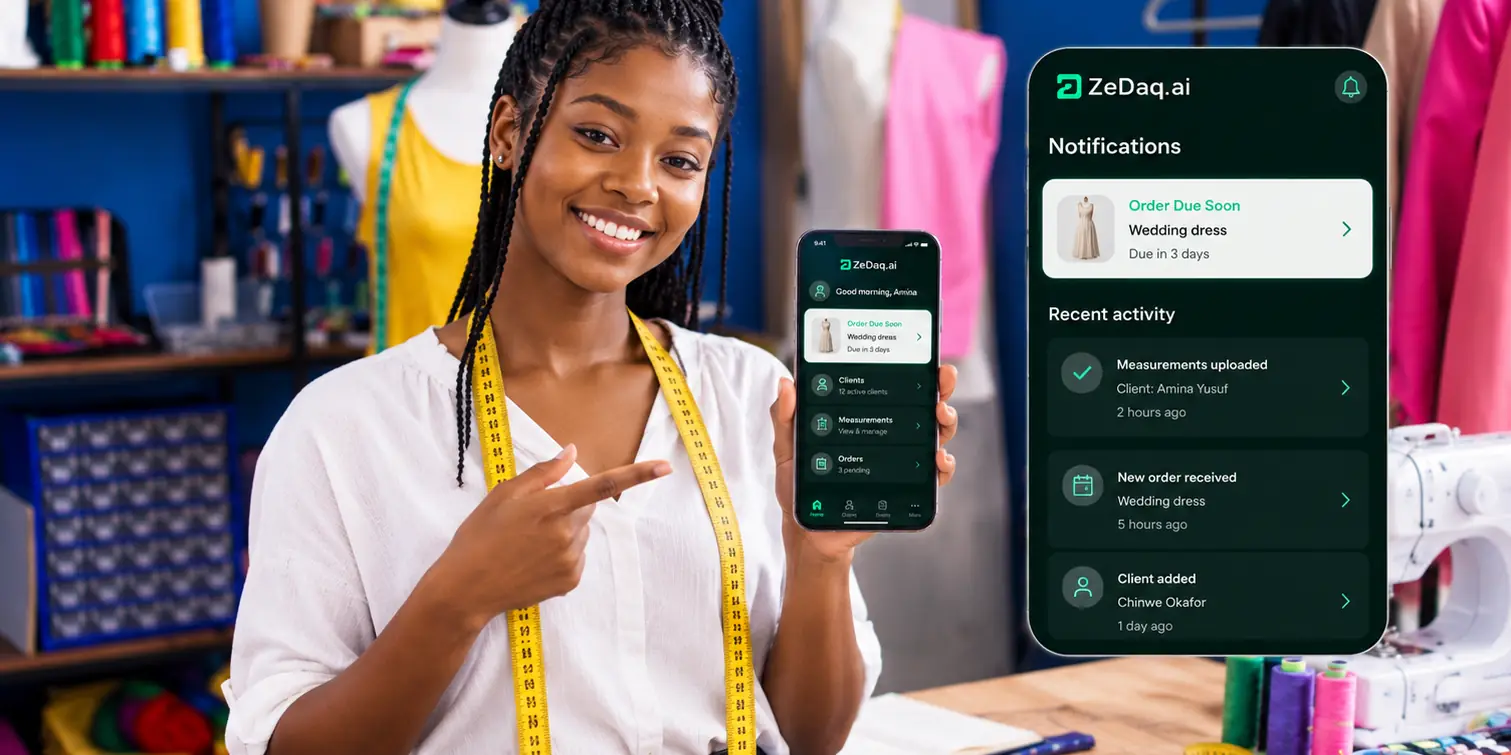
Order Management for Fashion Designers
By the ZeDaq.ai team · · 6 min read
On this page
- What does order management mean for a fashion designer?
- Why do designer orders go wrong?
- What stages should every custom order go through?
- How should you plan deadlines and deliveries?
- Should you use one system or several apps?
- How does ZeDaq.ai handle orders for designers?
- How do you move your current orders into a new system?
Order management for fashion designers means keeping one record for every order, linking the client, their measurements, the due date, delivery and the invoice. When those five things live in one place, you stop losing orders between chats, notebooks and spreadsheets.
This guide gives you a simple designer order system you can start this week, with a stage-by-stage workflow and a checklist for choosing software. If you want to see how the pieces fit in one tool, look at ZeDaq.ai's tools for tailors and designers.
What does order management mean for a fashion designer?
It is the process of tracking each custom order from first message to final payment. A retailer ships stock from a shelf. A designer builds each piece for one person, so every order carries its own measurements, fabric, fittings and deadline.
That makes custom order management different from normal e-commerce order tracking. You need to know:
- who the order is for, and how to reach them
- what you are making, from which fabric, in which style
- which measurements you are cutting from, and when they were taken
- when fittings happen and when the piece is due
- what has been paid and what is still owed
If any one of those sits in a different app, someone has to copy it across. That copying is where mistakes start.
Why do designer orders go wrong?
Most problems come from scattered information, not from bad sewing. A designer takes a request on WhatsApp, writes measurements in a notebook, tracks due dates in a calendar and sends invoices from a spreadsheet.
Each tool works on its own. The trouble is the gaps between them. A client changes the hem length in a chat, and the note never reaches the cutting table. A fitting gets moved, and the delivery date doesn't. The piece is ready, but nobody remembers the balance is unpaid.
The article on why designers still use fragmented tools explains how this happens and why it is so common.
What stages should every custom order go through?
Give every order the same stages, in the same order. Here is a workflow you can copy. Change the names to match how your studio works.
| Stage | What happens | What to record |
|---|---|---|
| 1. Enquiry | Client asks about a piece | Name, contact, event, rough date |
| 2. Quote | You agree style, fabric and price | Style notes, fabric, agreed price |
| 3. Measurements | Client is measured, or measures at home | Full measurement set and date taken |
| 4. Deposit | Client pays to confirm | Amount paid, amount owing |
| 5. Production | Cutting and sewing | Who is working on it, any changes |
| 6. Fitting | Client tries it on | Adjustments needed, next fitting date |
| 7. Delivery | Piece handed over or shipped | Delivery date, method |
| 8. Final payment | Balance collected | Invoice sent, invoice paid |
The rule is simple. An order only moves forward when the record for the current stage is complete.
A worked example
Say you are making a wedding guest dress. The client messages you about an event in six weeks.
- You create the client record and the order with the event date.
- You send a measurement link. The client opens it at home on their phone.
- You set the delivery date one week before the event, which leaves room for a final fitting.
- You send an invoice for the deposit and note the balance.
- After the last fitting, you send the final invoice and mark the order delivered.
At any point, one look at the order tells you where it stands.
How should you plan deadlines and deliveries?
Work backward from the date the client needs the piece. Put the delivery date in your calendar first, then the final fitting before it, then the start of production.
A delivery calendar shows you every due date at once. That matters when you take on several orders for the same season, because you can see a busy week before you agree to another order.
Three habits help:
- Add a buffer. Set delivery before the event date, not on it.
- Block fittings. Treat a fitting as a fixed appointment, not a loose plan.
- Say no early. If the calendar is full, offer a later date when the client first asks.
Tailors who struggle with late orders will find more detail in the guide to order tracking with delivery calendars.
Should you use one system or several apps?
Use one system if you can. Each extra app adds a place where an order can fall out of sync.
Several apps can work for a very small studio, but they rely on you copying details by hand. As orders grow, that copying takes more time than the design work. The comparison of one system versus five apps walks through the real cost of switching between tools.
When you compare a fashion order tracking app, check that it covers these:
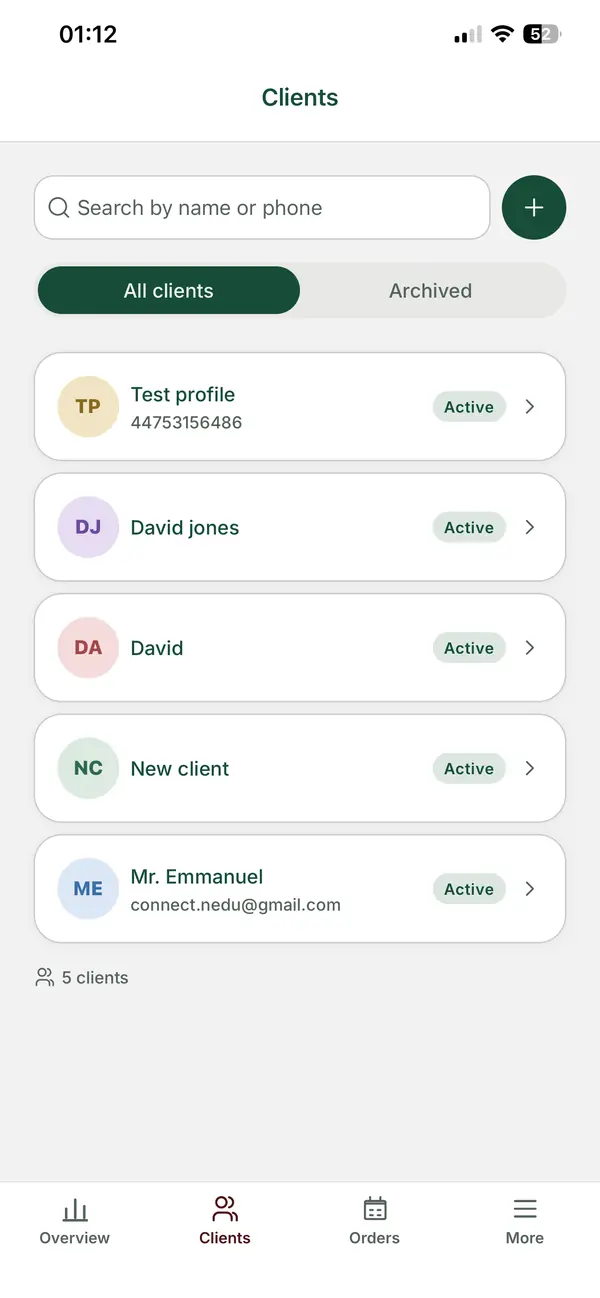
- Client records with contact details and order history
- Measurements linked to the client, with the date taken
- A way for clients to send measurements from home
- Orders with due dates and a delivery calendar
- Invoices in the currencies your clients pay in
- A mobile app, so you can check orders away from the studio
For a wider look at tools on the market, see this roundup of software for tailors and designers.
How does ZeDaq.ai handle orders for designers?
ZeDaq.ai brings the main parts of a designer order system into one place:
- Client CRM: one record per client, with their orders and measurements.
- Measurement links: you send a link, and the client opens it on their phone to send their measurements.
- Orders and delivery calendar: every order has a due date, and the calendar shows what is due and when.
- Invoices in multiple currencies, including NGN, GBP and USD, for clients at home and abroad.
- The ZeDaq Business app for iOS and Android, so you can check an order between fittings.
The Free plan lets you try it with a few invoices and measurements a month. Paid plans start at Micro, $14 a month, and each has a 3-day free trial with no card required. Current limits are on the pricing page.
How do you move your current orders into a new system?
Don't try to move everything at once. Start with the orders that are open right now.
- List every order that isn't delivered and paid.
- Create a client record for each one.
- Add the measurements you are cutting from.
- Enter the due date and any money still owed.
- Take every new order in the new system from today.
Old, finished orders can stay in your notebook. Within a few weeks, your open orders all live in one place.
See how one system handles your designer orders
FAQs
What is the difference between a CRM and order management?
A CRM stores your clients and their history. Order management tracks each piece from quote to final payment. Designers need both, linked together, because every order belongs to a client.
Can clients send their own measurements?
Yes. You send a measurement link, and the client opens it on their phone at home to send their measurements back to you.
Do I need a separate invoicing app?
Not if your order system creates invoices. Sending invoices from the same place as the order means the amount owing stays next to the order.
Can I manage orders from my phone?
Yes. The ZeDaq Business app for iOS and Android lets you check clients and orders away from your studio.
Try ZeDaq.ai free
Virtual try-on and Find my size for your store, plus client, order and invoicing tools for tailors, in one subscription.

