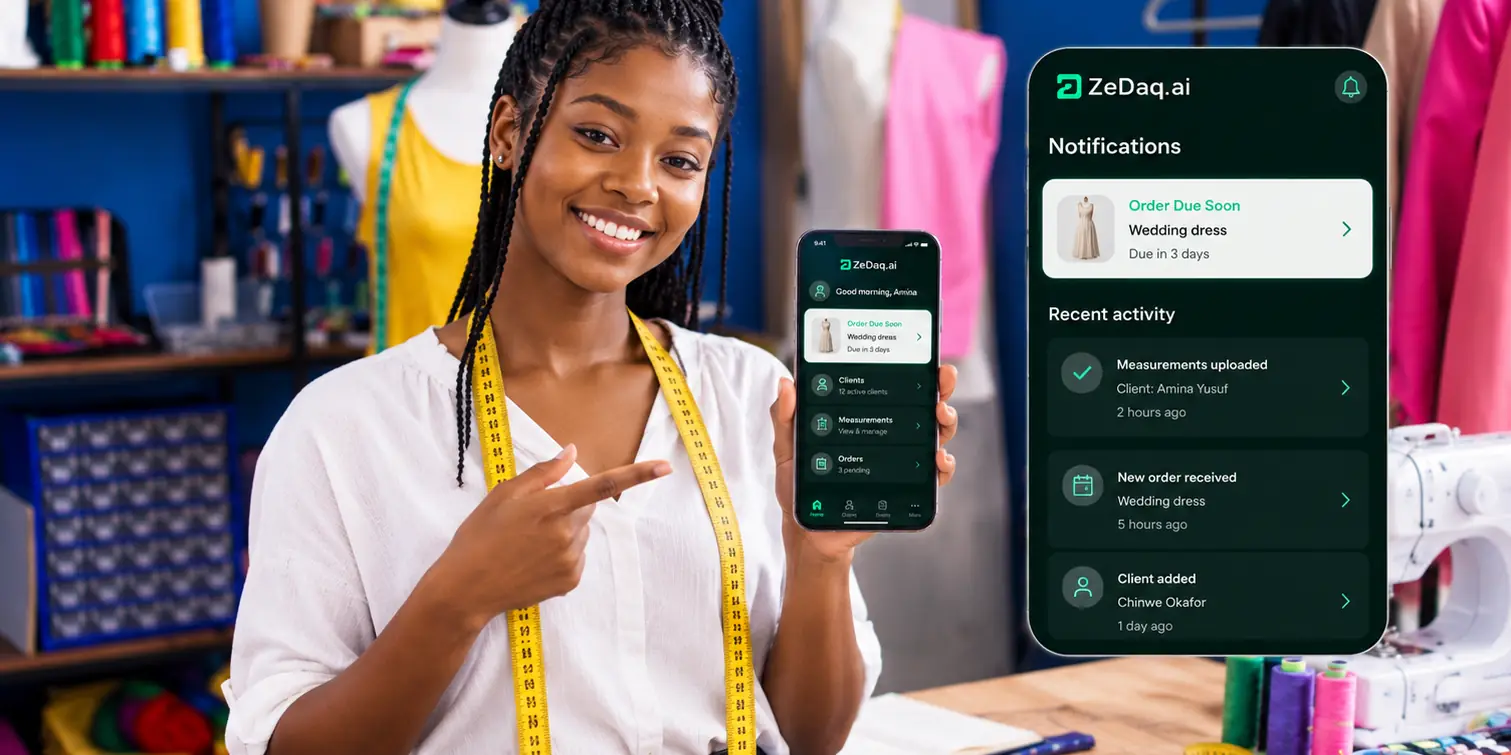
Virtual Try-On for Diaspora Shoppers Buying Nigerian Fashion
By the ZeDaq.ai team · · 6 min read
On this page
- Why do diaspora shoppers need more than product photos?
- How does virtual try-on work for the shopper?
- How does size recommendation help buyers abroad?
- How do you add try-on to your store?
- Which products should you start with?
- How do you get the best results from try-on?
- How does try-on fit into your diaspora sales plan?
- What does it cost to run?
Virtual try-on for diaspora shoppers buying Nigerian fashion lets a buyer in London, Houston or Toronto upload one photo and see your real garment on their own body, right on your product page. Paired with a quick body scan that suggests a size from your own chart, it answers the two questions that stop most overseas orders: "will this suit me?" and "which size do I pick?"
For a Lagos or Abuja brand, that matters more than it does for a local shop. A buyer abroad can't visit for a fitting, and a wrong size means a slow and costly return across continents. This guide explains how try-on works for these shoppers, how to set it up, and where it fits in your wider plan. For the bigger picture, start with our guide to virtual try-on for African fashion brands.
Why do diaspora shoppers need more than product photos?
Product photos show the garment on a model. A diaspora shopper is trying to picture it on themselves, at a specific event, often months after they last shopped in Nigeria.
Common worries include:
- Body shape. A gown that looks perfect on a tall, slim model may sit differently on a curvier frame.
- Size labels. Your "Size 14" may not match their UK 14 or US 10.
- Bold prints. Large Ankara motifs can look very different at different heights and builds.
- Occasion fit. They need it right the first time for a wedding, naming ceremony or birthday.
Without help, these shoppers either message you with dozens of questions, or close the tab. Try-on gives them a direct way to check.
Upload a photo and see a garment on yourself
Try it on yourself
Live renderUpload a photo, pick a piece, see it rendered on you.
Pick something to try on
How does virtual try-on work for the shopper?
From the shopper's side, the process is short:
- They open your product page on their phone or laptop.
- They tap the try-on button.
- They upload one photo of themselves.
- They see your real garment on their body.
There is no app for the shopper to download. Try-on runs on your own store, so the buyer stays on your site the whole time. The only ZeDaq.ai app is ZeDaq Business, which is for you and your team, not for shoppers.
How does size recommendation help buyers abroad?
Try-on shows how a style looks. Size recommendation tells the buyer which size to order.
With ZeDaq.ai, the shopper does a 30-second body scan using one photo plus their height. The measurements are matched to your own size chart, so the result uses your labels, not a generic guess. If you haven't added a chart for a garment type, the shopper gets a size from a generic UK, US, EU or AU chart instead.
This is especially helpful for diaspora buyers who think in UK or US sizes. Rather than converting labels in their head, they get one size from your chart. Set up a separate chart for each garment type you sell, such as tops, outerwear, dresses and bottoms, because each fits differently.
How do you add try-on to your store?
The setup depends on where your store lives.
On Shopify
Install the ZeDaq.ai Shopify app, add your size charts in the app, and switch on the app embed in your theme. Then test it on a product page using your own phone.
On WooCommerce, Wix, Squarespace, BigCommerce or a custom site
Use the script-tag widget. Paste this into your product template:
<script src="https://www.zedaq.ai/widget/zedaq.js" data-key="your-key" defer></script>
Create the key in Dashboard → API keys and lock it to your store's domain. The widget adds "Try it on" and "Find my size" buttons. The full steps are in the widget setup docs.
With a developer
If you have a custom build, your developer can use the REST API with a POST /api/v1/tryon call and an x-api-key header.
Which products should you start with?
Don't try to turn on try-on for your whole catalog on day one. Start where diaspora buyers hesitate most:
- Aso-ebi-ready gowns and kaftans that buyers order for a fixed event date
- Fitted styles such as corset dresses, pencil skirts and slim-cut senator suits
- Bold prints where pattern scale matters
- Your best sellers that already get the most fit questions in DMs
For group orders, try-on also helps guests choose. Our guide to diaspora Aso-ebi weddings covers how to run the full group process.
How do you get the best results from try-on?
The tool works best when your product information is strong too.
- Clean garment photos. Use clear, well-lit photos of the garment for each product.
- Accurate size charts. Enter body measurements for each size, and make sure ranges don't leave gaps between sizes.
- Honest fit notes. "Relaxed through the hip, fitted at the waist" helps the shopper read the try-on result.
- Model details. Keep stating your model's height and size, so buyers have two reference points.
- Test on real people. Ask a friend in the UK or US to try it and tell you what is confusing.
Try-on supports your product page. It doesn't replace good photos, short videos and clear policies. For a full list, see the virtual fitting room guide.
How does try-on fit into your diaspora sales plan?
Think of try-on as the last step before payment. Your ads and social posts bring diaspora shoppers to the page. Try-on and sizing help them decide. Clear delivery times and a proper checkout help them pay.
The broader plan to win and keep overseas buyers is in our guide to selling to diaspora customers. It covers pricing in their currency, delivery cut-offs and repeat orders.
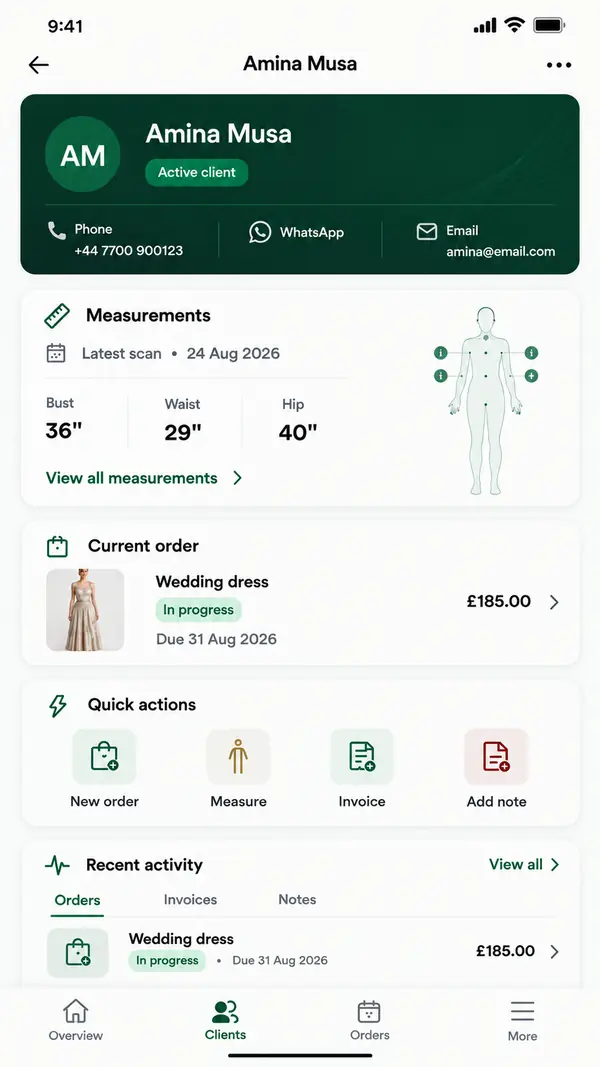
You might also use ZeDaq.ai's tailor tools for custom orders from the same buyers: a measurement link they open on their phone, orders on a delivery calendar, and invoices in NGN, GBP or USD.
What does it cost to run?
ZeDaq.ai prices are in US dollars:
| Plan | Price |
|---|---|
| Free | $0 (3 try-ons, 3 measurements and 5 invoices a month) |
| Micro | $14/mo |
| Starter | $49/mo |
| Growth | $129/mo |
| Scale | $299/mo |
Every paid plan has a 3-day free trial with no card required. Check the ZeDaq.ai pricing page for each plan's monthly allowance.
Try ZeDaq.ai free for 3 days
FAQs
Does the shopper need an account or app?
No. The shopper uses try-on on your product page. They upload a photo, and for sizing they also type their height.
Will try-on work for traditional styles like agbada or bubu?
Try-on uses your real garment photos, so it can show many Nigerian styles. Test your own pieces, especially very loose or layered ones, before turning it on widely.
Can I use try-on if I sell mostly through Instagram?
You need a product page for shoppers to use it. Many brands keep Instagram for discovery and send buyers to a simple website to try on and pay.
Does size recommendation use my own sizes?
Yes, once you add your size charts. Until then, shoppers get a size from a generic UK, US, EU or AU chart.
What if my sizes differ between collections?
Add a chart for each garment type, and adjust ranges when a style fits differently. Fit notes on the page help explain the difference to buyers.
Try ZeDaq.ai free
Virtual try-on and Find my size for your store, plus client, order and invoicing tools for tailors, in one subscription.

