Closing Fashion Orders on WhatsApp Business Without Losing Track
By the ZeDaq.ai team · · 5 min read
On this page
- Why do WhatsApp orders get lost?
- Which WhatsApp Business tools help you stay organized?
- How do you close an order step by step?
- How do you manage Aso-ebi group orders on WhatsApp?
- How do you stop measurements getting lost in chat?
- How do you take Instagram orders without double tracking?
- When is it time to move orders out of WhatsApp?
Closing fashion orders on WhatsApp Business without losing track takes three habits: label every chat by order stage, send a written order summary before you take payment, and copy each order into one record outside the chat. WhatsApp is great for the conversation, but it shouldn't be the only place your orders live.
This guide is for Nigerian designers and brands who take most orders in WhatsApp chats, especially custom and Aso-ebi work. For brands that also want to show fit online, our guide to virtual try-on for African fashion explains how buyers can see garments on themselves first.
Why do WhatsApp orders get lost?
Orders get lost because a single chat holds many things at once. A customer may send a style photo, three voice notes, measurements, a change of color and a payment screenshot over two weeks.
When you have dozens of chats like that, it becomes easy to:
- sew the wrong length because the update was buried in a voice note
- forget a deposit was paid, or chase a customer who already paid
- miss a delivery date for a wedding or Owambe
- mix up two guests in the same Aso-ebi group
Which WhatsApp Business tools help you stay organized?
The WhatsApp Business app has built-in tools that help. WhatsApp's business app features page lists quick replies, labels, greeting messages, away messages and a catalog (checked November 2026).
Here is how fashion sellers can use each one:
| Tool | Use it for |
|---|---|
| Labels | Order stages: "New", "Measurements needed", "Deposit paid", "In production", "Ready", "Delivered" |
| Quick replies | Your price list, measurement guide, delivery times and payment details |
| Greeting message | A friendly welcome that asks what the customer needs and by what date |
| Away message | Your working hours and when you'll reply |
| Catalog | Your ready-to-wear pieces and current fabrics |
If you're deciding whether to sell from a catalog or a full website, our comparison of WhatsApp catalogs vs online stores can help.
How do you close an order step by step?
Step 1: Get the deadline first
Ask for the event date early. A bride's date or a family Owambe sets everything else, including whether you can take the job.
Step 2: Agree the style and fabric in writing
Ask for reference photos and confirm fabric, color and any changes in a typed message. Voice notes are easy to send but hard to search later.
Step 3: Collect measurements in one go
Send your measurement guide as a quick reply. Ask for all measurements at once, in the same unit, rather than one by one.
Step 4: Send an order summary
Before you take money, send one message that lists the style, fabric, size or measurements, price, deposit, balance and delivery date. Ask the customer to reply "confirmed".
Step 5: Label and record
Change the chat's label to the right stage. Copy the summary into your order record, whether that is a notebook, a sheet or an order app.
Step 6: Update at each stage
Send short updates when the piece is cut, ready for fitting and ready to deliver. Change the label each time.
How do you manage Aso-ebi group orders on WhatsApp?
Aso-ebi orders are where WhatsApp tracking breaks down most often. One coordinator may send you twenty names, and each guest may message you separately.
- Make one list per event. Write every guest's name, style, measurements, payment status and pickup or delivery address.
- Set a cut-off date. Say clearly when you stop accepting new guests and measurement changes.
- Ask for measurements in a set format. The same order, the same unit, every time.
- Confirm payment per guest. Don't rely on "the coordinator has paid for everyone" without a breakdown.
How do you stop measurements getting lost in chat?
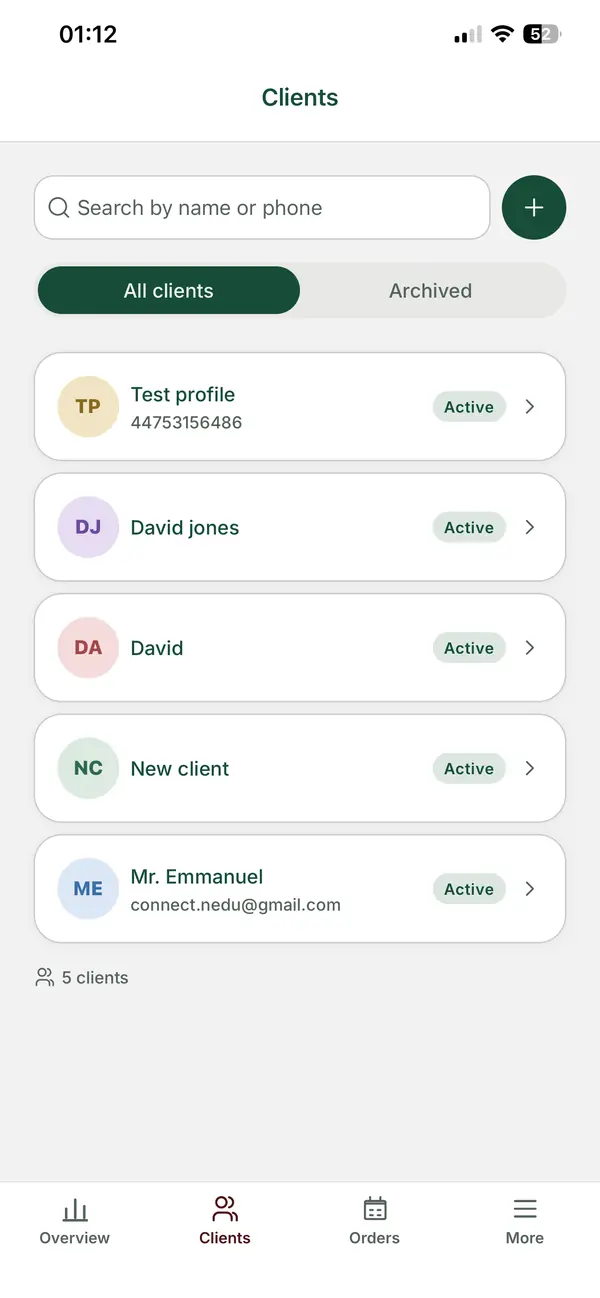
Measurements typed in a chat are easy to misread, and old ones get mixed with new ones. A better habit is to keep each client's measurements in one client record, with the date they were taken.
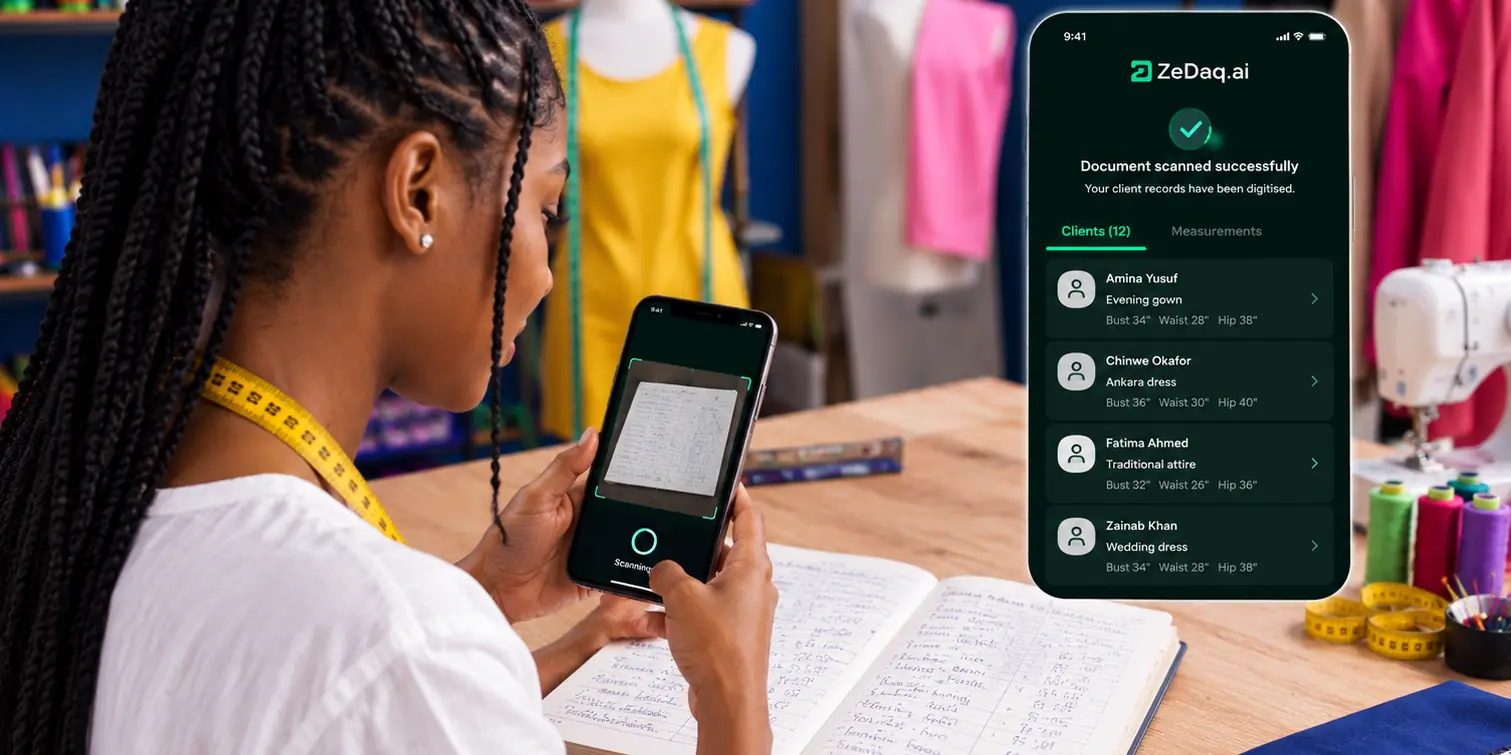
ZeDaq.ai's tailor tools for fashion designers include a client CRM and a measurement link the client opens on their phone, so measurements arrive in one place instead of in chat. Orders and a delivery calendar sit alongside them, and you can send invoices in NGN, GBP or USD.
How do you take Instagram orders without double tracking?
Many orders start on Instagram and move to WhatsApp. Treat both as entry points and keep one order record.
When an Instagram buyer asks to "continue on WhatsApp", send your greeting and order summary there, then label and record as usual. If you want to see what Instagram's own shopping tools can do for you, read our guide on what Nigerian brands can use in Instagram Shopping.
When is it time to move orders out of WhatsApp?
Move your order records out of WhatsApp when you notice any of these:
- You search old chats several times a day to find details.
- More than one person handles orders on the same phone.
- You've missed a delivery date because of a lost message.
- Wedding seasons leave you working late just to keep track.
You can keep chatting on WhatsApp. The goal is that the order details live somewhere you can see at a glance. A short demo of ZeDaq.ai's tailor tools shows how client records, measurements, orders and invoices fit together, including on the ZeDaq Business mobile app for iOS and Android.
Keep every client order in one place
FAQs
Should I take a deposit before starting a custom order?
Many designers do, to cover fabric and time. Whatever you decide, say it in the order summary so the customer knows before they confirm.
Are voice notes a bad idea for orders?
They're fine for chatting, but hard to search later. Confirm every decision from a voice note in a short typed message.
How do I handle a customer who changes the style late?
Agree a cut-off for changes in your order summary. If a late change affects cost or delivery, confirm the new terms in writing before you continue.
Can more than one staff member use the same WhatsApp Business number?
Check WhatsApp's own help pages for current options. Either way, keep order details in a shared record so nothing depends on one person's memory.
Try ZeDaq.ai free
Virtual try-on and Find my size for your store, plus client, order and invoicing tools for tailors, in one subscription.

